
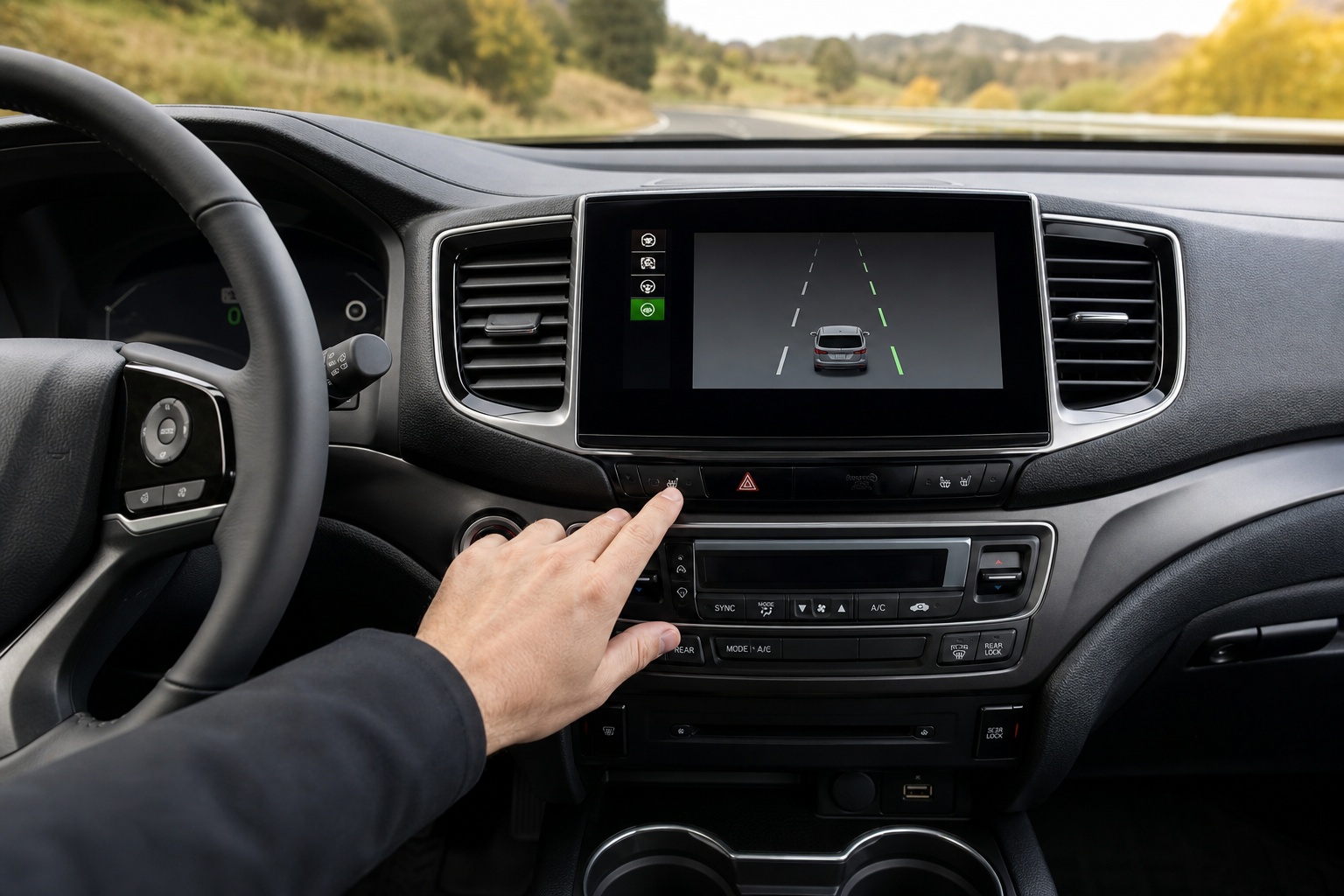
If you’ve ever felt your Honda Pilot nudge the steering wheel on a curvy highway or buzz at you for drifting toward the shoulder, you’ve met Honda Sensing. It’s a solid safety system, but plenty of Pilot owners want to shut it off, especially on backroads with faded lane markings or in stop-and-go traffic where it tends to overreact. Here’s exactly how to do it, and what actually happens the next time you start the truck.
What Honda Actually Calls This System
Honda doesn’t use the generic term “lane assist” in its own manuals, and that trips up a lot of owners searching for the right button. On the Pilot, the feature lives under the Honda Sensing umbrella and is made up of two separate pieces:
- Lane Departure Warning (LDW): Watches lane markings and alerts you with a chime and a steering wheel vibration if you drift without signaling.
- Lane Keeping Assist System (LKAS): Actively applies small steering inputs to keep you centered in the lane, working alongside Road Departure Mitigation (RDM), which can also brake or steer if it thinks you’re about to leave the road entirely.
When Honda Pilot owners say they want to “turn off lane assist,” they almost always mean LKAS and RDM, the systems that physically move the steering wheel. LDW, the warning-only function, is a separate setting on some model years and can usually stay on without bothering you much.
Lane Departure Warning vs. Active Steering Assistance
This distinction matters because Honda treats the two functions differently in terms of how you turn them off. LDW is a passive alert system. It doesn’t touch the steering, it just tells you that you’re drifting. Most drivers leave this on since it’s easy to ignore if it’s not needed.
LKAS and RDM are the active systems. These are the ones that make the wheel feel like it’s fighting you when you try to hug a curve tighter than the lane centerline suggests, or when you’re navigating a construction zone with confusing temporary lines. This is the pairing you’ll disable with the button covered below, and it’s the same pairing Honda groups together in the Pilot’s driver assistance settings menu on newer trims.
How to Turn Off Lane Keeping Assist on the Honda Pilot
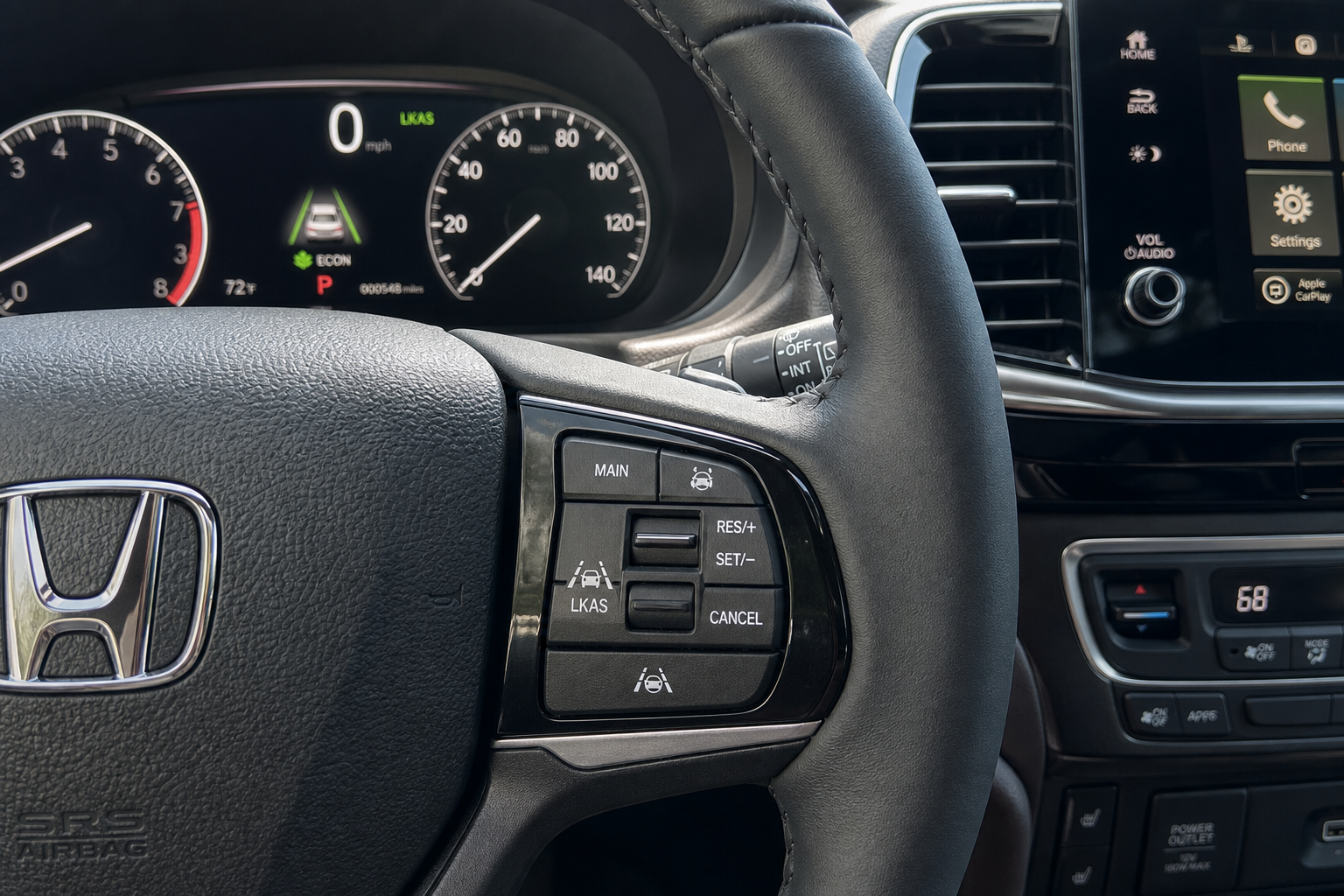
Honda made this one easy, at least in terms of physical access. There’s a dedicated hard button for it, so you don’t need to dig through touchscreen menus while driving.
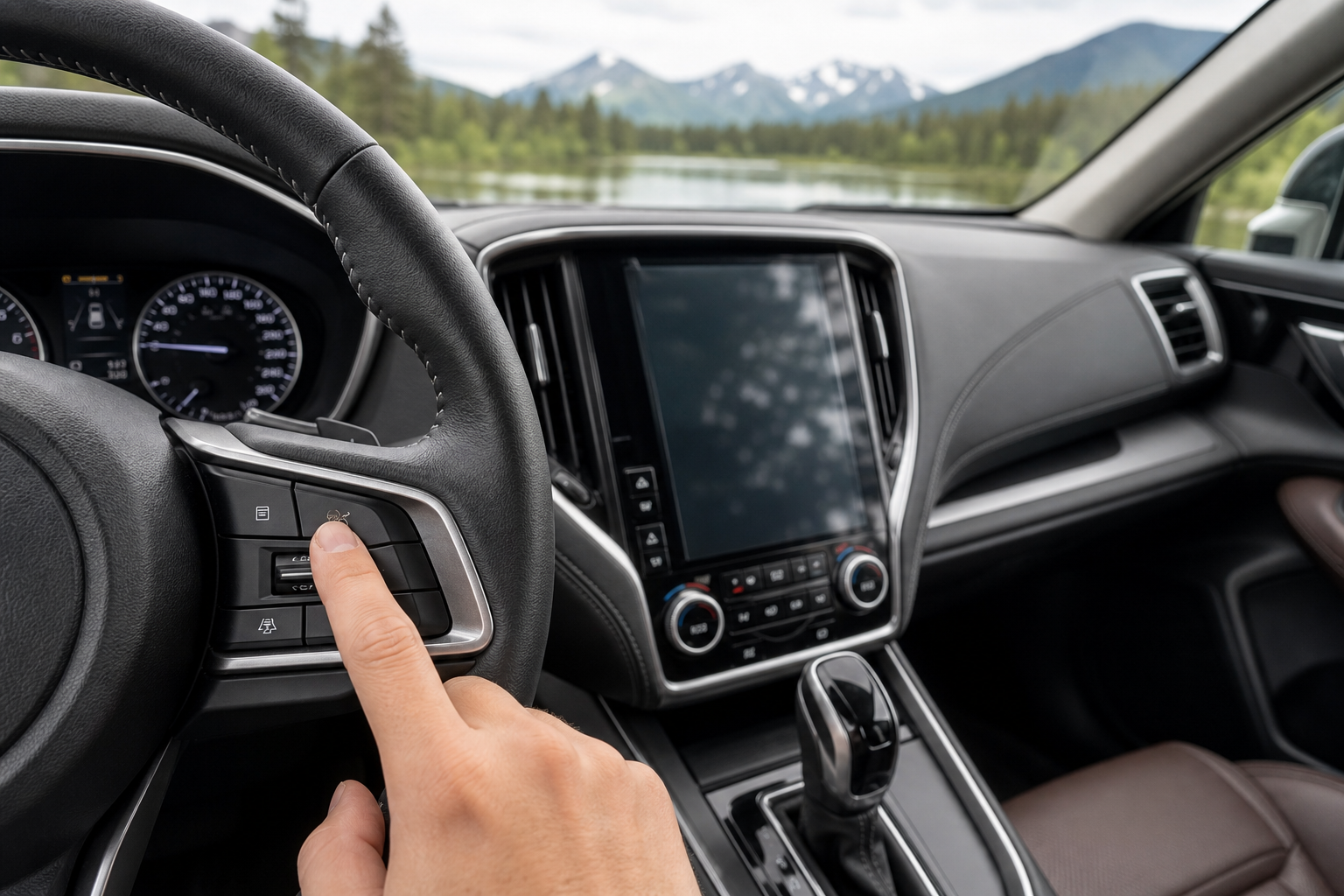
- Look for a button to the left of the steering wheel, near the headlight switch or just below the instrument cluster. It’s marked with a small steering wheel icon with lane lines on either side (sometimes labeled “LKAS” or shown with a car drifting between two lines).
- Press it once. You’ll see an indicator light on the dash change, or a message appear in the driver information display confirming that Lane Keeping Assist and Road Departure Mitigation are now off.
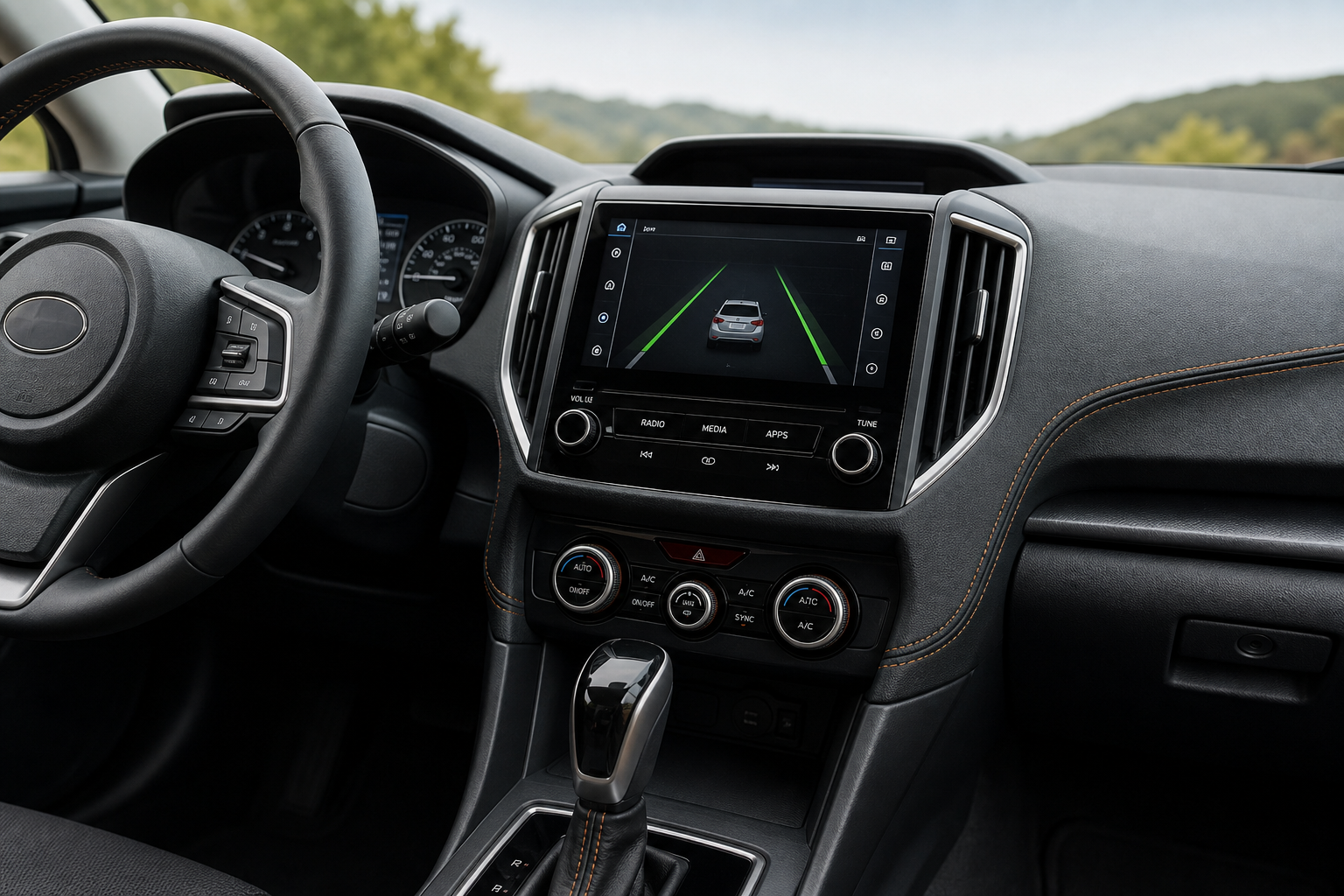
- If your Pilot has the newer digital gauge cluster (2023 and later Trailsport, Elite, and TrailSport trims), you can also confirm the status through the driver assistance settings page accessed via the steering wheel controls, though the physical button is still the fastest way to disable it.
On some 3rd-generation Pilots (2016 through 2022), the button location shifts slightly depending on trim, but it’s always within easy reach of the steering wheel, never buried in the touchscreen. If you’re used to hunting through infotainment menus on other brands, this is one area where Honda kept things simple.
Does It Stay Off After You Restart the Car?
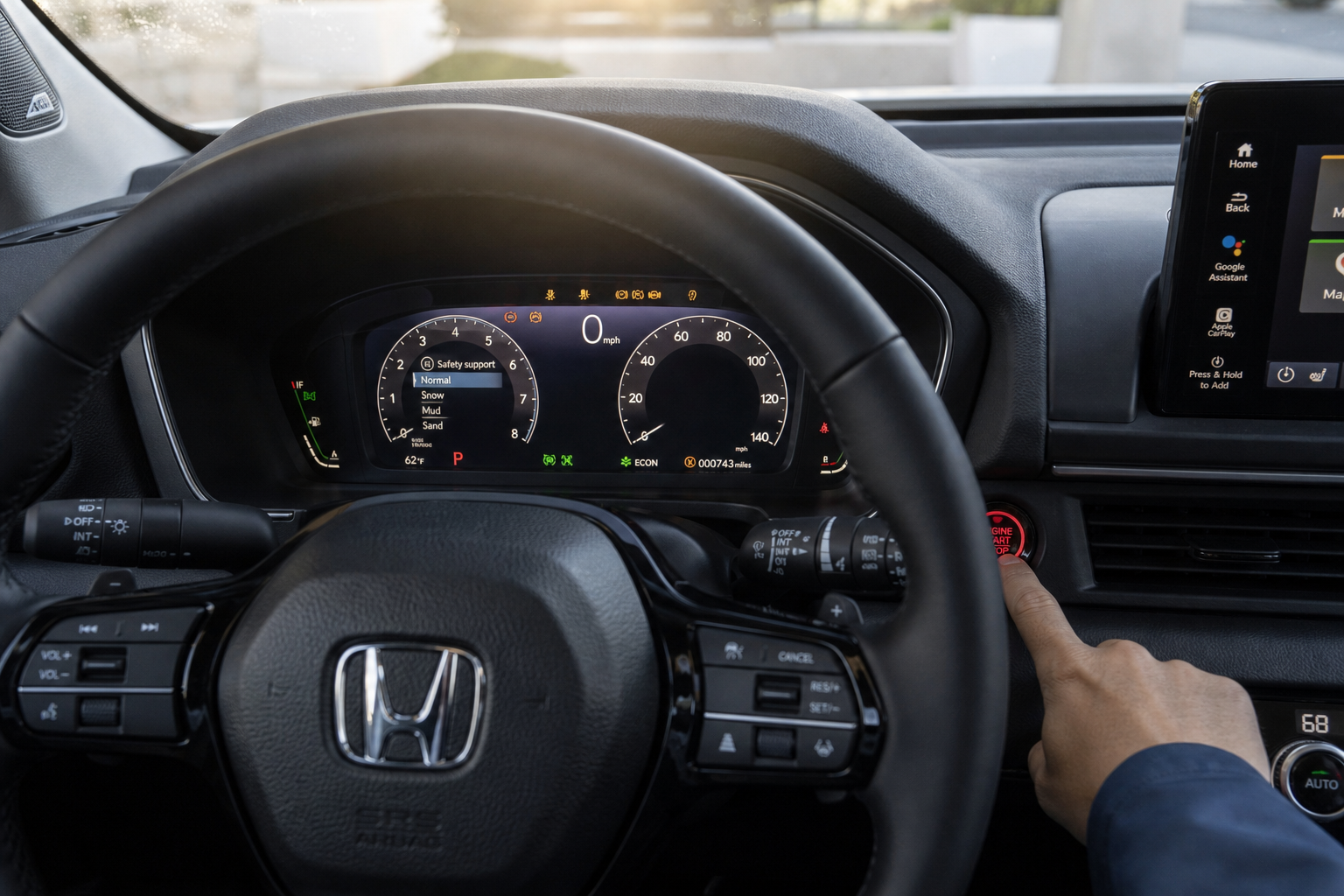
No, it doesn’t. This is the part that catches people off guard, and it’s true across every Honda Pilot model year currently on the road (2016 through the current 4th-generation trucks). Turning off LKAS and Road Departure Mitigation only lasts for that ignition cycle. Shut the truck off, start it again, and the system reactivates automatically.
Honda doesn’t currently offer a menu setting on the Pilot that lets you disable active lane keeping permanently. There’s no hidden toggle in the settings that sticks after a restart, and no dealer reprogramming trick that’s officially supported for this. If you’ve read claims online about a “permanent off” setting buried in the touchscreen, that’s not accurate for the Pilot as of this writing. Honda has been consistent about this behavior across its Sensing-equipped lineup, and the Pilot follows the same pattern.
The practical result is that if you don’t like LKAS, you’ll be pressing that button every single time you start the truck. It only takes a second, but it’s a habit you’ll need to build if you drive on roads where the system tends to misbehave, like backroads with patchy paint or lanes that narrow unexpectedly.
The Fastest Way to Handle It Every Drive
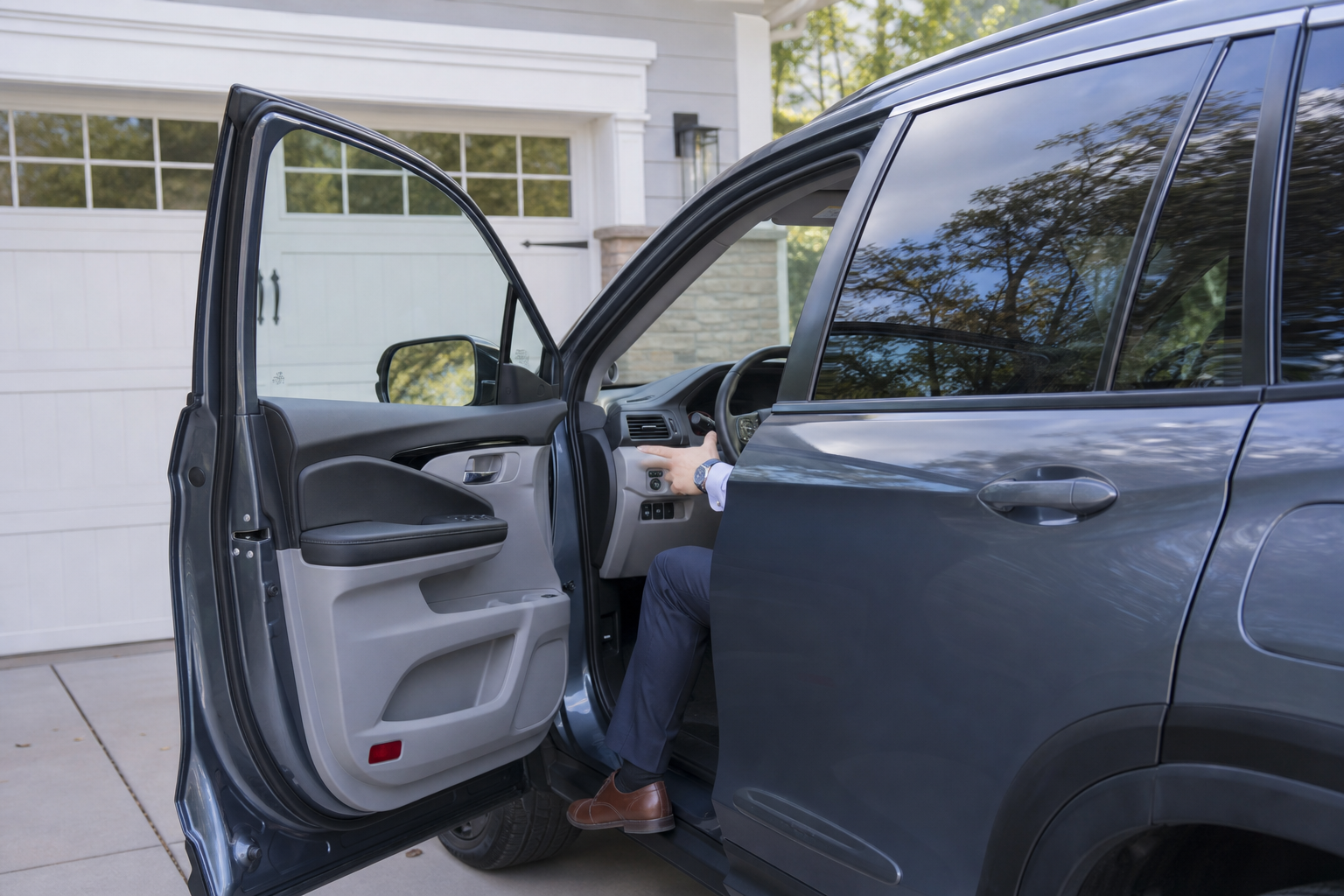
Since there’s no persistent off setting, the best approach is just muscle memory. Press the LKAS button as part of your startup routine, right after you buckle in and before you shift into reverse. It becomes second nature within a week or two.
If you regularly drive with a passenger who also uses the Pilot, it’s worth pointing out the button location to them too, since Honda’s driver assistance systems reset for every driver, not just once per family. This is similar to how Honda’s Walk-Away Auto Lock feature also needs to be understood driver by driver, since convenience settings on Honda vehicles are often tied to the ignition cycle or key fob rather than saved permanently.
If you’re cross-shopping driver assistance systems across brands, it’s worth knowing that Honda’s approach isn’t unusual. Ford’s Explorer, for example, groups similar active steering intervention features under its own Intersection Assist and Evasive Steering system, and Toyota bundles its own version into the Pre-Collision System on the Corolla. None of these manufacturers currently offer a true “set it and forget it” off switch for active lane centering, so the Pilot isn’t an outlier here.
Frequently Asked Questions
Can I disable Lane Departure Warning without turning off Lane Keeping Assist?
On most Pilot trims, yes. LDW (the warning chime and vibration) can often be adjusted separately in the settings menu, letting you keep the visual and audible alert while disabling the active steering input. Check under the driver assistance or vehicle settings section of your infotainment screen, since the exact menu path varies slightly between the 3rd and 4th generation Pilot.
Will a dealer or aftermarket tool let me permanently disable lane keeping assist?
Not through any Honda-supported method currently available. Dealers use factory diagnostic tools that don’t include a permanent LKAS disable option for the Pilot, and modifying the system through unofficial means can affect other safety features tied to the same sensors, including adaptive cruise control and collision mitigation braking.
Why does the Lane Keeping Assist feel more aggressive at certain speeds?
Honda Sensing’s steering input scales with speed, so it tends to feel stronger on the highway than around town. If you’re also noticing vibration or pulling through the wheel itself rather than the system’s corrective input, that’s worth ruling out separately, and our guide on steering wheel shakes at high speed covers the common mechanical causes that can mimic or worsen the sensation.


Leave a Reply