
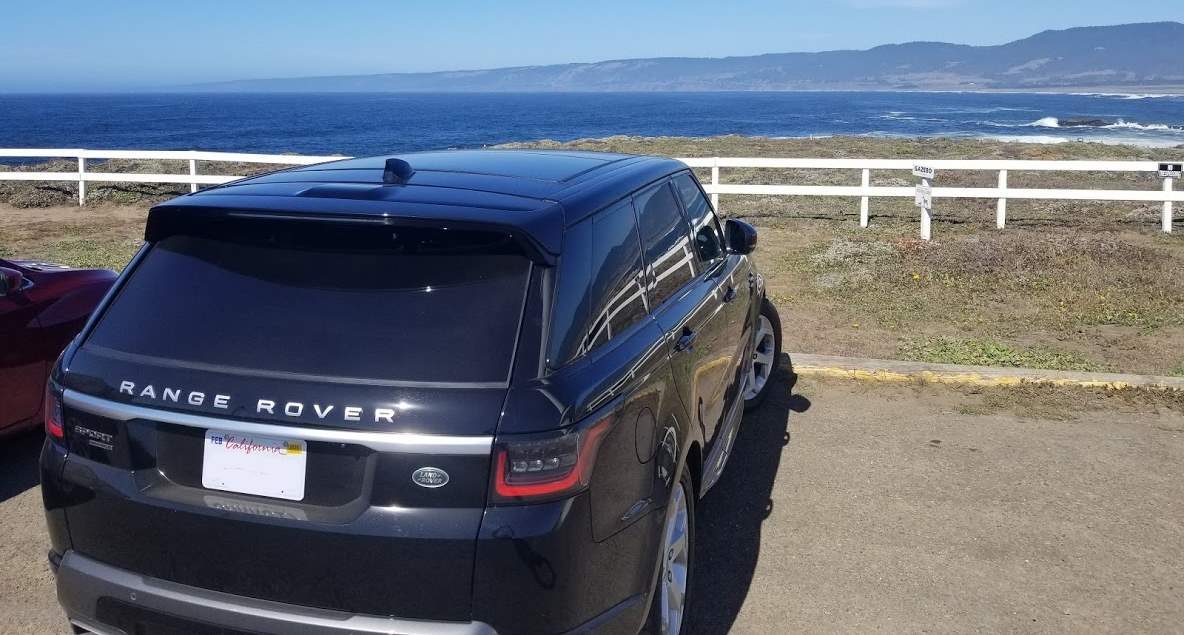
I recently had a rental Range Rover where the climate system was set to show the temperature in Celsius instead of Fahrenheit. Fortunately, I was able to find where you can change this to display Fahrenheit using these steps.
2012 – 2023 Models
- Press the “Menu” button located on the steering wheel.
- Use the Left and Right Arrow buttons to toggle your selection to “Display.”
- Use the Down Arrow button to toggle the selection to “Units,” then press the Right Arrow button to go into the “Units” menu.
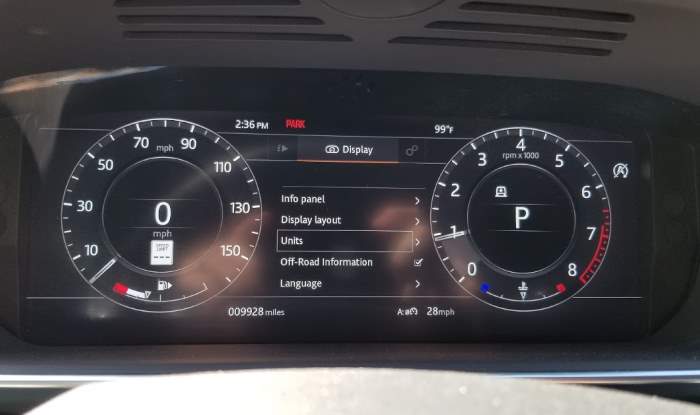
- Use the Down Arrow button to toggle the selection to “Temperature,” then press the Right Arrow button to go into the “Temperature” menu.
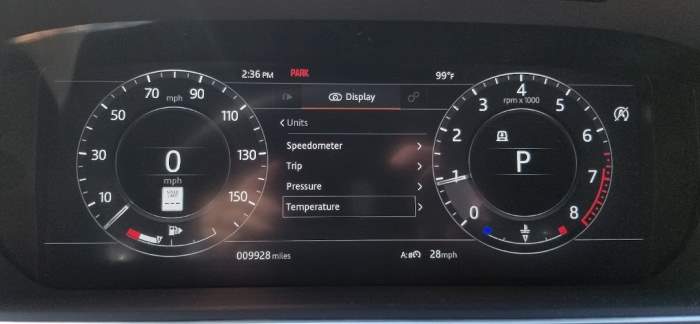
- Use the Down Arrow button to toggle the selection to “°C” for Celsius or “°F” for Fahrenheit, then press the “OK” button.
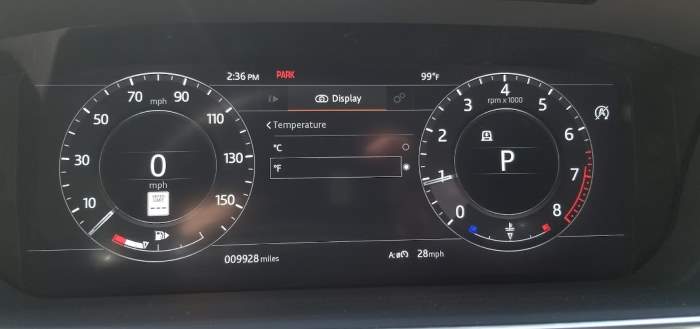
- Exit the settings menu by pressing “Exit,” “Back,” or “Done.”
2001 – 2011 Models
- Turn on the ignition without starting the engine.
- Locate the climate control panel on the center console or dashboard.
- Locate and press “Units” or “U.”
- Select temperature unit settings.
- Select either “F” for Fahrenheit or “C” for Celsius.
- Exit the settings menu by pressing “Exit,” “Back,” or “Done.”
You have successfully changed the temperature units used by the climate system on the Range Rover.
1994 – 2000 Models
The Range Rover manufactured between 1994 and 2000 typically had manual climate control systems without the ability to switch between Fahrenheit and Celsius units.
Leave a Reply