
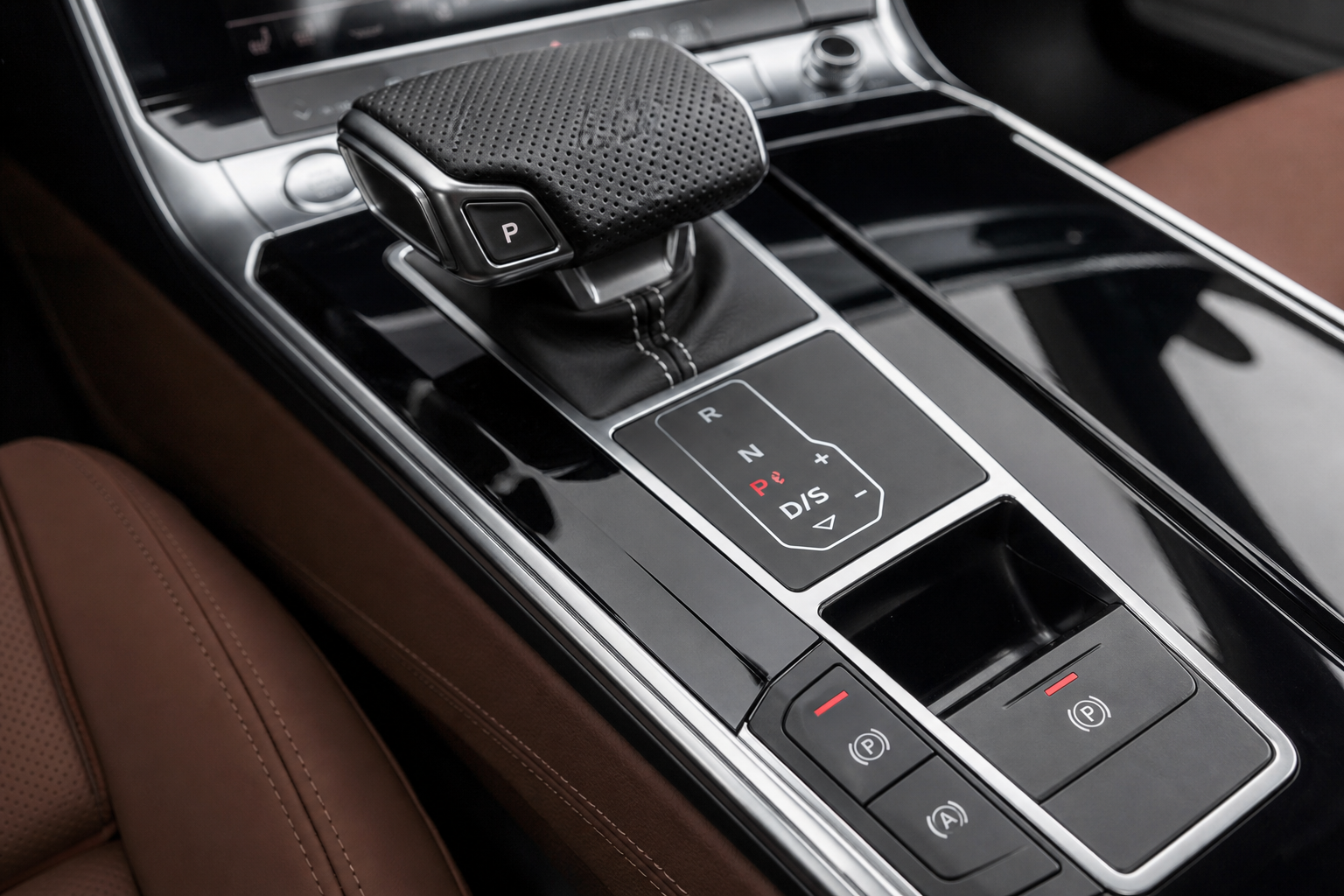
Every time you start your Audi A6, the engine start/stop system turns itself back on. You press the button to disable it, drive without interruptions, then park and walk away. Next morning? Same thing. The system is back on, ready to kill your engine at every red light whether you want it to or not. If you’ve owned an A6 for more than a week, this cycle is already familiar.
The Bottom Line
A plug-and-play module can make your Audi A6 remember your preference to keep Auto Start/Stop off, so you don’t have to press the button every time you start the vehicle.
This guide covers exactly how to deal with it, from the simple button approach to a permanent hardware fix that actually remembers your preference.
Understanding Why the Button Doesn’t Stick
The dashboard button on your A6 isn’t broken. It works exactly as Audi designed it. The problem is that Audi programmed the system to reset to “on” every time the ignition cycles. This is the default behavior across most modern Audi models, and it’s there partly to meet European emissions targets and partly because most buyers never bother turning it off.
There’s no setting buried in the MMI infotainment system that changes this behavior on most A6 variants. You can’t dig through menus and find a “keep start/stop disabled” toggle. Without external tools or a hardware module, pressing that button every single drive is your only option from the factory.
It’s also worth understanding what the system is actually doing to your car. Auto start/stop cycles the starter motor far more frequently than a traditional engine sees in its lifetime. Some owners and mechanics have linked frequent stop/start operation to increased starter wear, elevated engine wear during cold restarts, and rough idle feel. If you’ve ever noticed a small shudder when the engine kicks back in, that irritation is legitimate. For a related look at idle-related vibration issues on luxury vehicles, see this article on how to fix Acura MDX vibration at idle in drive, which covers similar mechanical concerns.
Using the Factory Button: The Manual Method
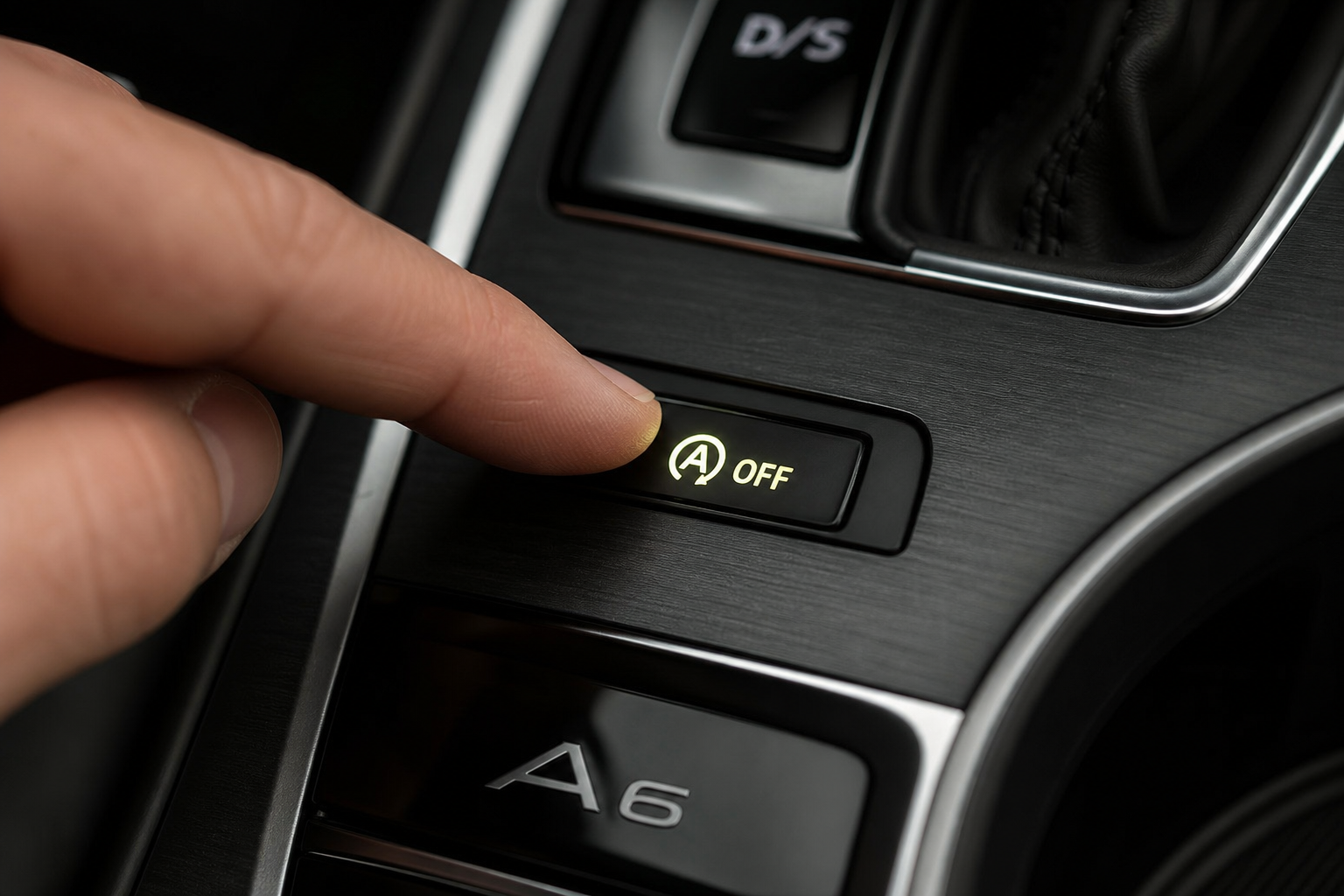
Before going the hardware route, here’s what the stock button actually does and how to find it.
Where Is the Button on the Audi A6?
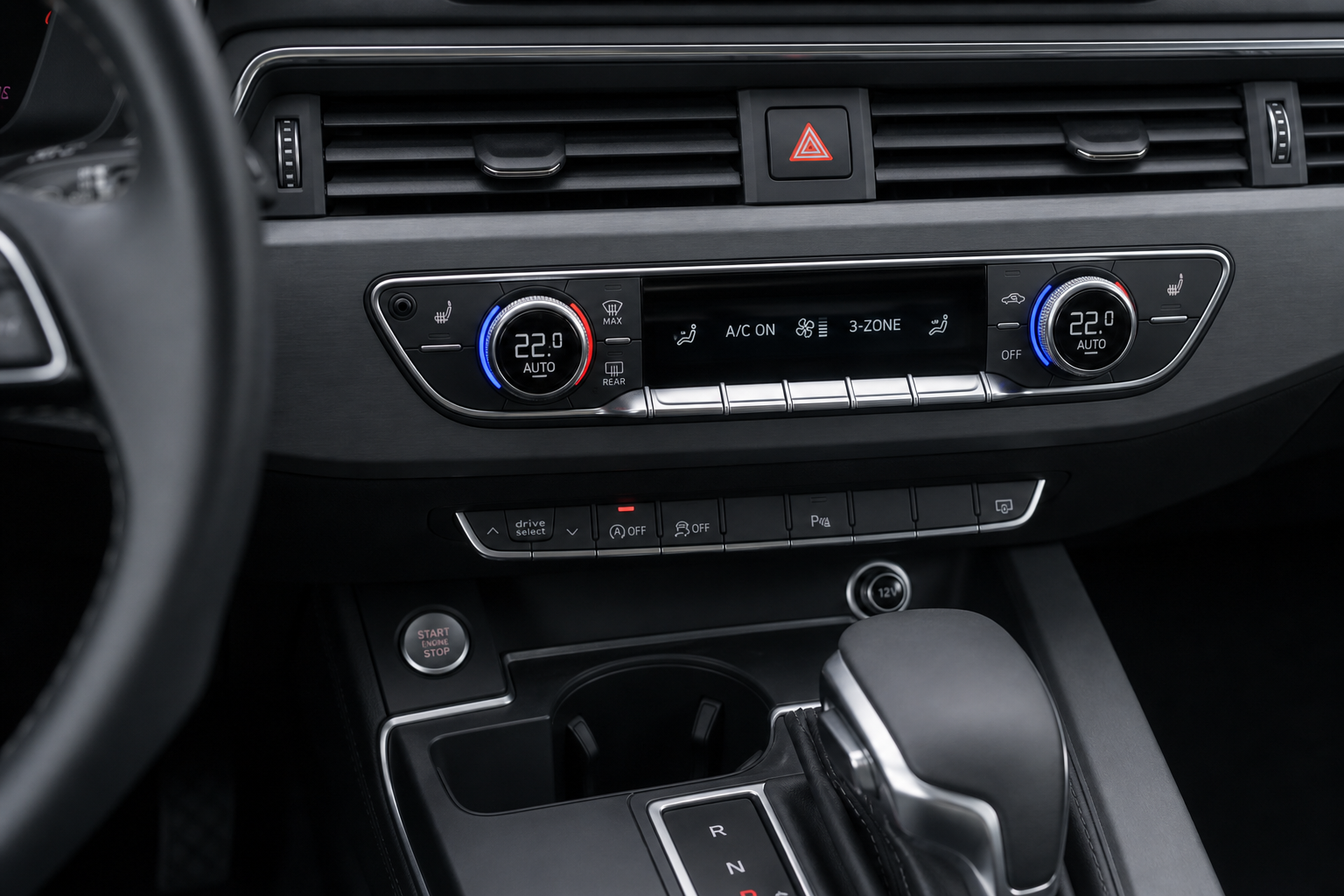
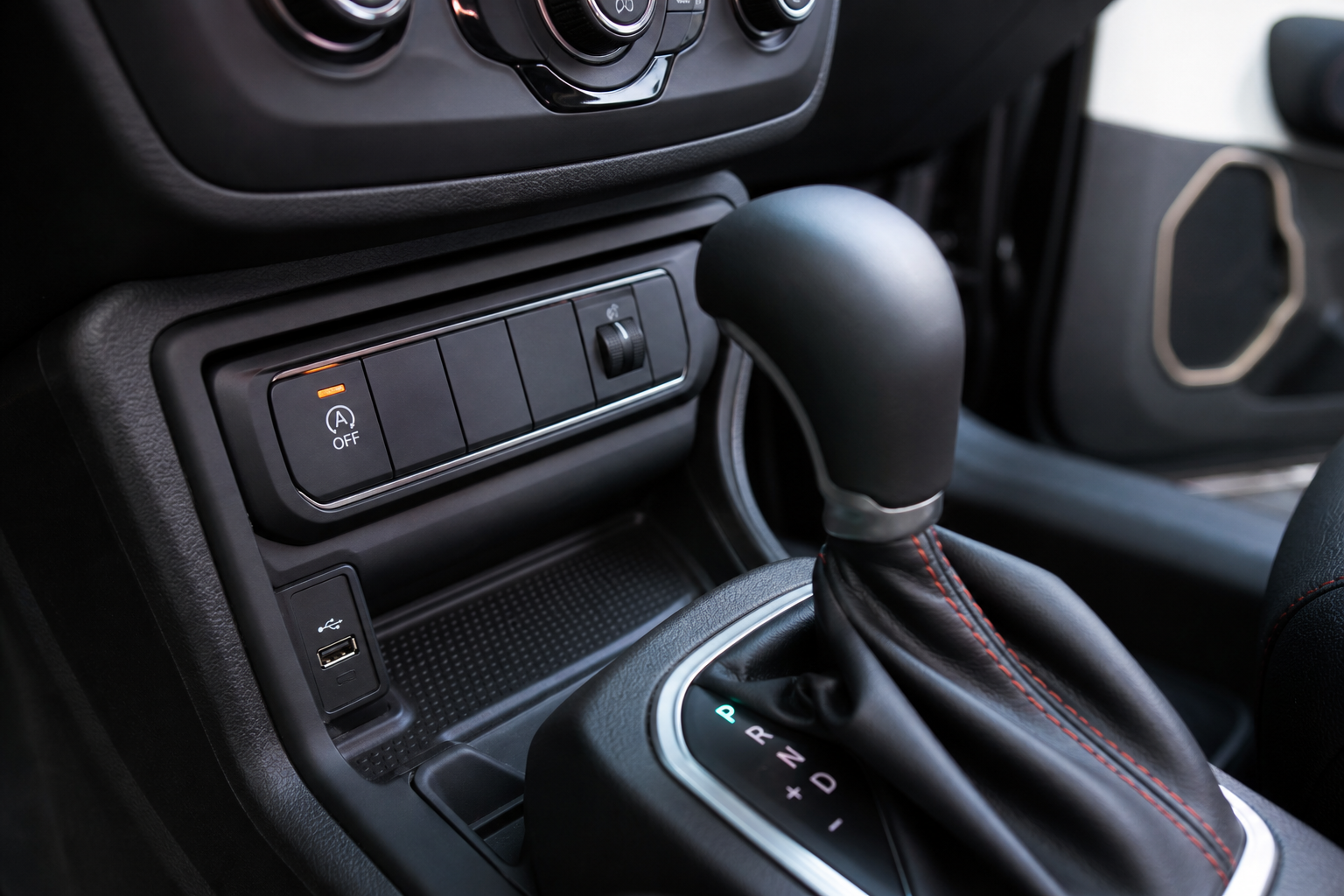
On most Audi A6 models from 2012 onward, the start/stop disable button sits in the center console area, typically near the drive mode selector or the heated seat controls. It’s labeled with a circular arrow icon and the letter “A” in the center. Press it once after starting the car and the indicator light turns off, telling you start/stop is disabled for that session.
On 2019 and newer A6 models (C8 generation), the button layout moved to the lower MMI touch panel. The icon is the same, but the location shifted slightly. Either way, pressing it after every cold start is the only factory option.
Model Year Notes
- 2012 to 2018 (C7 generation): Physical button, easy to find and press. Resets every ignition cycle.
- 2019 to present (C8 generation): Touch-sensitive button area. Same reset behavior applies.
- S6 and RS6 variants: Same start/stop system and same reset behavior. No model trim is exempt from the reset issue.
The Permanent Fix: Start/Stop Eliminator Module
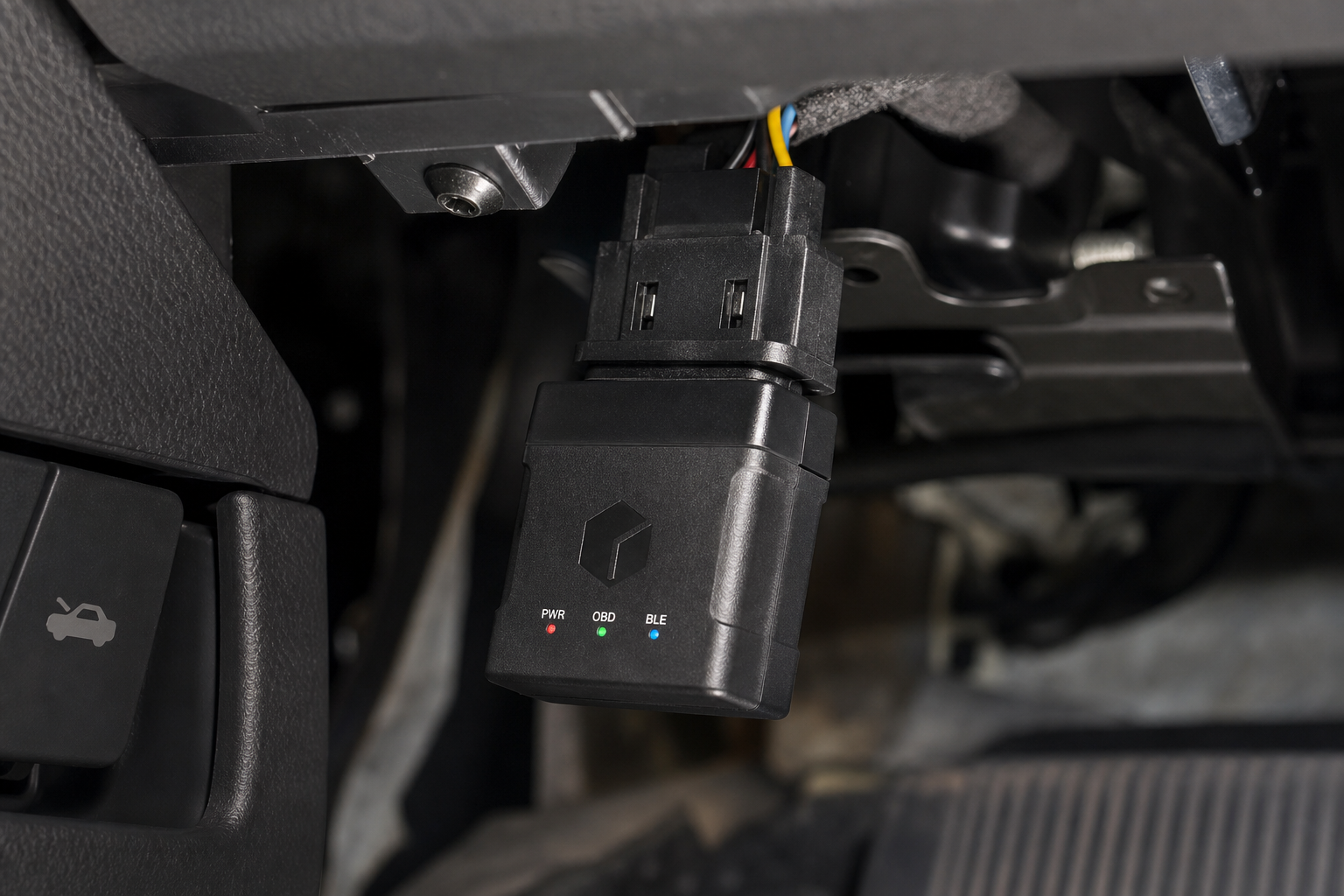
An auto start/stop eliminator module is a small plug-and-play device that connects to your car’s OBD2 port or taps into a specific connector near the battery or BCM. Once installed, it automatically presses the virtual “disable” button for you every time the car starts. You never have to think about it again.
These modules work by reading the ignition-on signal and sending the same signal your dashboard button sends, just automatically and instantly on every startup. They don’t reprogram your ECU, they don’t void your warranty in any meaningful way under normal circumstances, and they’re entirely reversible. Unplug the module and the car behaves exactly as it did before.

Audi A6 Start Stop Eliminator Module
A plug-and-play module that automatically disables auto start/stop on every drive without any button pressing or coding required.
When shopping for a module, confirm it explicitly lists Audi A6 compatibility with your specific generation (C7 or C8) and model year. Some generic modules are listed as universal but don’t actually work with the A6’s specific start/stop architecture. Modules designed specifically for Audi and Volkswagen Group vehicles tend to be the most reliable option since the VAG platform has a well-documented electrical structure.
Installation typically takes under five minutes. Most OBD2-based units just plug into the port under the dashboard (driver’s side, near the steering column) and that’s it. Some modules come with a secondary connector that routes behind a trim panel for a cleaner look, but the basic plug-in versions work just as well for most people.
OBD2 Coding: A Third Option Worth Knowing
If you want a software-based permanent fix rather than a hardware module, you can use an OBD2 diagnostic and coding tool to change the start/stop default behavior in your A6’s control modules. This requires a tool that supports VAG coding, such as a professional-grade scanner with Audi/VW capability.
This isn’t a one-click process. You’ll need to access the relevant control module (typically the Battery Energy Management module or the convenience electronics module) and change a specific coding value. The exact parameter depends on your A6’s model year and engine variant. If you’re interested in expanding your DIY diagnostic toolkit for work like this, the best OBD2 scanners for DIY auto repair guide covers tools that range from budget-friendly to professional grade, including some with VAG coding support.
The risk with this method is small but real. Incorrect coding changes can trigger warning lights or affect related systems. If you’re comfortable with OBD2 coding on Audi platforms, it’s a clean solution. If you’re not, the hardware module is a safer choice with zero coding risk.
Which Method Should You Use?
For most A6 owners, the start/stop eliminator module is the right call. It’s reversible, takes minutes to install, requires zero technical knowledge, and works reliably every single drive.
OBD2 coding is better if you already have the tools and want a completely clean installation with nothing plugged into your OBD2 port. Keep in mind that some module-based devices do occupy the OBD2 port full-time, which means you can’t use that port simultaneously for diagnostics. If that matters to you, look for a module with a pass-through port, or go the coding route instead.
Pressing the button manually every morning is a non-solution. You’ll forget, you’ll get tired of it, and the system will keep interrupting your drive until you do something more permanent.

VAG OBD2 Coding Scanner Audi VW
A VAG-compatible diagnostic tool that lets you code and customize Audi A6 systems including start/stop behavior at the software level.
Frequently Asked Questions
Will disabling auto start/stop affect my Audi A6’s fuel economy?
Yes, slightly. Auto start/stop was designed to reduce fuel consumption at idle, so disabling it will marginally increase fuel use in heavy stop-and-go traffic. In real-world driving, most owners report the difference is negligible. The system’s fuel savings are most pronounced in urban driving with long red lights. If the majority of your driving is highway or light suburban traffic, you likely won’t notice any measurable change at the pump.
Does a start/stop eliminator module void my Audi A6 warranty?
A plug-and-play OBD2 module is unlikely to void your warranty on its own. Under the Magnuson-Moss Warranty Act in the US, a dealer must demonstrate that the aftermarket device caused a specific failure before denying a warranty claim. That said, if you have an active CPO warranty or are close to a period where warranty work might be needed, it’s smart to unplug the module before taking the car to a dealer, just to keep things simple. The module leaves zero trace once removed.
Does this work on Audi A6 quattro models and diesel variants?
Yes, in most cases. Start/stop eliminator modules designed for the Audi A6 platform typically cover both quattro and front-wheel drive configurations, as well as the TDI diesel variants sold in markets outside the US. Always verify the module listing specifically mentions your engine type (TFSI, TDI, etc.) and model year before purchasing. The C7 and C8 generations have different connector configurations, so a module listed only for C7 may not function correctly on a 2019 or newer C8 A6.
Final Thoughts
The factory reset behavior on the Audi A6’s start/stop system is one of those minor annoyances that adds up fast over months of ownership. You paid for a premium vehicle and you shouldn’t have to fight your own dashboard every morning.
The hardware module approach solves the problem completely with minimal effort and no permanent modifications. If you want a deeper look at other driving assist features across different vehicles and how they can be customized or managed, the guide on how to use the Traffic Jam Assist feature on the Volkswagen Atlas is a good read since the Atlas shares much of the same VAG platform architecture as the A6.
Pick your method, get it done, and get back to driving without interruptions.

Leave a Reply