
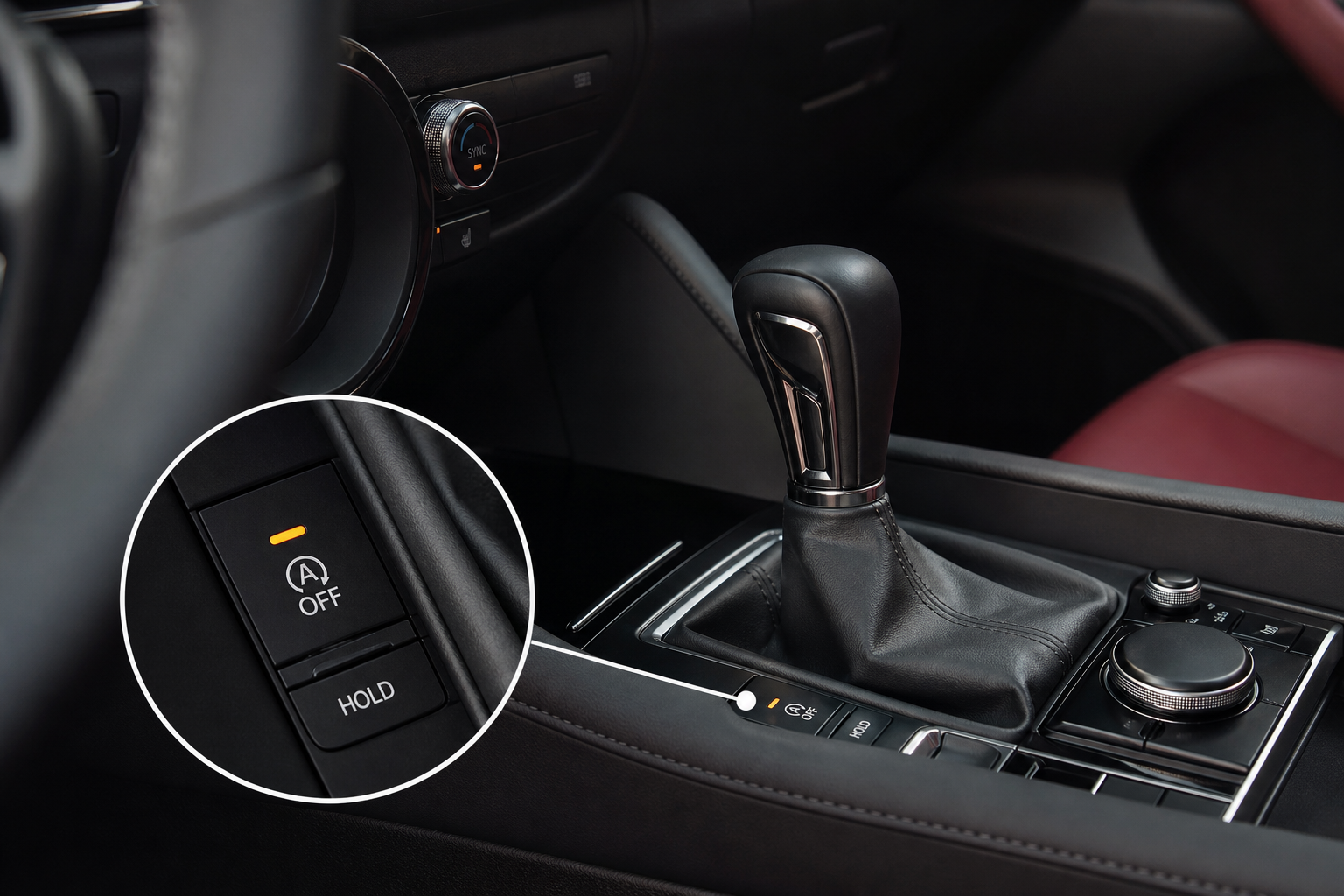
If you drive a Mazda3 with the i-stop system, you already know the drill. Every single time you start the engine, auto start/stop is active again, ready to kill the engine every time you ease onto the brake. You press the button to disable it, drive, park, and the next morning it’s back on. It never remembers. Mazda designed it that way, and there’s no menu setting buried in the infotainment system to change it.
The Bottom Line
A plug-and-play module can make your Mazda3 remember your preference to keep Auto Start/Stop off, so you don’t have to press the button every time you start the vehicle.
This guide covers your two real options: using the factory button every time you drive, or installing a plug-and-play eliminator module that handles it automatically. Both work, but only one actually solves the problem.
Using the Factory i-Stop Button
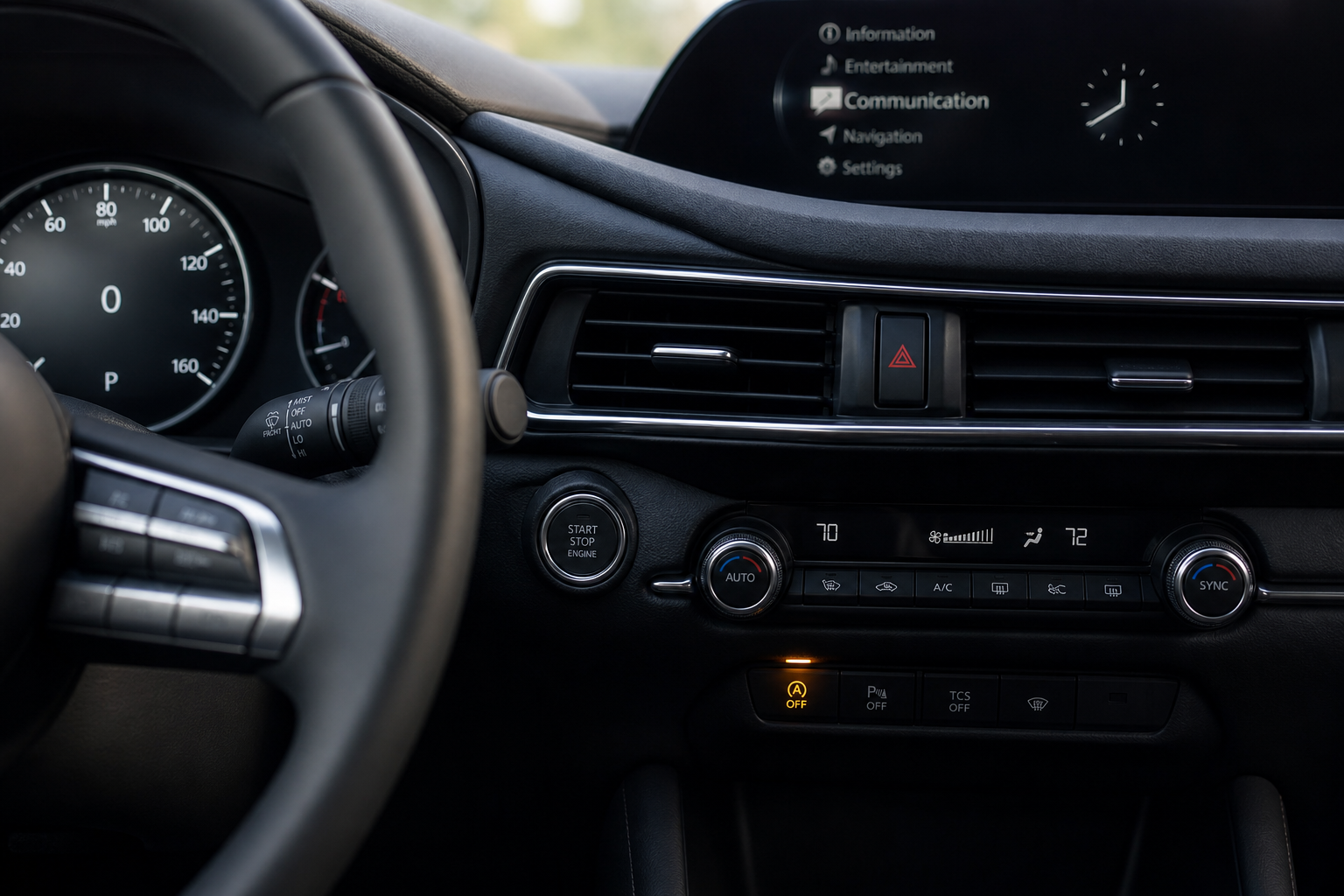
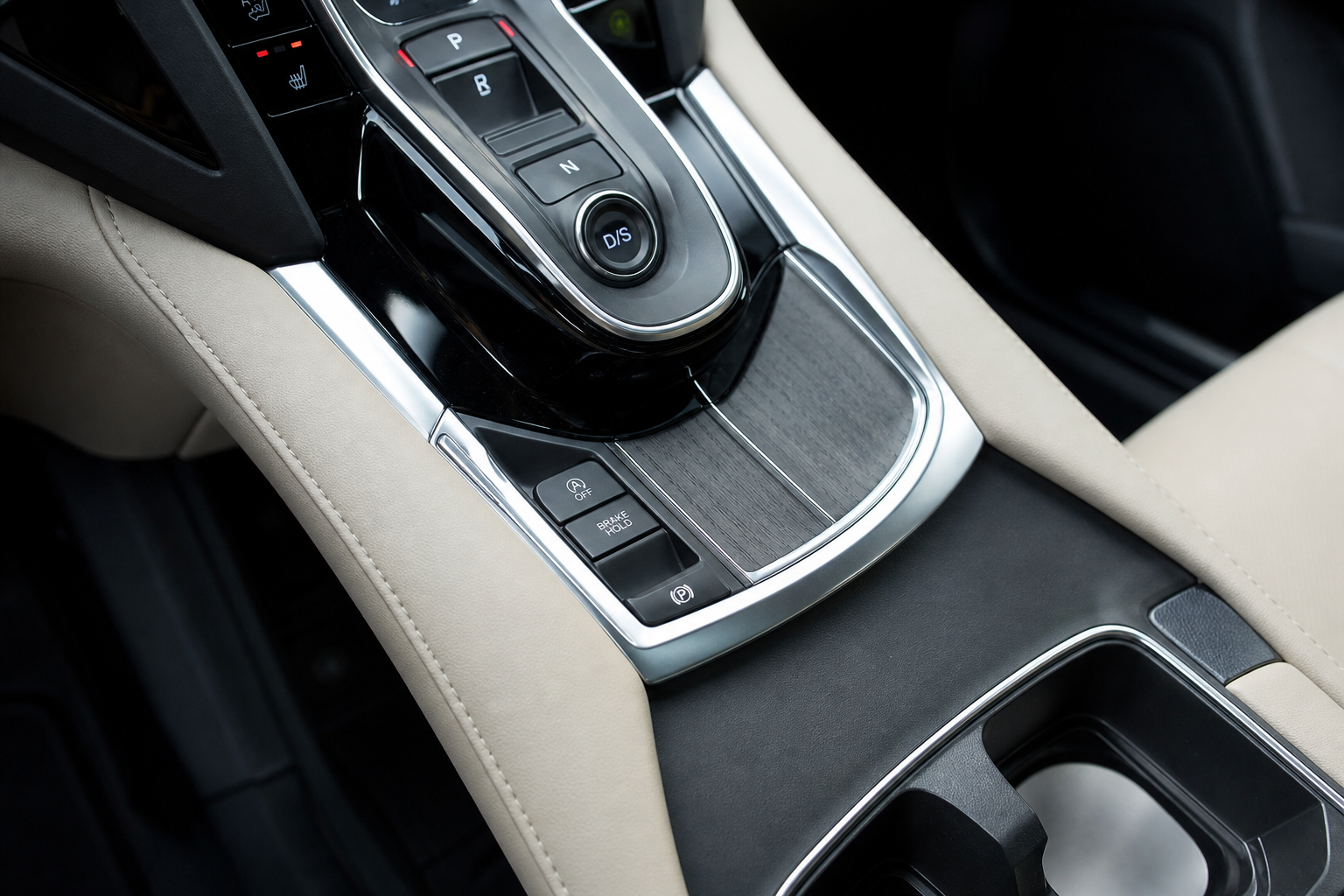
Every Mazda3 with i-stop has a dedicated button on the center console, usually near the gear selector. It has an “A” with a circle around it and a small “X” or slash indicator. Press it once after starting the engine and the system shuts off for that drive. A warning light confirms it’s disabled.
This works fine if you genuinely don’t mind pressing a button every morning. But the system resets every time you turn the ignition off. Mazda’s logic is that i-stop saves fuel and reduces emissions, so they want it on by default. There’s no way to change that default behavior through any setting in the Mazda3’s menus.
If you’re the kind of driver who notices the engine stutter during a stop and finds it disruptive, especially in stop-and-go traffic, pressing the button daily becomes irritating fast. It’s also easy to forget, which defeats the whole point.
For a related look at how another brand handles automatic safety systems that can sometimes feel overly aggressive, check out our article on Mazda 3 Automatic Emergency Braking false activation, which covers another common Mazda3 complaint.
The Permanent Fix: An i-Stop Eliminator Module
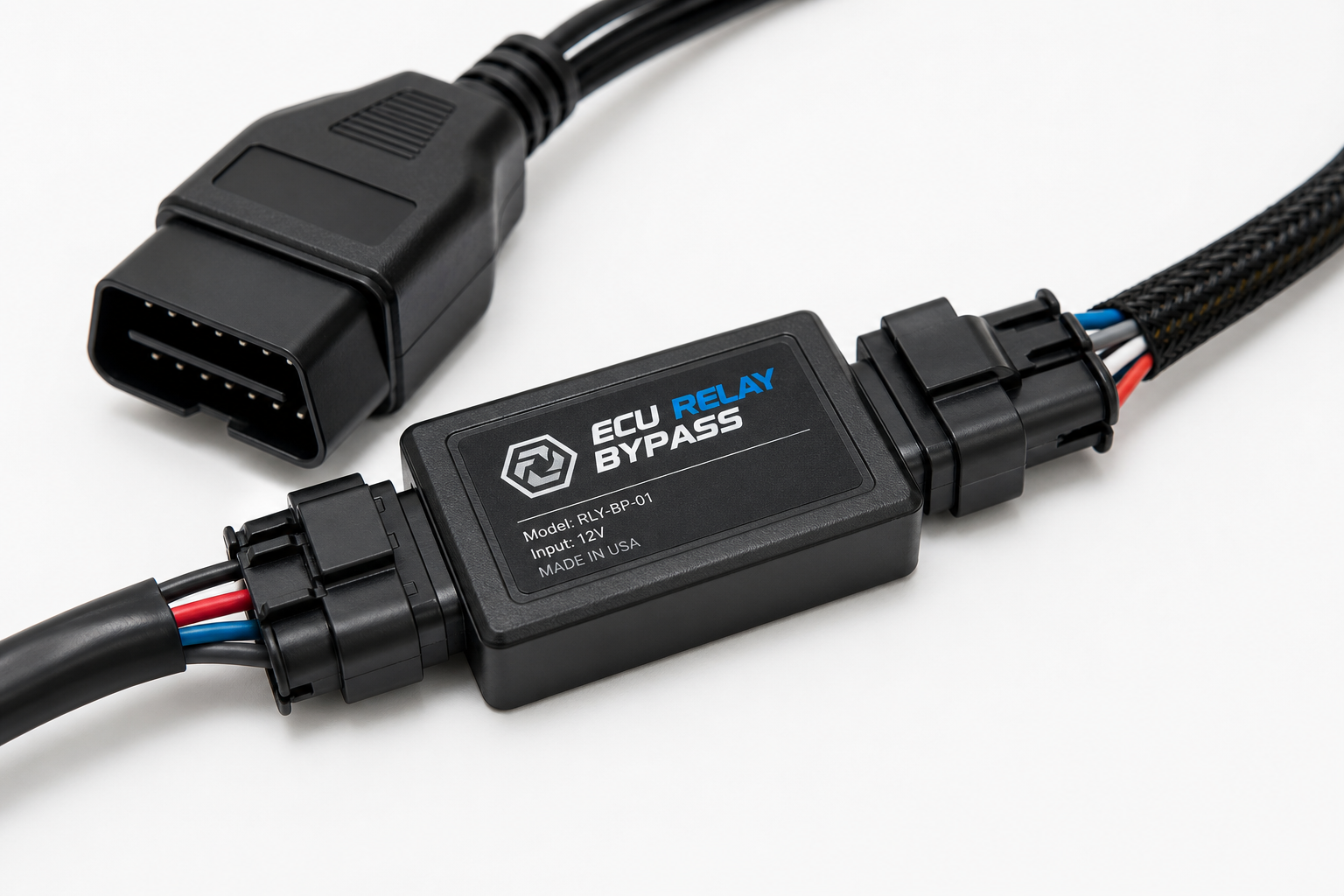
A start/stop eliminator is a small plug-and-play module that taps into your Mazda3’s OBD2 port or a connector behind the dash. When the car starts, the module automatically sends the signal to disable i-stop before you ever touch anything. No button press, no reset issue.
These modules don’t modify or reprogram your ECU. They simply simulate the button press electronically, every single time. Your warranty is not affected, and the system remains physically intact. If you ever sell the car or want i-stop back, you just unplug the module.
Which Module Works on the Mazda3
Compatibility depends on your model year. The Mazda3 received a full redesign in 2019, and the i-stop system architecture changed between the third-generation (2014-2018) and fourth-generation (2019-present) models. Make sure the module you buy specifically lists your year and trim level as compatible. Most reputable sellers provide a compatibility chart, and it’s worth double-checking before you order.
For the fourth-generation Mazda3 (2019 and newer), look for modules that connect via the OBD2 port under the dash on the driver’s side. These are the easiest to install and require no tools.

Mazda3 i-Stop Eliminator Module
A plug-and-play module that automatically disables the Mazda3 i-stop system on every startup so you never have to press the button again.
Installation on these plug-in units typically takes under five minutes. You locate the OBD2 port, plug in the module, and start the car to confirm it’s working. The i-stop indicator light should show as disabled without any input from you. Some units have a small LED to confirm they’re active.
If you want to dig deeper into your Mazda3’s onboard systems or verify the module is communicating correctly, a good OBD2 scanner is useful to have around. Our guide to the best OBD2 scanners for DIY auto repair covers solid options from budget to professional grade.
Which Option Should You Choose
If you only occasionally mind the i-stop behavior, pressing the button daily is fine. It costs nothing and takes one second. But if you’re reading this article, you probably want the system off permanently and don’t want to think about it again. In that case, the eliminator module is the right call.
The modules compatible with the Mazda3 are affordable and widely available. Check current pricing on Amazon before buying since prices shift, but these are not expensive parts. For a vehicle you plan to keep for a few more years, the convenience is worth it.
While you’re making small upgrades to your Mazda3, a quality dash cam is another addition that pays for itself quickly. Front-and-rear coverage under competitively priced is very achievable right now.
Frequently Asked Questions
Will disabling i-stop hurt my Mazda3’s engine or battery?
No. The i-stop system was designed to reduce fuel consumption and emissions at idle, but your engine and battery are both built to handle normal start/stop cycles. Disabling i-stop just means the engine idles normally at stops the way vehicles did before start/stop systems existed. There’s no documented harm from keeping it off.
Does the eliminator module void my Mazda3’s warranty?
A plug-and-play OBD2 module that doesn’t modify or reprogram any vehicle software is generally not grounds for a warranty denial under the Magnuson-Moss Warranty Act. That said, if a dealer attempts to blame a module for an unrelated issue, you can simply remove it before any service visit. Keep the module unplugged during any dealer diagnostic work to be safe.

Leave a Reply