
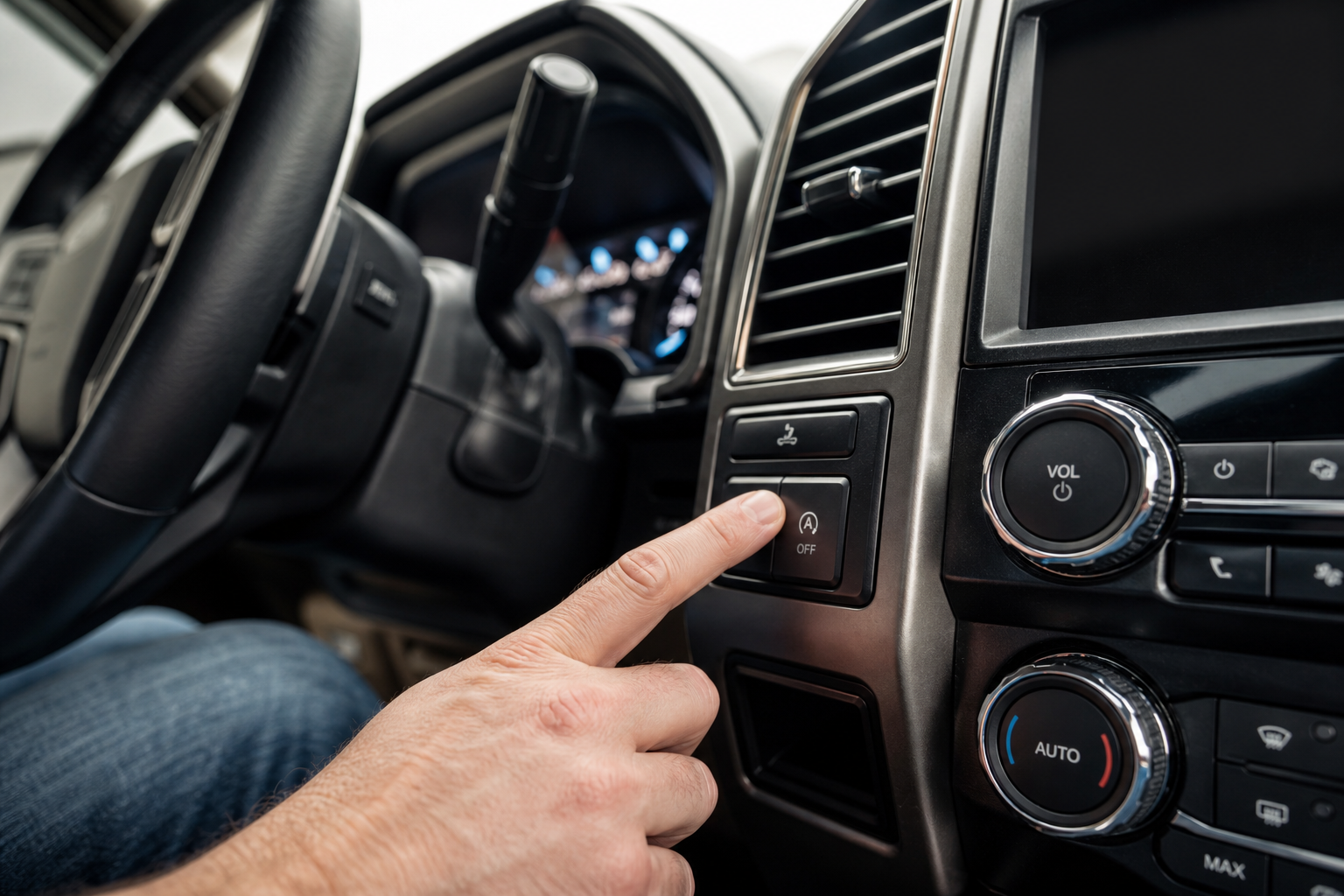
The auto start/stop system on the Ford Super Duty is one of those features that sounds good on paper but drives a lot of owners crazy in practice. Every time you pull up to a red light, the engine shuts off. Every time you need to move again, it cranks back up. If you’re towing a trailer, idling at a job site, or just prefer the engine to stay running, that constant cycling gets old fast.
You already know there’s a button on the dash to turn it off. The problem is that Ford designed the system to re-enable itself every single time you start the truck. This guide covers exactly how to disable auto start/stop on the F-250 and F-350 Super Duty, why the button alone won’t stick, and what you can do to make your preference permanent without touching a single wire.
Which Ford Super Duty Trucks Have Auto Start/Stop
Ford introduced the auto start/stop system on the Super Duty lineup starting with the 2017 model year. If your F-250 or F-350 was built in 2017 or later and has the 6.2L gas V8, the 7.3L gas V8, or the 6.7L Power Stroke diesel, there’s a good chance you’re dealing with this feature.
The system operates the same way across both the F-250 and F-350, so the disable methods covered below work for both trucks. The 2017 to current model years all share the same logic: the system defaults back to “on” with every new ignition cycle.
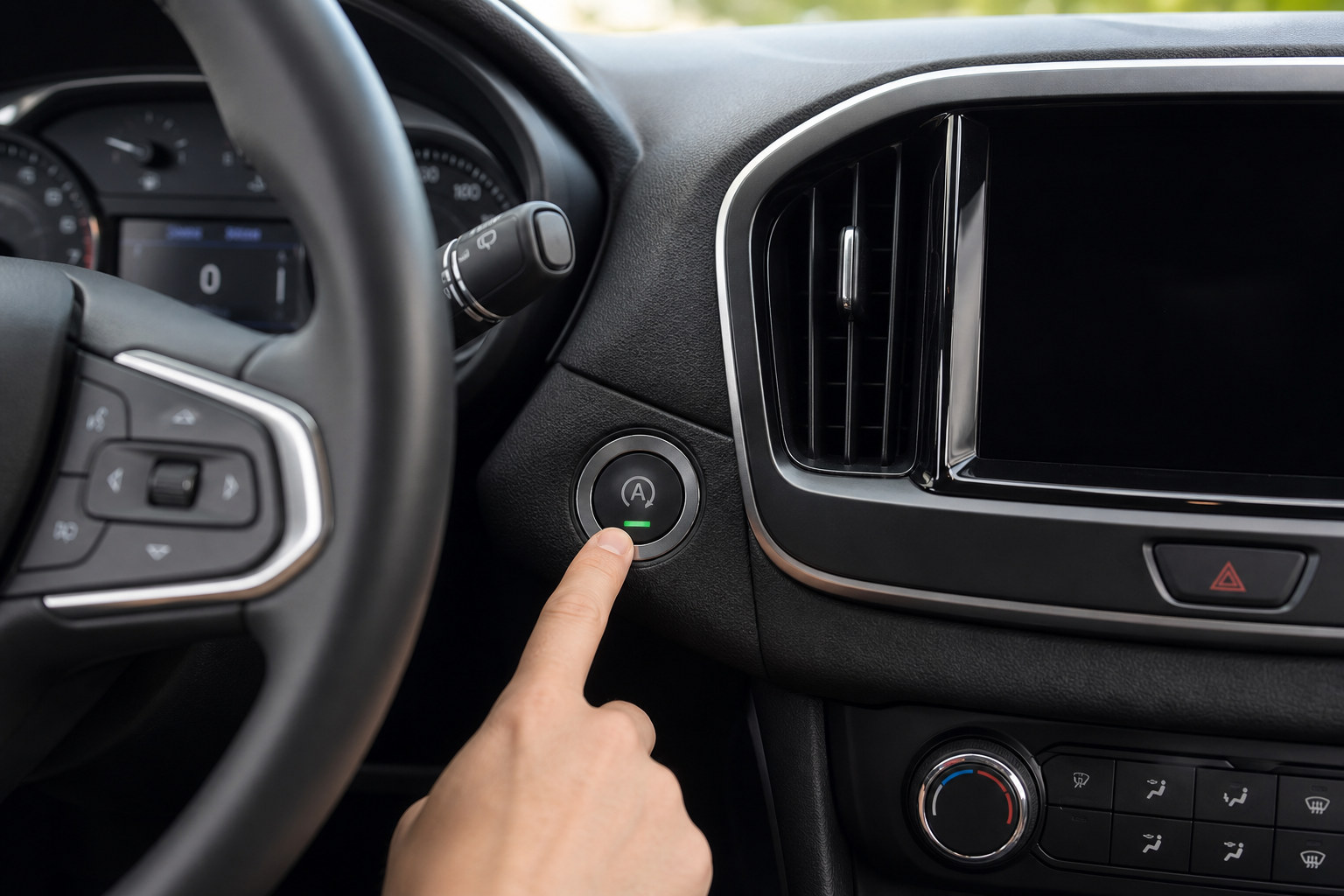
If you’re unsure whether your specific trim has start/stop, look for a small “A” with a circular arrow on the instrument cluster or a dedicated button on the center stack. If you see that, you have the system.
Using the Factory Dashboard Button (and Why It Resets)
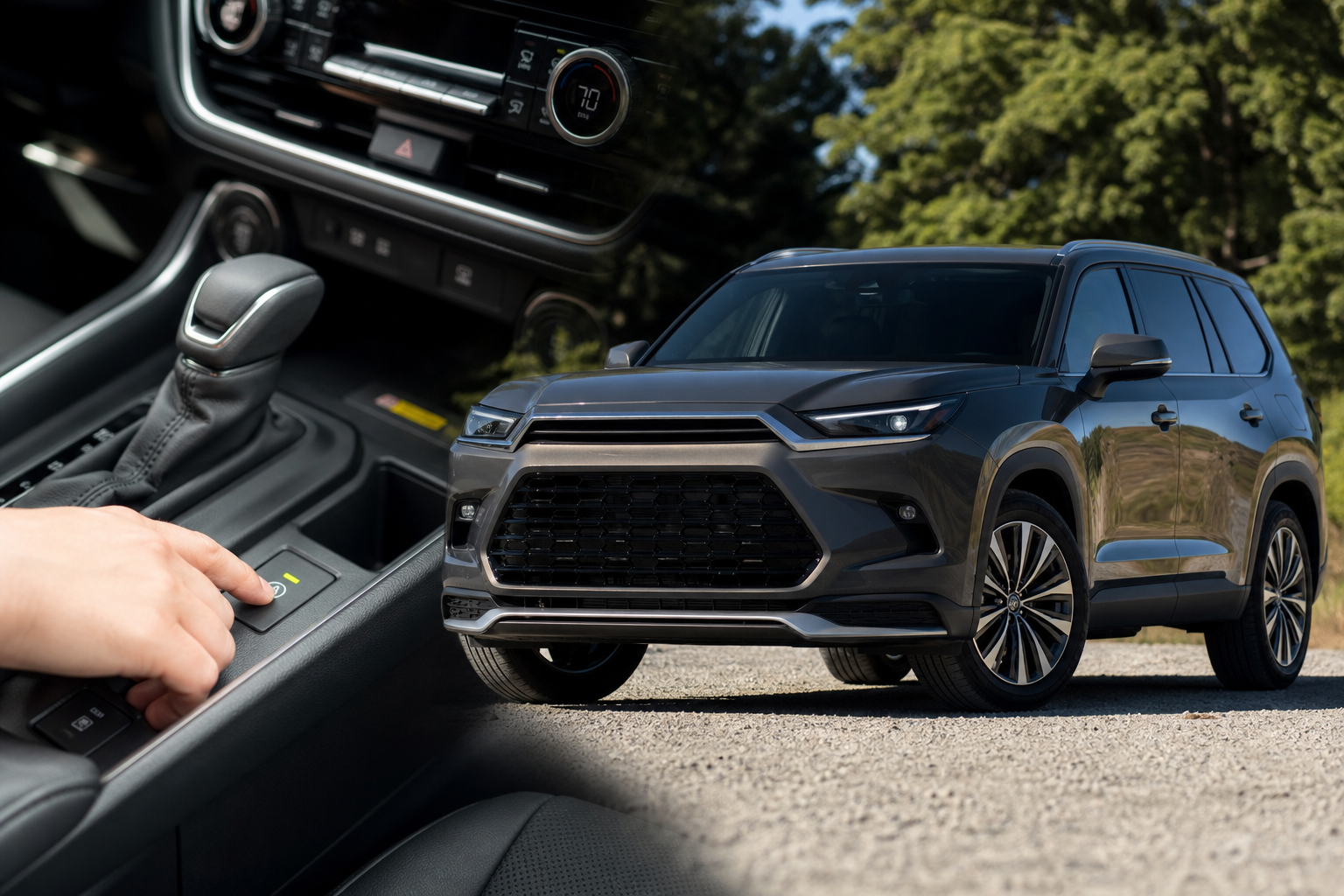
Ford does give you a button to disable auto start/stop, and it does work during that drive. You’ll find it either as a standalone button on the center stack near the gear selector or integrated into the touchscreen menu depending on your model year and trim level.
To turn it off manually, press the button with the “A” and circular arrow symbol. The light on the button will illuminate to confirm the system is disabled. From that point on during your drive, the engine won’t shut off at stops.
Here’s where the frustration kicks in: Ford programmed the system to re-enable automatically every time you cycle the ignition. There’s no way to save your preference in the truck’s settings menu. Every single drive, you have to press the button again. For some people that’s tolerable. For most Super Duty owners, it gets old quickly.
There’s also a practical concern beyond convenience. Frequent engine cycling adds wear to the starter motor and the flywheel ring gear over time. Ford’s engineers designed these components to handle more start/stop cycles than a conventional vehicle, but adding tens of thousands of extra starts per year is still extra wear. If you’re noticing any unusual vibration at idle after repeated cycling, you might want to check out this article on diagnosing engine vibration at idle for troubleshooting context that applies broadly to stop/start-related symptoms.
The Permanent Fix: A Plug-and-Play Eliminator Module
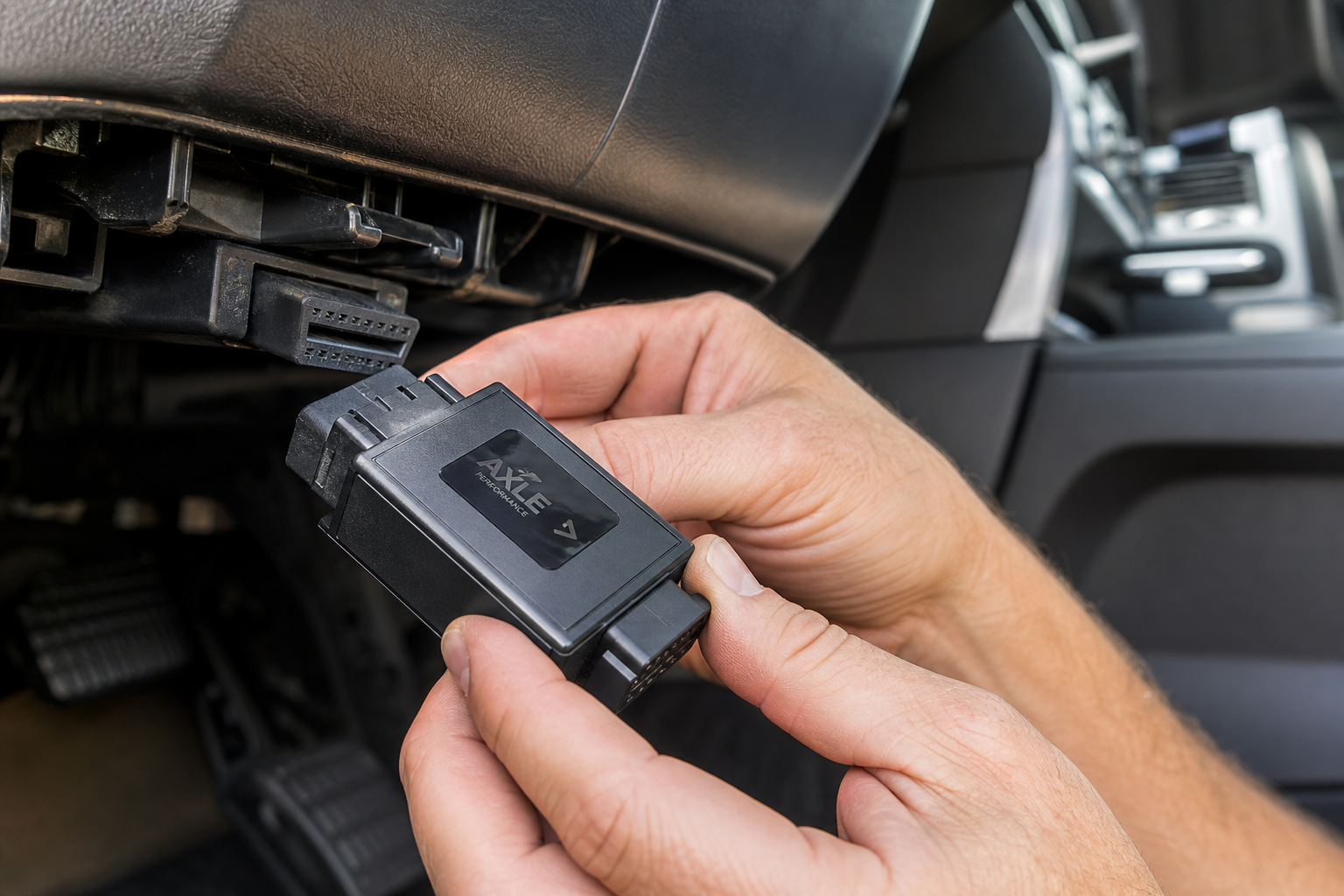
The cleanest solution for most Super Duty owners is a start/stop eliminator module. These are small plug-and-play devices that connect to the auto start/stop button connector behind the dash. Once installed, the module automatically signals the system to stay off every time you start the truck, without you having to press anything.
You don’t need to cut wires, modify the ECU, or use any programming tools. The module plugs in inline with the factory harness and works transparently. If you ever want the factory system back, you just unplug it.

Ford Super Duty F-250 F-350 Start Stop Eliminator
A plug-and-play module that automatically keeps auto start/stop disabled on every drive, with no wiring modifications needed.
Installation typically takes 15 to 30 minutes and requires basic hand tools. The process involves removing a small trim panel to access the back of the start/stop button, unplugging the factory connector, and plugging the module in between. Most come with clear instructions and are designed specifically for Super Duty connector configurations.
Step-by-Step Installation Guide
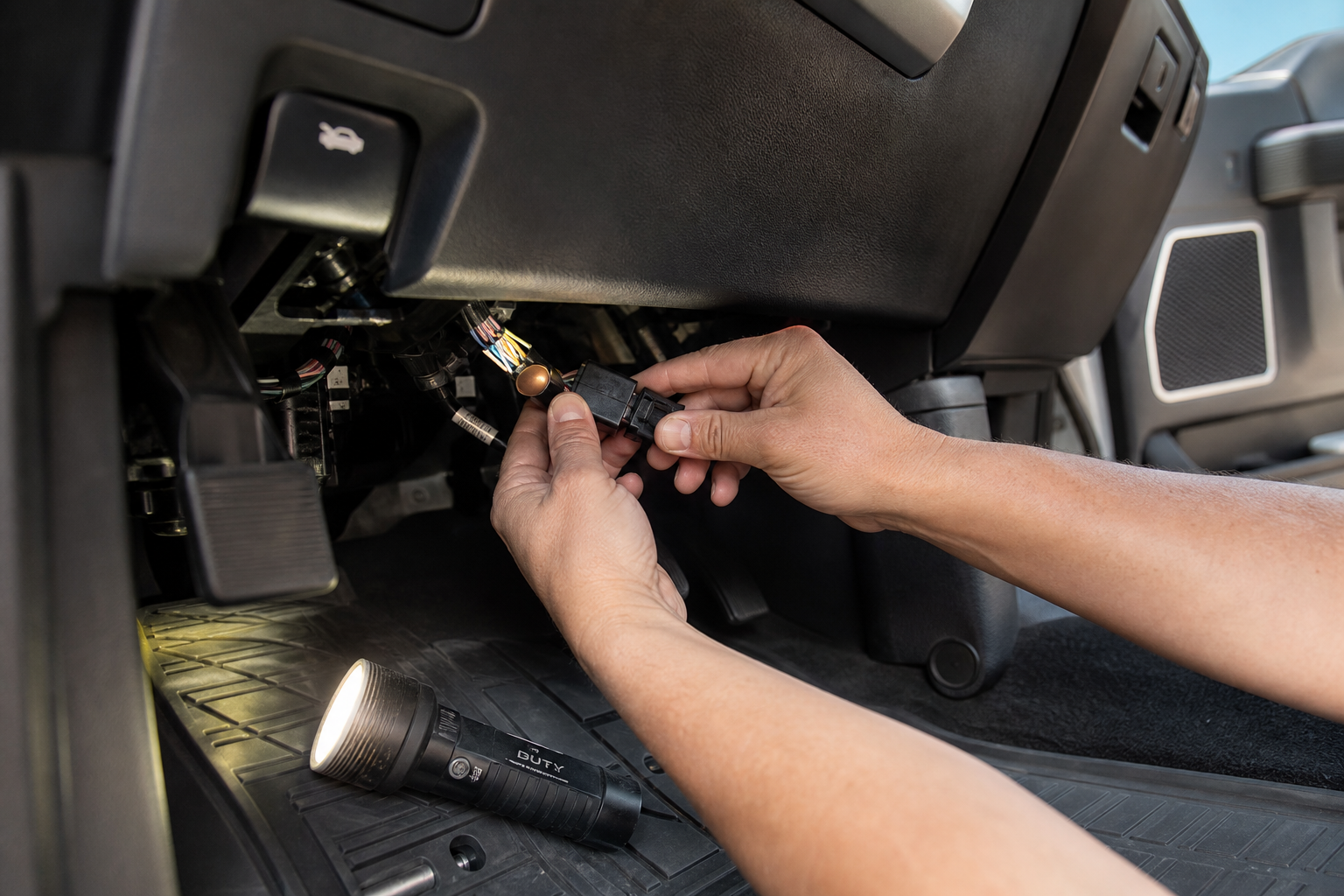
Before you start, make sure the truck is off and the key is out of the ignition. You’ll need a trim removal tool and possibly a small flathead screwdriver.
- Locate the start/stop button. On most 2017 and newer Super Duty trucks, it’s in the center stack near the transmission selector or climate controls.
- Remove the surrounding trim panel. Use a trim removal tool to gently pry the panel away from the dash. There are no screws on most trims, just clips. Work slowly around the edges to avoid scratching or cracking the panel.
- Access the wiring connector behind the button. Once the panel is free, you’ll see the wiring harness plugged into the back of the button. Press the tab and pull the connector free.
- Plug in the eliminator module. The module will have two connectors. One plugs into the factory harness, the other plugs into the button itself. Connect both ends.
- Tuck the module and reinstall the trim. The module is small enough to tuck behind the panel without any binding. Snap the trim back into place.
- Start the truck and verify. The start/stop system should now show as disabled automatically. You shouldn’t need to press the button at all.
If you run into any electrical oddities after installation, a basic OBD2 scanner can help you check for any stored fault codes. In most cases there won’t be any, but it’s good to know you have a tool to verify.
Other Things Worth Knowing
Will This Void My Warranty?
This is a common concern and a fair one. Under the Magnuson-Moss Warranty Act, a dealer cannot void your entire warranty just because you added an aftermarket accessory. They would need to prove that the specific accessory caused a specific failure to deny a warranty claim on that component. A plug-and-play eliminator that doesn’t modify software or wiring is a low-risk addition. That said, if you’re still under warranty and want to be cautious, simply unplug it before any dealership visit.
Does It Work on the Power Stroke Diesel?
Yes. Ford Super Duty eliminators are generally compatible with both the gas engines and the 6.7L Power Stroke diesel. Just confirm the specific product listing mentions diesel compatibility, since some cheaper generic modules are only tested on the gas variants. The F-250 and F-350 use the same button and connector layout regardless of engine.
Can You Disable It Through FordPass or SYNC Settings?
Unfortunately, no. Ford’s FordPass app doesn’t include a toggle for auto start/stop behavior. The SYNC infotainment system also doesn’t offer a setting to save your preference across ignition cycles. Ford has added this feature to a handful of other vehicles in their lineup, but as of the current Super Duty generation, the only built-in option is the manual button that resets every time. The eliminator module is the only way to make your preference stick without a dealer-level reprogramming visit.
If you’ve recently done other maintenance on your Super Duty and want to clear any dashboard notifications, our guide on resetting oil life on the Ford F-150 covers the instrument cluster reset process that works similarly on the Super Duty platform.
Frequently Asked Questions
Is the auto start/stop eliminator legal to use on public roads?
Yes. Start/stop eliminators are legal accessories in all 50 states. They don’t affect emissions controls, engine management, or any safety systems. They simply automate pressing the factory disable button, which you’re already allowed to do manually on every drive.
Will disabling auto start/stop hurt my fuel economy?
Technically, yes, but the difference in real-world driving is minimal. Ford’s fuel savings estimates for start/stop are based on test cycles with extended idle periods. Most Super Duty owners driving on highways, job sites, or towing report no meaningful difference at the pump when the system is off.
What if the eliminator module causes a warning light on the dash?
A quality Super Duty-specific eliminator should not trigger any warning lights. If you do see a light after installation, double-check that both connectors are fully seated. A loose connection is the most common cause. You can also use an OBD2 scanner to read and clear any codes, which will help you determine whether the light is related to the module or something unconnected.
The Bottom Line
The factory button is fine if you only forget to press it once in a while. But if you’re tired of re-disabling auto start/stop on every single drive, a plug-and-play eliminator module is the right fix. It’s a quick install, it doesn’t modify anything permanently, and it works exactly as advertised on both gas and diesel Super Duty trucks from 2017 onward.
Ford Super Duty F-250 F-350 Start Stop Eliminator
Keeps auto start/stop permanently disabled on every drive with a simple plug-and-play install, no wiring cuts required.
Check current pricing on Amazon and look for a module that specifically lists your model year and engine combination. The F-250 and F-350 use the same connector, so any Super Duty-rated eliminator will cover both trucks.
Leave a Reply