
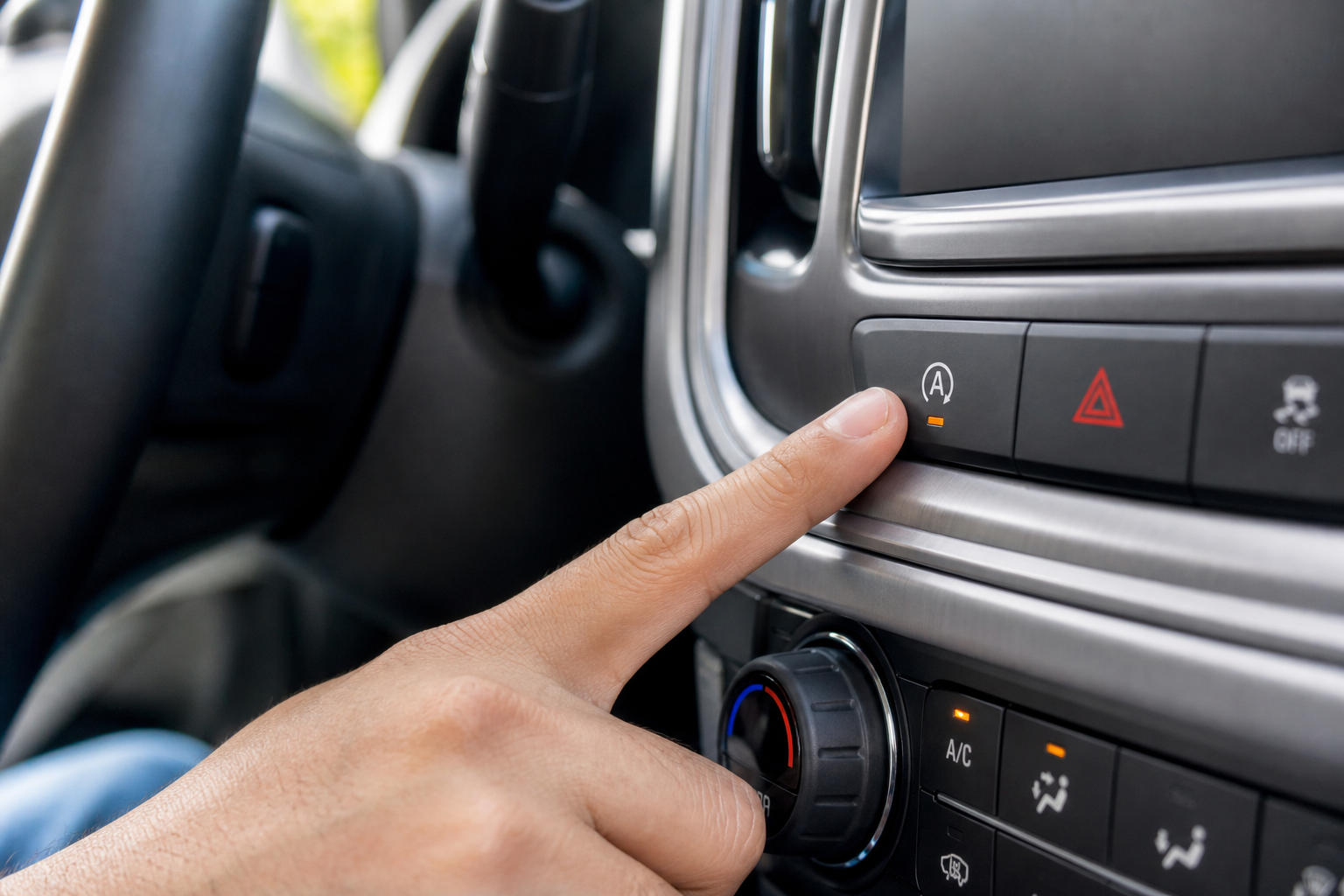
Auto start/stop is one of those features that sounds useful on paper but drives a lot of Yukon XL owners absolutely crazy in real-world driving. Every time you hit a red light, the engine shuts off. Pull back into traffic, the engine restarts. For some people, it’s fine. For others, especially those hauling passengers or towing, it feels jerky and uncomfortable. If you’re in the second camp, you’re not alone, and there are real solutions beyond just gritting your teeth every morning.
The Bottom Line
A plug-and-play module can make your GMC Yukon XL remember your preference to keep Auto Start/Stop off, so you don’t have to press the button every time you start the vehicle.
This guide covers everything you need to know about turning off auto start/stop on your GMC Yukon XL, including why the dashboard button only gets you halfway there, and what to do if you want the system permanently off without touching anything each time you drive.
What Is Auto Start/Stop and Why Does the Yukon XL Have It?
Auto start/stop (GM calls it “Active Fuel Management” in some contexts, but the stop/start feature itself is labeled “Auto Stop/Start” on the dash) is a fuel economy feature mandated to help automakers meet EPA mileage targets. When you brake to a complete stop, the system shuts the engine off to save fuel. When you release the brake, it restarts automatically.
GM introduced this system on the full-size SUV platform starting with the 2019 model year. If you have a 2019 or newer Yukon XL, you have it. Earlier models don’t, so if you’re on a 2018 or older, you can stop reading here.
The system does technically work as advertised. It saves a small amount of fuel in heavy stop-and-go traffic. But many drivers find the engine restart noticeable enough to be annoying, especially in a large vehicle like the Yukon XL where the vibration is more pronounced. If you’ve ever felt a subtle shudder when pulling away from a light, that’s the engine kicking back on.
Using the Dashboard Button to Turn It Off
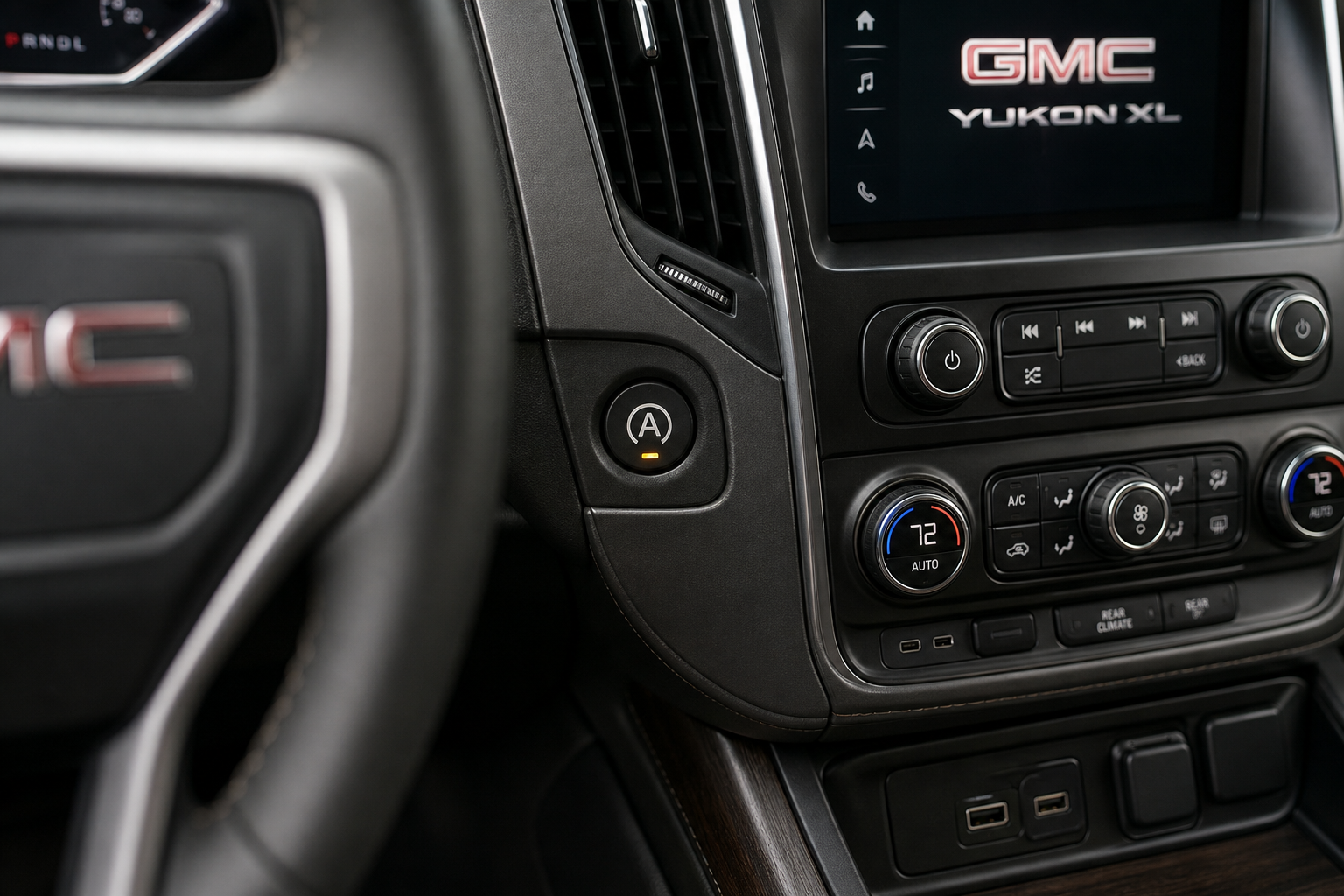
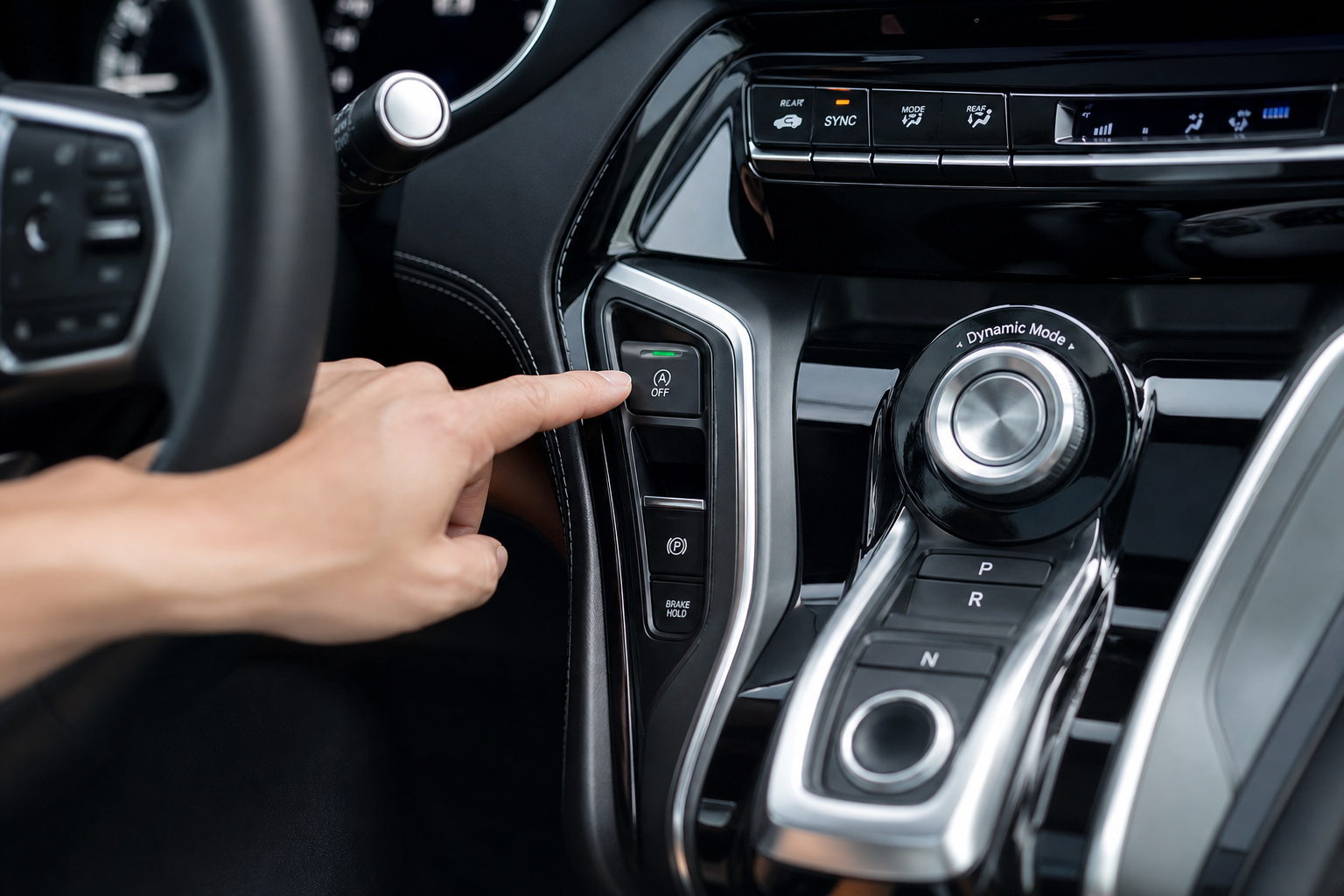
Every Yukon XL with auto start/stop has a dedicated button on the center console to disable it for the current drive. It’s labeled with the letter A inside a circle with an arrow, and pressing it illuminates a small indicator light to show the system is off.
Here’s how to do it:
- Start your vehicle and let it finish its startup sequence.
- Locate the A-with-arrow button on your center console. On most 2019-2024 Yukon XL trims, it sits near the drive mode selector or HVAC controls.
- Press the button once. You’ll see a small indicator light confirm the system is disabled.
- Drive normally. The engine won’t shut off at stops for the rest of that trip.
Simple enough, right? Except there’s a catch built into the design. GM’s system is programmed to reset back to “on” every single time you turn the vehicle off and restart it. There’s no setting in the infotainment menu to make your preference stick. GM designed it this way intentionally, so the default always reverts to the fuel-saving mode. That means you’re pressing this button every single morning for the life of the vehicle unless you find another solution.
Why You Can’t Change This Through Settings
A lot of Yukon XL owners spend time digging through the infotainment system looking for a way to make the button press permanent. You won’t find one. GM didn’t include that option in the software for the standard trims.
Some owners have tried using an OBD2 scanner with advanced programming features to disable the system through a module setting. This can work on certain GM vehicles, but it’s not a reliable universal fix for the Yukon XL, and some dealer software updates can undo the change. It also typically requires more technical knowledge than most owners are comfortable with.
There’s also a workaround some people try involving the seat belt. On a few GM vehicles, the auto stop/start won’t activate if the driver’s seat belt isn’t buckled, but on the Yukon XL, the system operates independently of that. Don’t bother testing it.
The Permanent Fix: A Start/Stop Eliminator Module
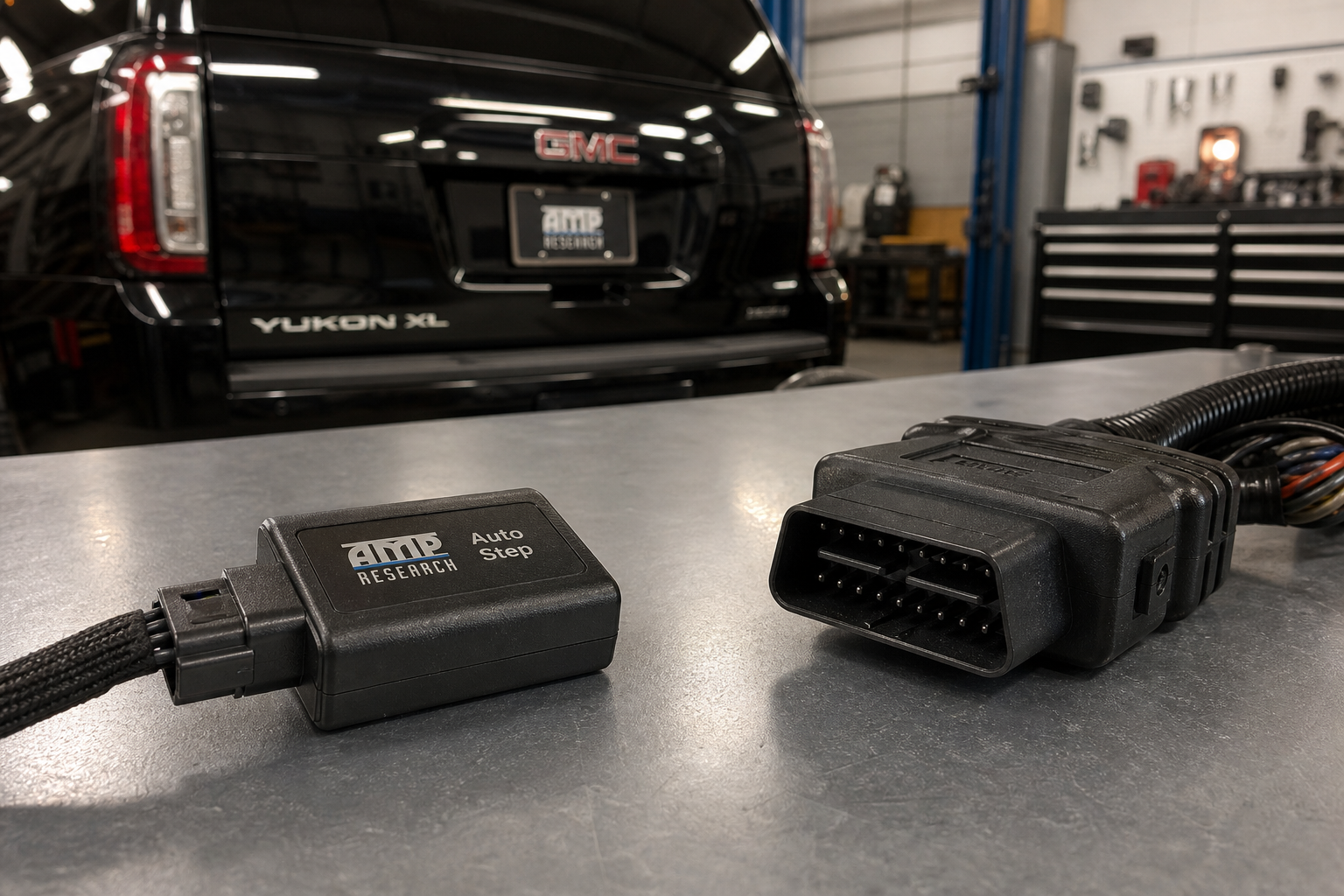
The cleanest solution for most Yukon XL owners is a plug-and-play start/stop eliminator module. These are small devices that connect to your vehicle’s OBD2 port or plug into a connector under the hood or dash, and they automatically send the “disable” signal to the start/stop system every time you start your vehicle.
You install it once and forget about it. Every time you turn the key (or press the start button), the module handles disabling the system before you even put it in drive. No button presses, no reset issues.

GMC Yukon XL Start Stop Eliminator
A plug-and-play module that automatically disables auto start/stop every time you start your Yukon XL, with no button pressing required on each drive.
Most eliminator modules for the Yukon XL are designed specifically for GM’s platform and connect to an existing harness connector, so there’s no cutting or splicing involved. Installation typically takes under 10 minutes. The module sits out of sight, and it doesn’t affect any other vehicle systems or void your warranty in any way that affects normal operation, since it’s just emulating the same button press you’d otherwise do manually.
When shopping for one, make sure the listing specifically mentions compatibility with your Yukon XL year. The 2019-2024 models are the ones that need it. Double-check that the module you’re buying lists your exact model year in the compatibility notes before purchasing.
Installation Overview for the Eliminator Module
While every module is slightly different, the general installation process for most Yukon XL-compatible eliminators looks like this:
- Locate the start/stop button harness connector behind or near your center console (or under the dash, depending on the module type).
- Unplug the existing connector and plug the module inline between the harness and the button.
- Tuck the module out of sight. Most are small enough to fit behind the console trim without any modification.
- Start the vehicle. The system should disable automatically without any button press.
If you prefer a visual walkthrough before you start, search YouTube for your specific Yukon XL year and “start stop eliminator install.” There are solid videos for most GM trucks and SUVs that walk through the exact connector location.
One thing worth mentioning: if you’ve set up driver profiles on your Yukon XL for different household members, keep in mind that a hardware module like this will apply to everyone who drives the vehicle, not just your profile. If another driver actually wants auto start/stop active, the only way to get it back is to unplug the module. You might want to factor that in before installing. If you’re the primary driver, it’s a non-issue.
Owners of the related Chevy Tahoe and Suburban face the exact same problem, and the same type of eliminator module works across that whole platform. If you drive one of those instead, the process is identical. You might also find our guide on setting up driver profiles in the Chevy Tahoe and Suburban useful if you’re sharing the vehicle with other family members.
Frequently Asked Questions
Will disabling auto start/stop hurt my engine or void my warranty?
Pressing the factory dashboard button won’t affect your warranty at all since it’s a built-in feature. Using a plug-and-play eliminator module that simply emulates that button press is also extremely unlikely to cause any warranty issues, since you’re not modifying any hardware or reprogramming any modules. That said, every situation is different, so if you have specific concerns, it’s worth a quick call to your dealer. Many technicians are familiar with these modules and have no issue with them.
Does auto start/stop actually damage the starter or engine over time?
GM designed the starter motor and battery in the 2019+ Yukon XL to handle the increased start cycles from this system. The starter is a heavy-duty unit, and the battery is an AGM (absorbed glass mat) type rated for frequent cycling. Under normal use, the system shouldn’t cause premature wear. That said, some owners in extremely hot or cold climates have reported battery wear that they attribute to the extra cycling. Disabling the system eliminates that variable entirely.
Can I use the factory button every day instead of buying a module?
Absolutely. Pressing the button each time you start the vehicle works perfectly and costs nothing. The only downside is that it’s one more thing to remember, and on cold mornings or when you’re in a hurry, it’s easy to forget. The eliminator module is purely a convenience purchase. If you’re fine with the button routine, you don’t need anything else.
Final Thoughts
The factory button is your free, built-in solution for disabling auto start/stop on every drive. If you can build it into your startup routine, it works fine. But if you want a set-it-and-forget-it fix, a dedicated start/stop eliminator module is the most reliable option available for the Yukon XL.
While you’re thinking about your Yukon XL’s quirks, it’s also worth checking out our article on how to fix the GMC Yukon rear AC when it stops blowing cold air, since that’s another common complaint on these vehicles. And if you’re keeping up with maintenance, our GMC Sierra oil light reset guide covers the same process that applies to the Yukon XL platform.
GMC Yukon XL Start Stop Eliminator Module
Compatible plug-and-play eliminators for the 2019-2024 Yukon XL that handle auto disabling every time you start the engine.

Leave a Reply