
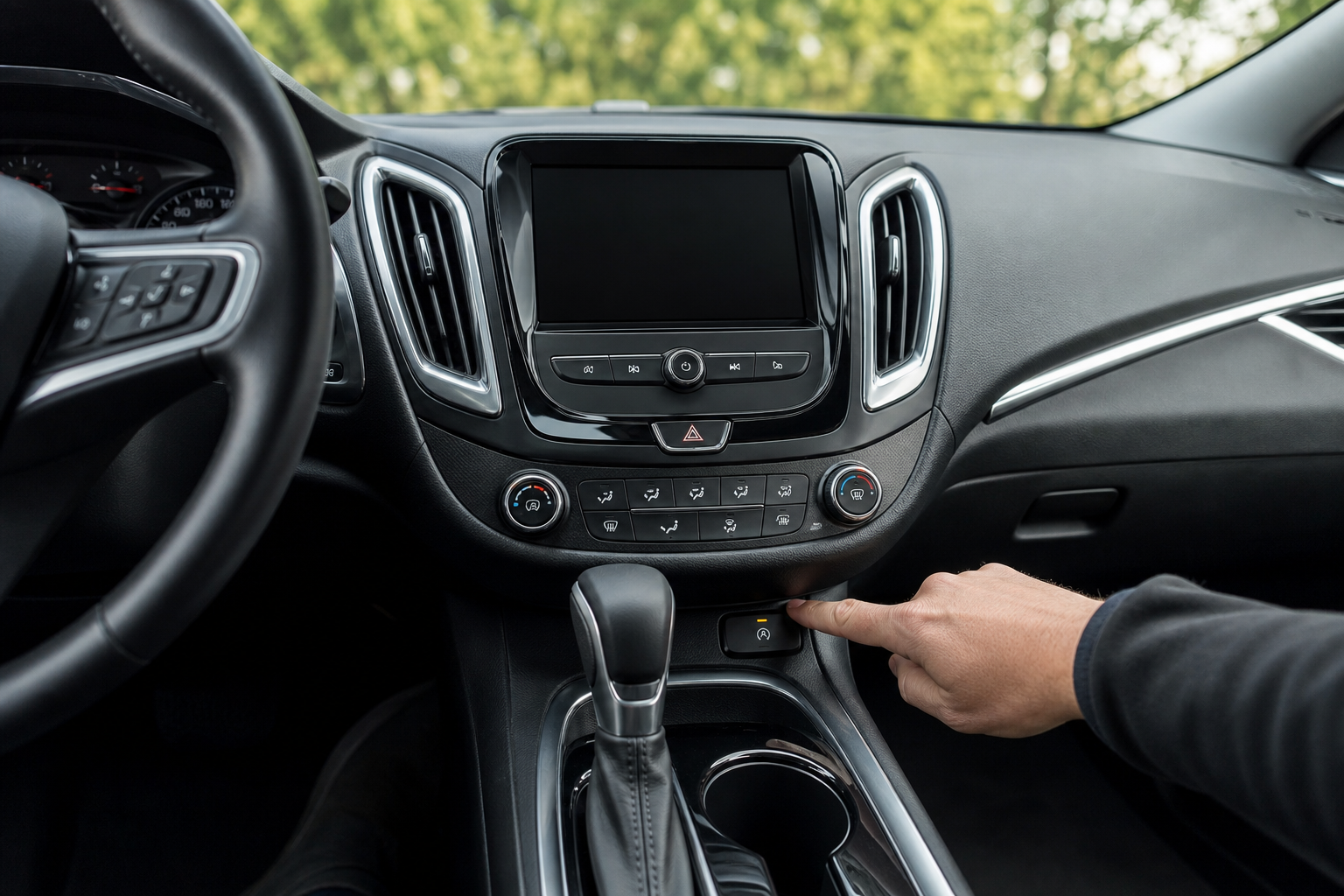
If you’ve driven a Chevy Malibu with auto start/stop, you already know the routine. You pull up to a red light, the engine shuts off, and then it lurches back to life the moment you lift your foot off the brake. Every single time. It’s jarring, it wears on the starter and battery faster than a normal idle would, and most drivers find it more annoying than helpful. The system is designed to save a small amount of fuel, but the real-world gains are minimal, and the tradeoff in driving comfort just isn’t worth it for most people.
The Bottom Line
A plug-and-play module can make your Chevy Malibu remember your preference to keep Auto Start/Stop off, so you don’t have to press the button every time you start the vehicle.
The problem is that Chevy builds this system to turn back on every time you start the engine. Even if you disabled it on your last drive, it resets and you’re back to square one. This guide walks you through every option, from the quick button press to a permanent plug-and-play fix that actually remembers your preference.
Which Chevy Malibu Models Have Auto Start/Stop?
Auto start/stop was introduced on the Chevy Malibu starting with the ninth generation, model year 2016. It’s present on most 2016 through 2024 Malibus equipped with the 1.5L turbocharged four-cylinder engine. If your Malibu was built before 2016, you don’t have this system and this guide doesn’t apply.
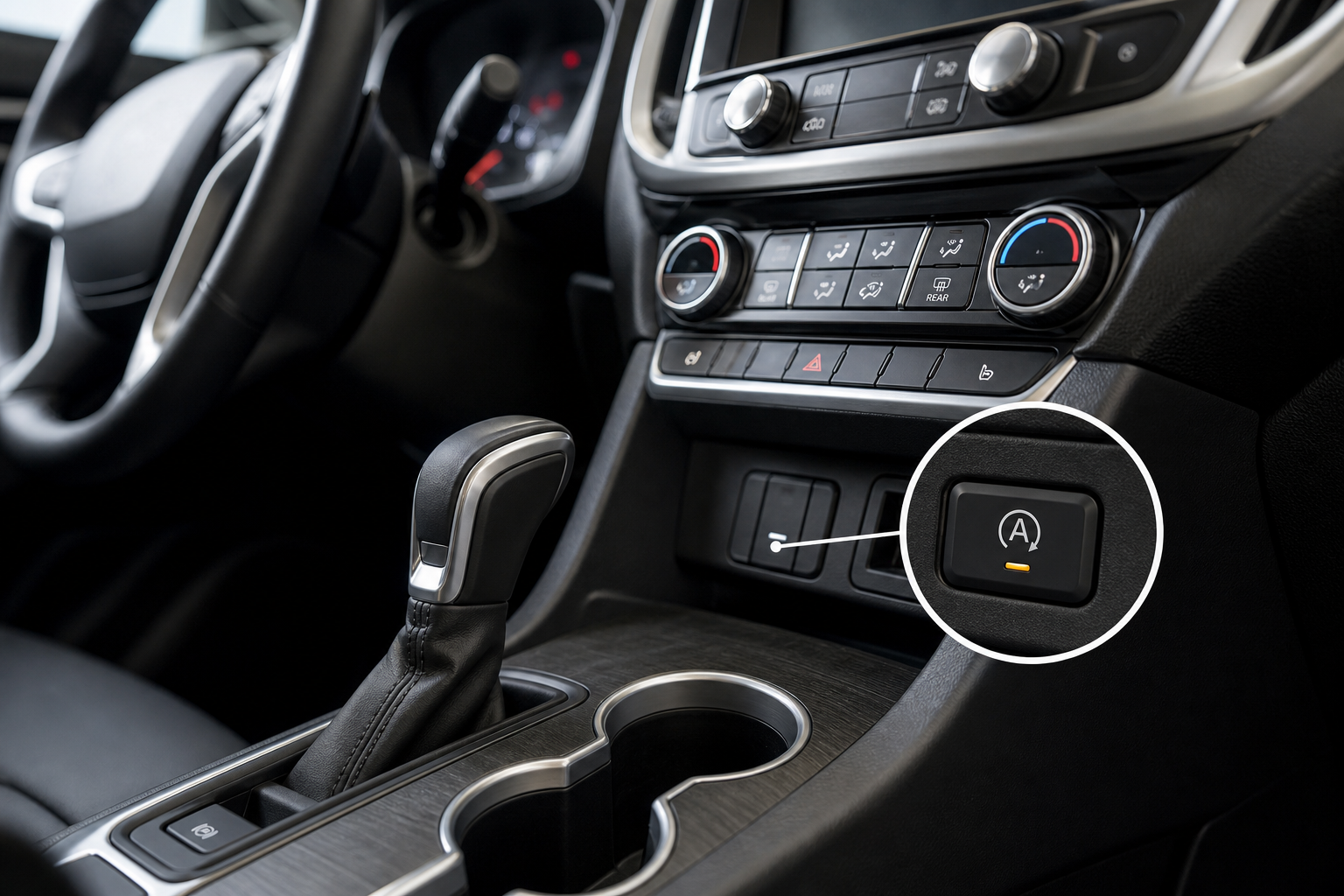
The feature is standard across most trim levels including the LS, RS, LT, and Premier. You’ll know your car has it if you see a small “A” with a circle around it on your center console or instrument panel, and if you notice the engine cutting off when you come to a complete stop.
The Factory Button: Quick Fix That Doesn’t Stick
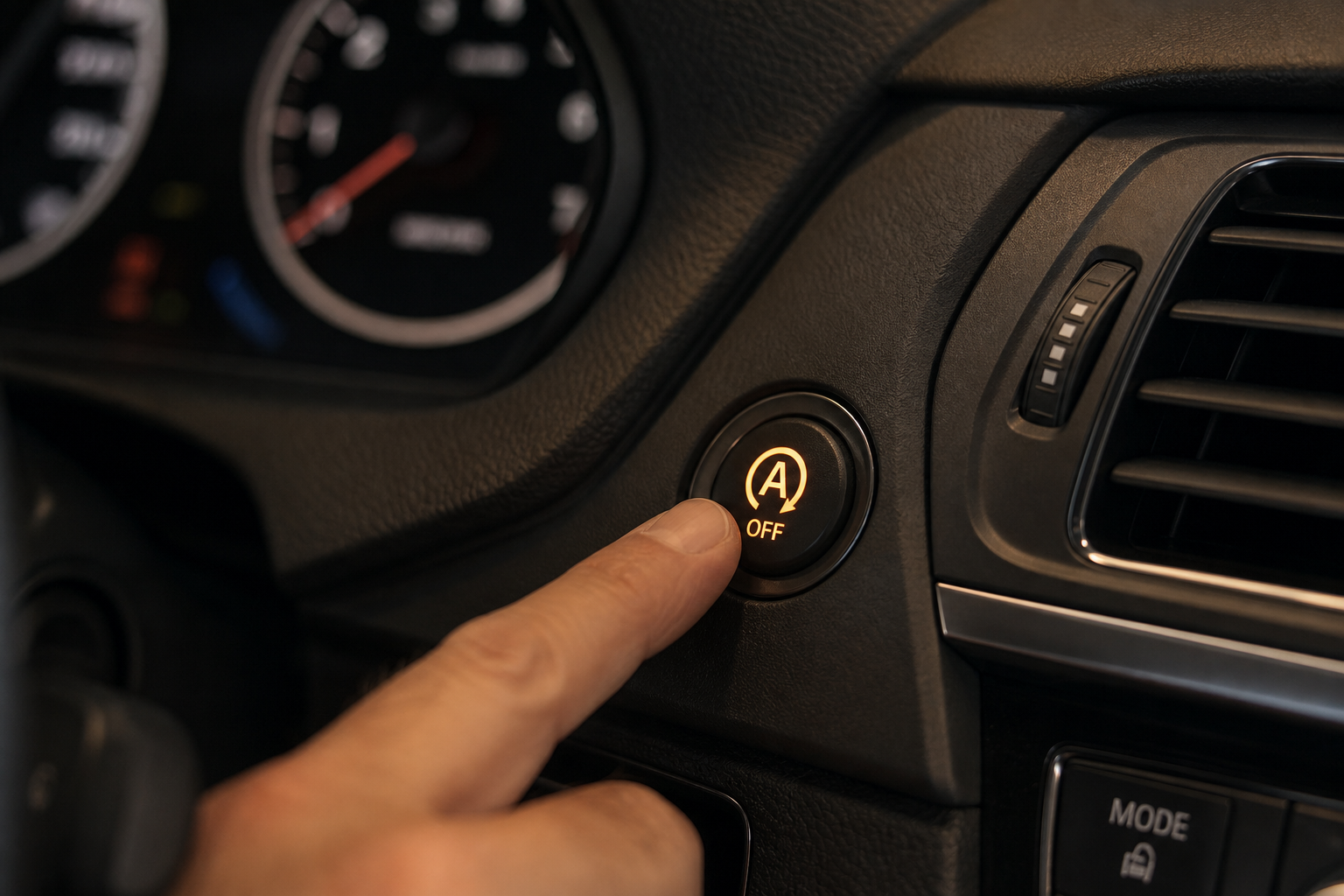
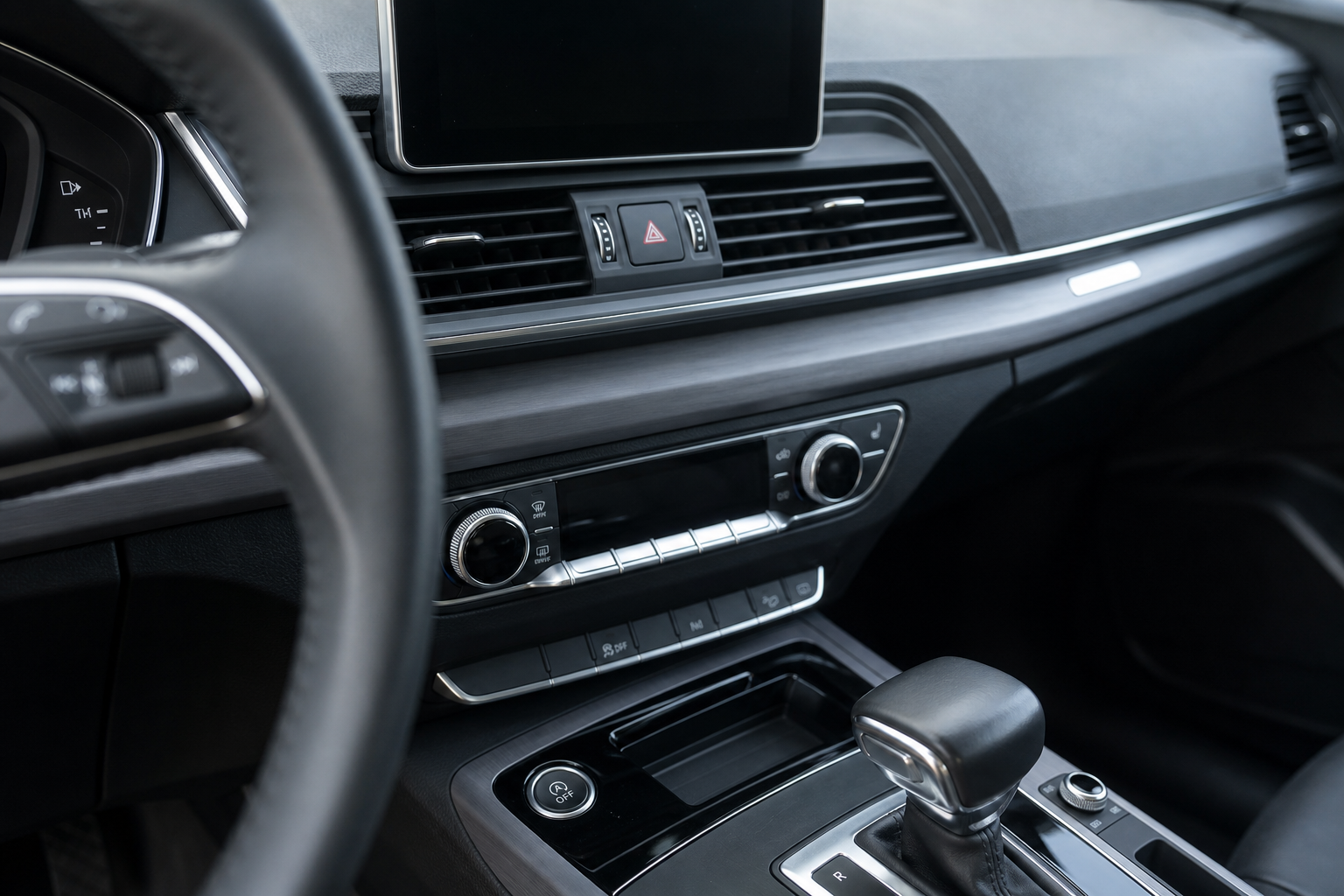
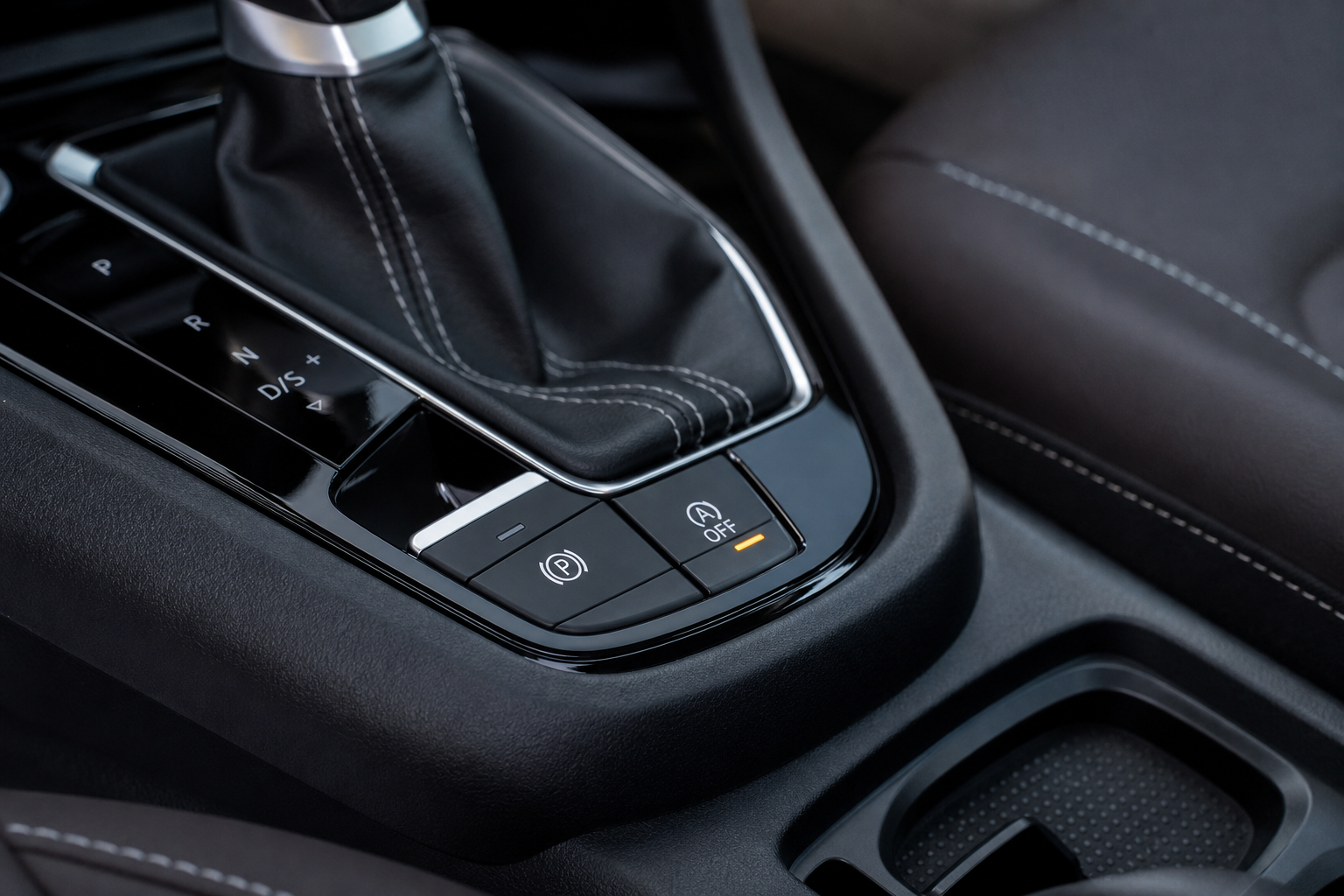
Every Malibu equipped with auto start/stop has a dedicated button to disable it for your current drive. Look for a button labeled with an “A” inside a circle with a slash or arrow, typically located on the center console near the gear selector or on the lower section of the dashboard.
Here’s how to use it:
- Start your engine and let it fully initialize.
- Press the auto start/stop button once. A light or indicator on the button will illuminate to confirm the system is off.
- Drive normally. The engine will stay running at every stop for the rest of that drive.
This works perfectly well, but the setting does not save. Every time you turn the car off and restart it, auto start/stop is active again by default. GM programmed it this way because CAFE fuel economy regulations partly depend on these systems being active. So you’re pressing that button at the start of every single drive, which gets old fast.
If you drive multiple family members in the same car, you might also find this useful to know alongside Chevy’s other per-driver settings. For example, Chevy’s Teen Driver feature lets you customize vehicle behavior for younger drivers, and some of those settings interact with how the car initializes on startup as well.
Why the System Always Resets to On
This isn’t a glitch or a bug. GM intentionally coded the system to default to active every time the ignition cycles. There’s no buried menu in the infotainment system to change this behavior. Some owners spend time looking through the MyChevrolet app or the vehicle settings screen hoping to find a “keep start/stop off” toggle. It doesn’t exist on the Malibu.
Dealerships can’t reprogram this behavior either. A tech at a GM dealer cannot flash new software to the ECU that makes it remember your preference. The only way around it through software would require a third-party tune, which is generally not practical or cost-effective for most Malibu owners.
That leaves a hardware solution as the most practical path if you want to stop pressing the button every day.
The Permanent Fix: Start/Stop Eliminator Module
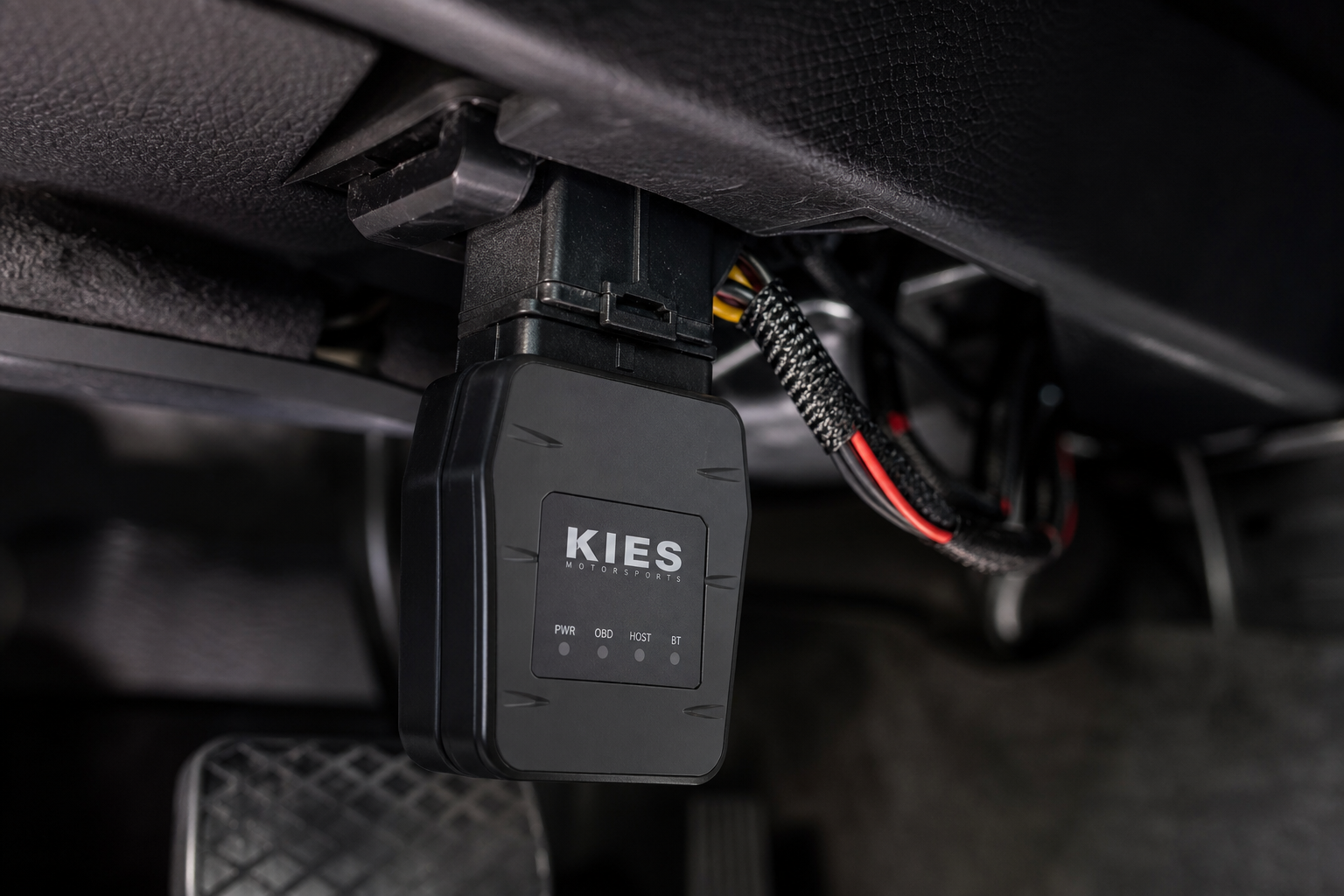
A start/stop eliminator is a small plug-and-play module that installs directly into your car’s OBD2 port or into the auto start/stop button harness depending on the design. Once installed, it automatically sends the “off” signal to the system every time you start the car, so you never have to think about it again.
These modules don’t modify your ECU or require any software changes. They simply mimic the button press automatically at startup. No tools required for most versions, and installation takes under five minutes.

Chevy Malibu Start Stop Eliminator
A plug-and-play module that automatically disables auto start/stop every time you start your Malibu, so you never have to press the button again.
When shopping for a Malibu-compatible eliminator, make sure the listing specifically mentions your model year. Most modules are sold as compatible with 2016 to 2024 Malibus, but double-check before ordering. Look for products that plug into the auto start/stop button connector directly rather than just the OBD2 port, as those tend to be more reliable and don’t occupy your diagnostic port permanently.
Installation on most Malibu eliminators goes like this:
- Locate the auto start/stop button on your center console or dash.
- Gently pry off the button panel using a trim removal tool or a flat plastic pry tool.
- Unplug the harness connector from the back of the button.
- Plug the eliminator module inline between the harness and the button.
- Snap the panel back into place.
That’s the entire process. No cutting wires, no soldering, and it’s fully reversible if you ever want to sell the car or return it to stock condition.
It’s also worth knowing that these modules have no effect on your car’s OBD2 diagnostics. If you ever need to pull codes or check for fault lights, a separate OBD2 scanner for DIY diagnosis will still work exactly as expected.

OBD2 Trim Removal Tool Set
A basic trim removal kit makes prying up the button panel clean and easy without scratching your interior.
Does Disabling Start/Stop Hurt Your Car?
No. Turning off auto start/stop does not damage your engine or transmission, and it won’t trigger any warning lights or fault codes. The system was an add-on designed for fuel economy ratings, not for the mechanical health of the engine.
In fact, many mechanics argue the opposite. The starter motor and the specialized AGM battery in start/stop-equipped vehicles are designed to handle more frequent cycling than a traditional system, but they still have limits. Constantly restarting the engine at every stop does add cumulative wear over time. Disabling the system means fewer cold-start cycles per trip and potentially longer life from your starter and battery.
You’ll also notice smoother stops and restarts at traffic lights, which reduces the kind of vibration that some Malibu owners find irritating. If you’ve ever experienced rough idle behavior in a car and wanted to rule out start/stop cycling as a contributing factor, you’ll understand why. We’ve covered similar vibration concerns in other GM-adjacent vehicles, like this look at rough idle troubleshooting for the Acura MDX, which shares some diagnostic overlap.
Your fuel economy will drop slightly. Tests generally show a loss of somewhere between 0.1 and 0.5 MPG in city driving with the system off. For most drivers, that’s a tradeoff they’re happy to make in exchange for a smoother, quieter driving experience.
Frequently Asked Questions
Will the eliminator module void my Chevy Malibu’s warranty?
Most eliminator modules are plug-and-play and don’t modify any software or permanently alter any vehicle systems. Under the Magnuson-Moss Warranty Act, a dealer generally cannot void your warranty just because you installed an aftermarket accessory, unless they can prove that specific accessory caused the failure. Since these modules simply mimic a button press, the risk is very low. If you’re concerned, you can remove the module before any dealer visit since installation is fully reversible.
Can I disable auto start/stop on my Malibu through the infotainment system?
No. The Malibu’s infotainment system and vehicle settings menu do not include an option to permanently disable auto start/stop. Chevy offers this setting on a few other models, but the Malibu doesn’t have it. Your only built-in option is the physical button, which resets every time the car restarts.
Does the start/stop eliminator work with remote start on the Malibu?
Yes, in most cases. When you remote start the Malibu, the eliminator will still function normally when you get in and take over. Since the module activates as part of the car’s startup cycle, it works whether you physically started the car or used the remote start feature through the MyChevrolet app or your key fob.
The Bottom Line
If you only occasionally find auto start/stop annoying, the factory dashboard button is all you need. Press it once per drive and move on. But if you’ve been doing that every single day and you’re tired of it, a Chevy Malibu start/stop eliminator module is the most practical and affordable fix available. It installs in minutes, it’s invisible once tucked behind the panel, and your Malibu will behave exactly the way you want it to from the moment you start the engine.
It’s a small upgrade with a noticeable improvement to your daily driving experience, and it’s one of the easiest DIY jobs you can do on the car. If you enjoy making simple improvements yourself, it pairs well with other quick Chevy maintenance tasks, like learning how to reset the oil life on Chevy vehicles or checking out what other Chevy-specific features are worth customizing, including the Teen Driver system if you have a new driver in the household.
This article contains affiliate links. We may earn a small commission at no extra cost to you.
Leave a Reply