
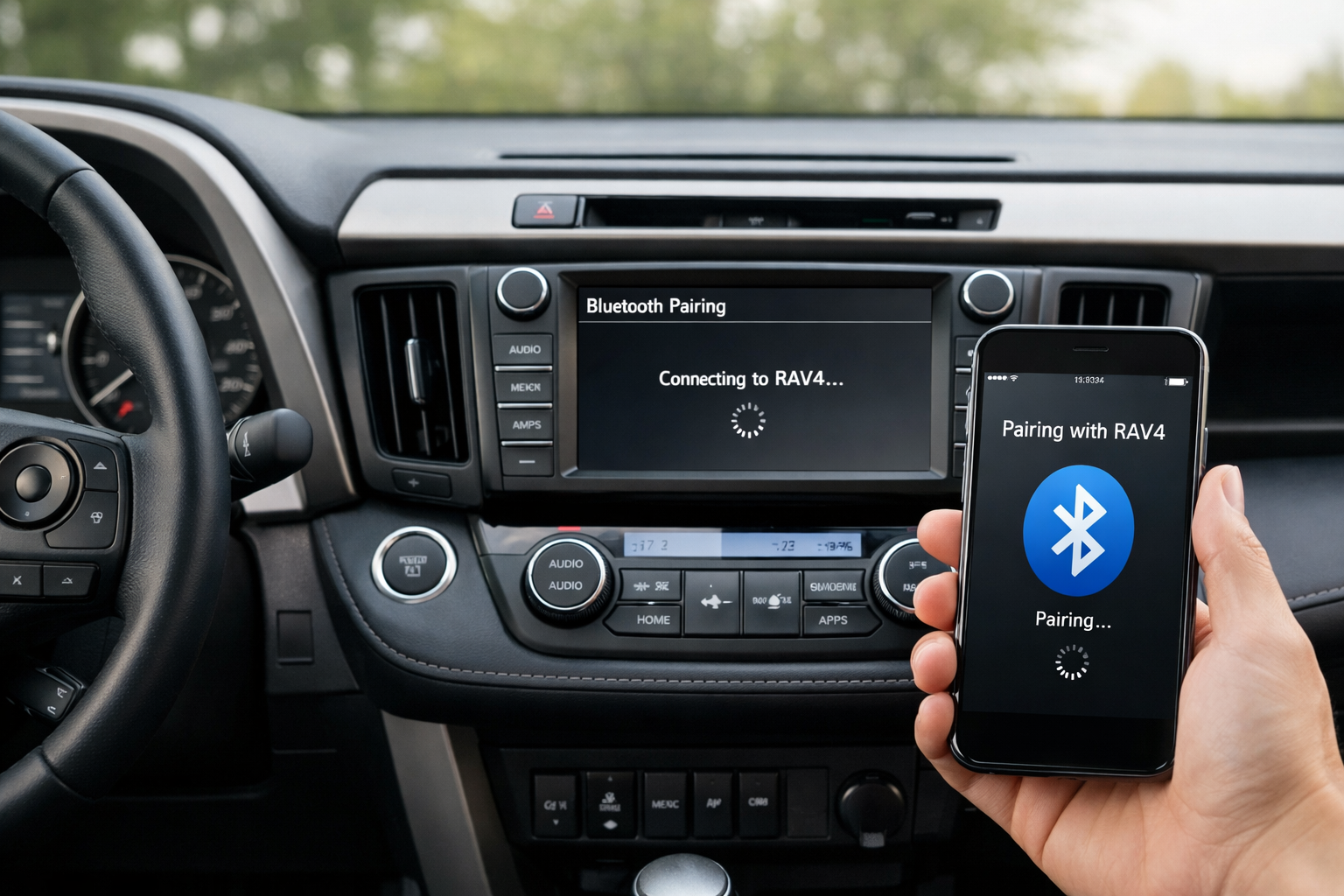
The Toyota RAV4’s Bluetooth pairing process includes a security code confirmation step (called SSP, or Secure Simple Pairing) that confuses some users. Both the older Entune system (2013-2018) and the newer Audio Multimedia system (2019+) use this confirmation step, where a 6-digit code displays on both your phone and the car’s screen and you verify they match before completing the connection.
Here’s the full pairing process for each generation, plus fixes for the most common connection problems.
5th Gen RAV4 (2019+): Audio Multimedia System
On the touchscreen, go to Setup > Bluetooth > Add New Device. The RAV4 broadcasts its Bluetooth name (usually “TOYOTA AUDIO”). On your phone, open Bluetooth settings and select the RAV4 from the available devices list.
Both devices display a 6-digit SSP code. Verify the code matches on both screens and tap “Pair” on each device. The connection establishes within a few seconds, and both phone calls and audio streaming should work immediately.
For 2020+ models with Apple CarPlay, connect via USB for the initial CarPlay setup. Wireless CarPlay is available on 2021+ RAV4 models and activates automatically after the first USB pairing is established. If you’re having trouble with CarPlay specifically, check out our guide on fixing Toyota RAV4 Apple CarPlay connection issues.
4th Gen RAV4 (2013-2018): Entune System
Press SETUP on the Entune head unit, then select Bluetooth > Add New Device. The system searches for nearby phones and displays a list.
Select your phone from the list (or find “ENTUNE AUDIO” in your phone’s Bluetooth settings) and confirm the passcode. Grant permissions for contacts when prompted.
Setting Up Automatic Reconnection
After initial pairing, navigate to Bluetooth > Registered Devices and select your phone. Enable “Auto Connect” so the RAV4 connects to your phone automatically each time you start the vehicle.
If you have multiple paired devices (family members, for example), set your primary phone as the highest-priority connection so it connects first when multiple phones are present.
Fixing Disconnections While Driving
If the RAV4 disconnects your phone during drives, the most reliable fix is deleting the pairing from both devices and starting fresh. On the RAV4’s Bluetooth settings, remove your phone. On your phone, go to Bluetooth settings and “Forget” the RAV4.
Then re-pair from scratch. This clears any corrupted pairing data that builds up over time and can cause intermittent connection drops.
Also verify that your phone’s software is current. Both iOS and Android receive regular updates that include Bluetooth stability improvements. Toyota occasionally releases infotainment software updates as well. Check with your dealer for available versions.
For RAV4 models without built-in Bluetooth or with a non-functioning Bluetooth module, a Bluetooth adapter adds wireless audio through the AUX or USB port.

Bluetooth Car Adapter for Toyota
Add wireless Bluetooth audio to older RAV4 models
The SSP Code: What It Is and Why It Matters
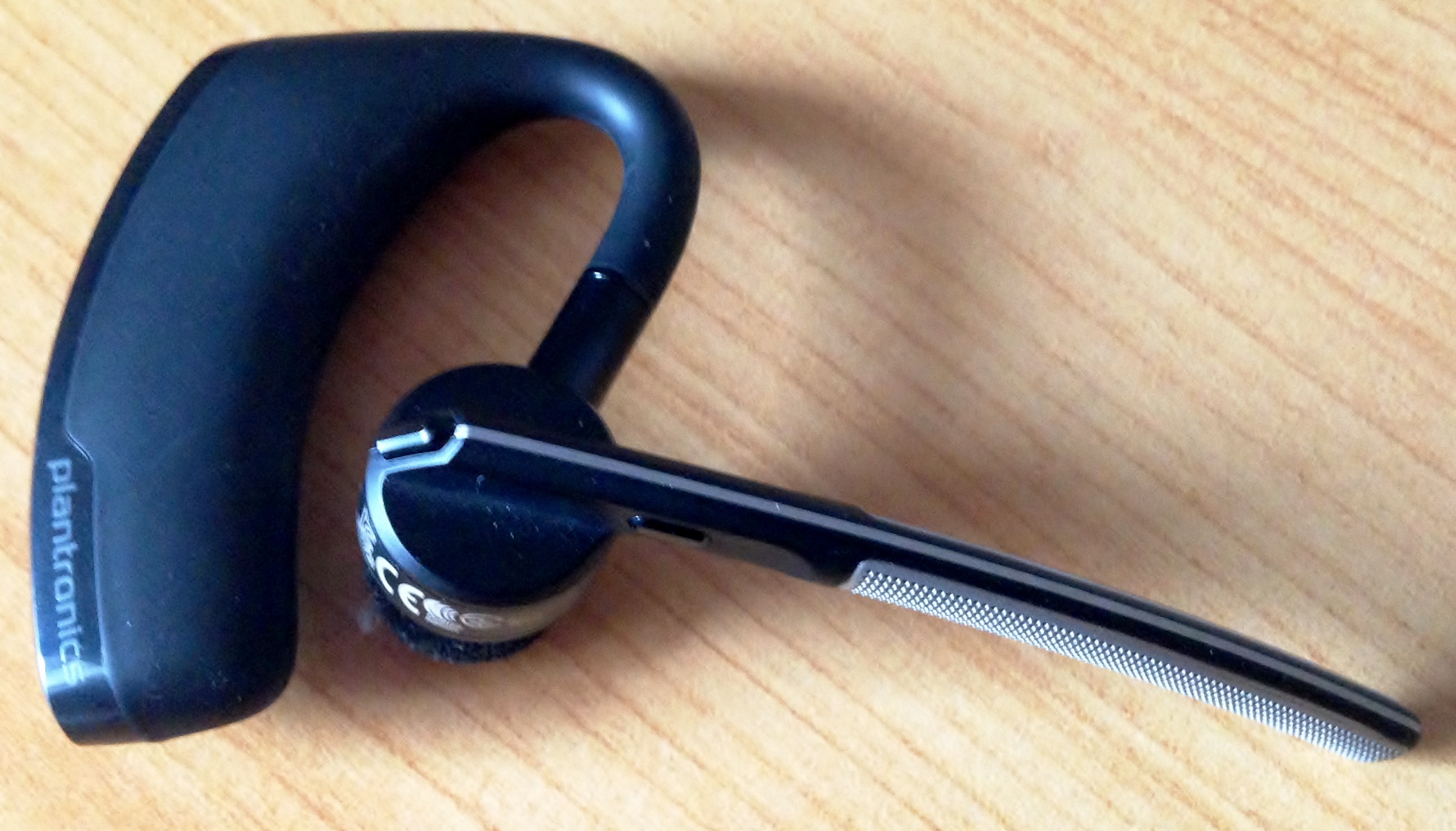
The 6-digit SSP code displayed during pairing is a one-time security verification that prevents unauthorized devices from connecting to your car. You don’t need to remember the code or write it down.
Its only purpose is to confirm that the phone you’re holding and the car you’re sitting in are the two devices being paired (rather than a stranger’s phone accidentally connecting). Just verify the numbers match on both screens and tap “Pair.”
Frequently Asked Questions
Can I use Bluetooth and CarPlay at the same time?
When CarPlay is active via USB, it handles phone calls, messages, and audio. A separate Bluetooth audio connection can’t stream simultaneously. Bluetooth for a second phone’s calls may work depending on the infotainment software version.
How many phones can the RAV4 store?
The Audio Multimedia system (2019+) stores up to 5 paired devices. The Entune system (2013-2018) also stores 5. Delete unused devices to make room for new ones when the list is full.
Why does audio play through my phone instead of the car?
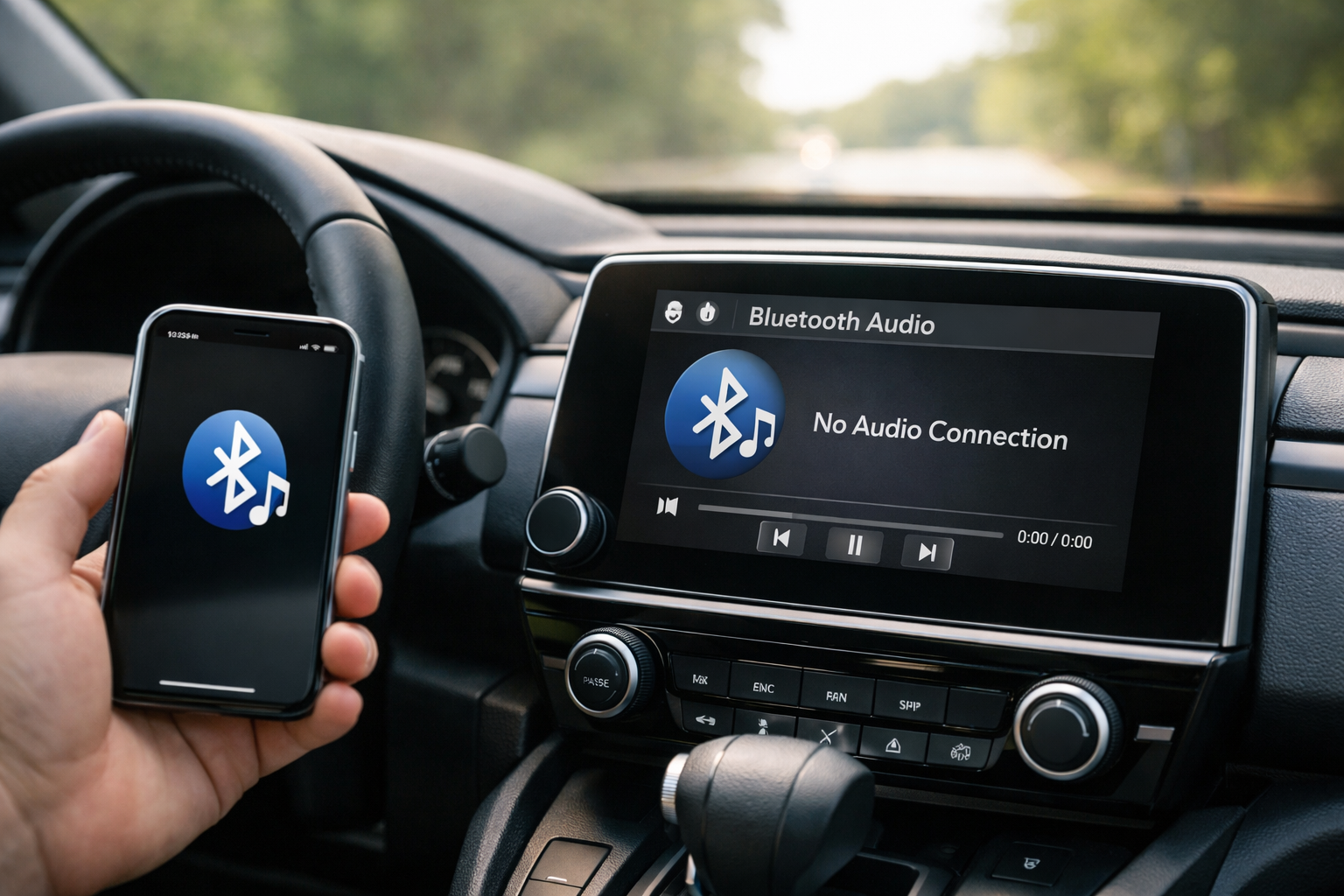
The media audio profile isn’t active. On the RAV4’s Bluetooth settings, select your phone and verify the “Audio” profile is enabled. On your phone, check that “Media Audio” is toggled on in the Bluetooth device settings for the RAV4. Both sides need the audio profile active for streaming to work.
What should I do if my RAV4 won’t find my phone during pairing?
Make sure your phone’s Bluetooth is turned on and set to discoverable. Restart both your phone and the RAV4’s infotainment system (some models require holding the power button for 10 seconds). If the issue persists, try pairing with a different phone to determine whether the problem is with your phone or the car’s Bluetooth module.
This article contains affiliate links. We may earn a small commission at no extra cost to you.
Leave a Reply