
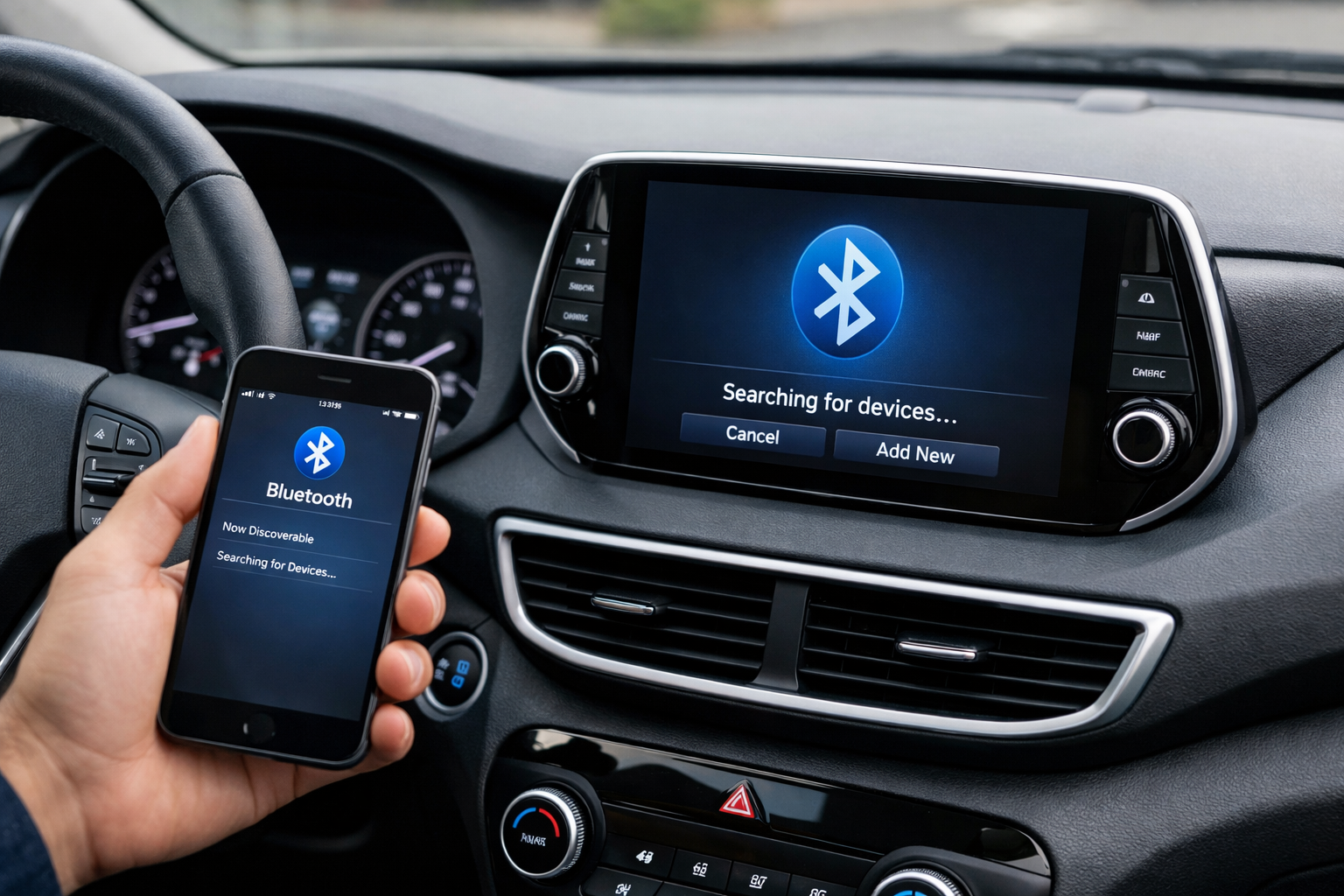
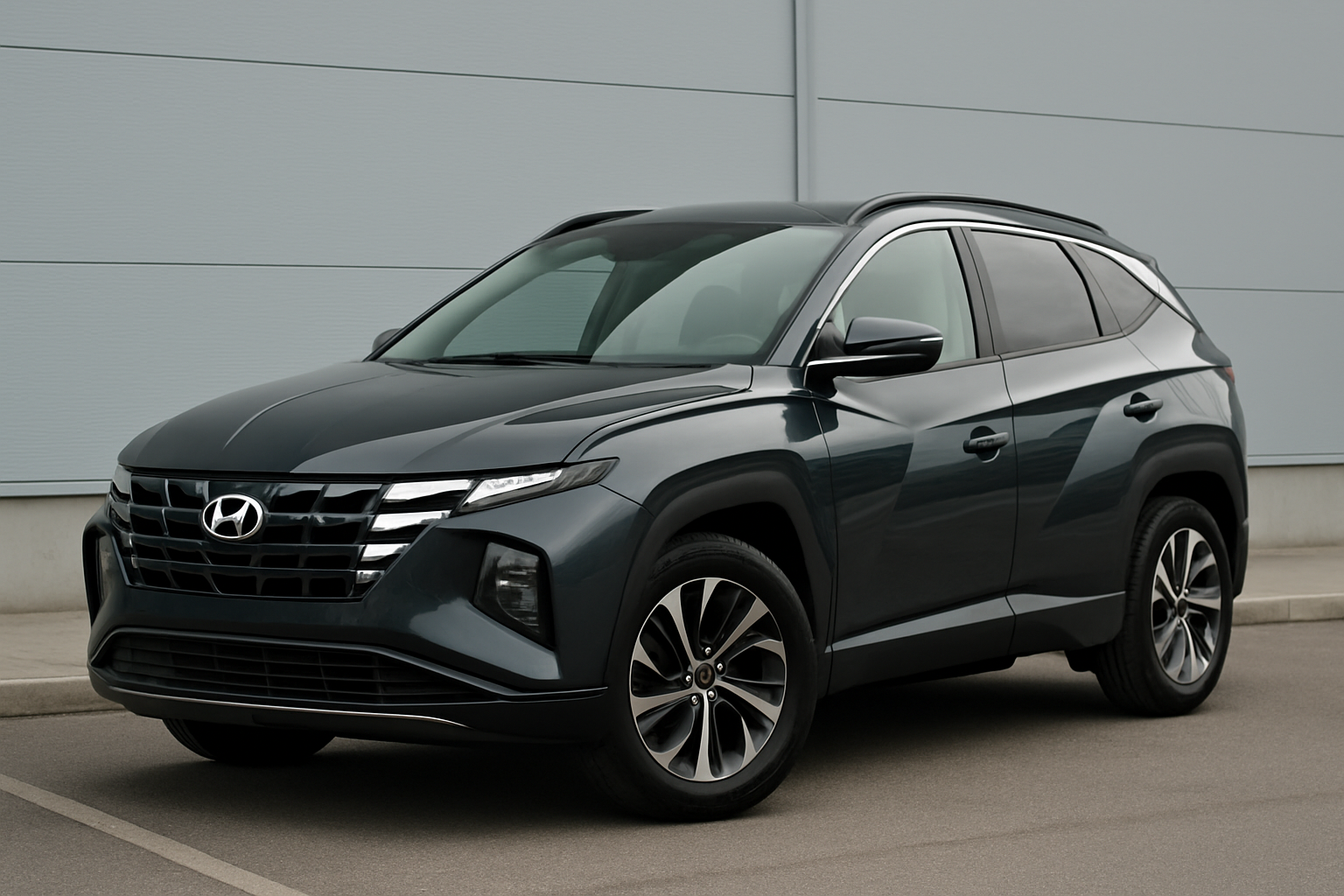
The Hyundai Tucson’s Bluetooth system is generally reliable and user-friendly, but the process differs between the 3rd gen (2016-2021) with its standard display and the redesigned 4th gen (2022+) with the widescreen infotainment. Both generations support simultaneous call and audio connections, plus the useful ability to pair two phones at once, designating one for calls and another for music streaming.
4th Gen Tucson (2022+)
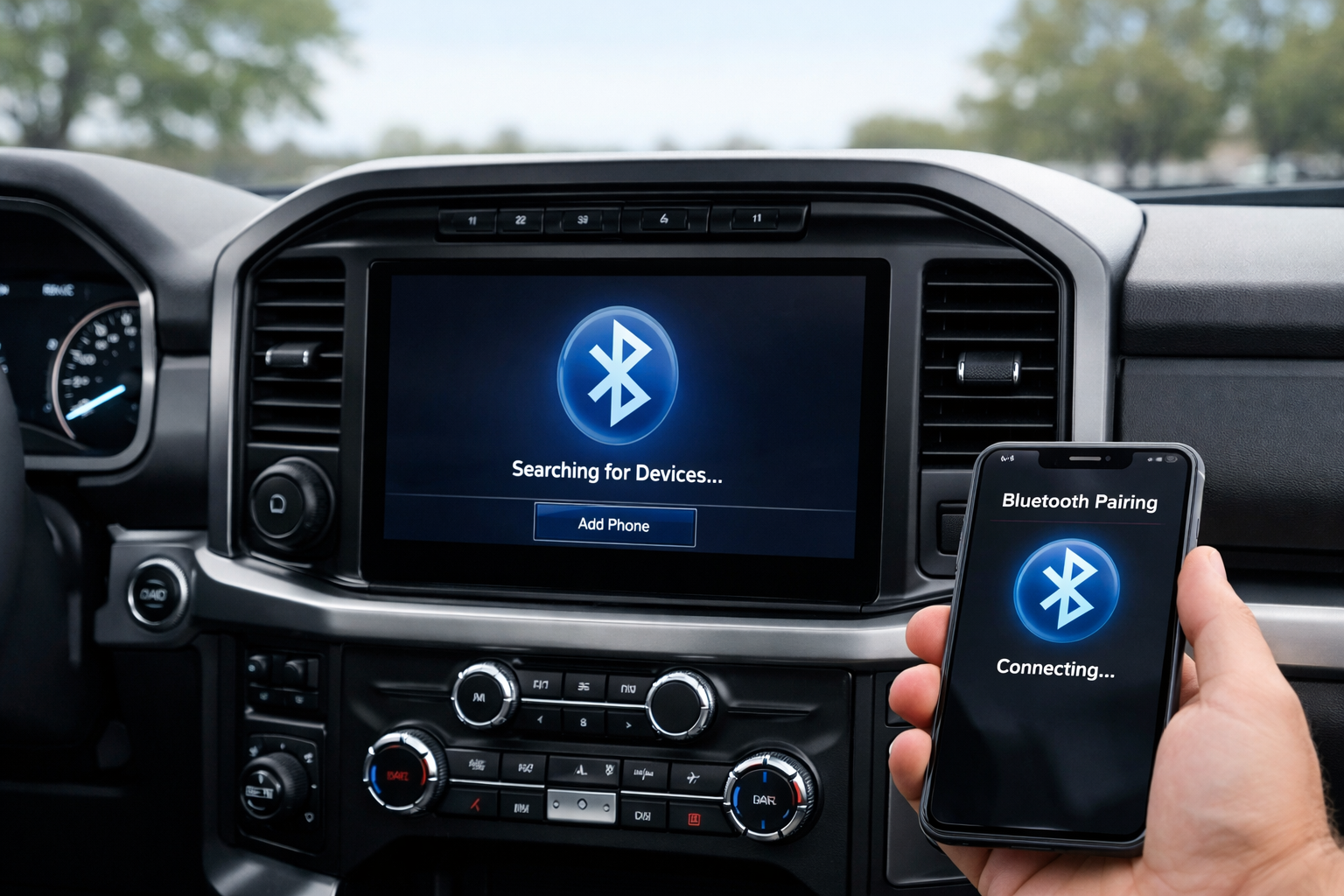
On the widescreen display, tap Setup > Device Connections > Bluetooth > Pair New Device. The Tucson broadcasts its Bluetooth name. Find it on your phone’s Bluetooth settings and pair.
Confirm the 6-digit code on both screens and grant permissions. Both phone and media audio profiles enable automatically on this generation, which is a welcome improvement over older Hyundai systems where the audio profile sometimes required manual activation.
3rd Gen Tucson (2016-2021)
On the touchscreen, press Setup > Phone > Bluetooth Connection > Add New. Search for the Tucson on your phone’s Bluetooth settings and pair. Confirm the code.
After pairing, navigate to the paired device settings and make sure both “Calls” and “Audio” profiles are enabled. The 3rd gen doesn’t always activate both profiles automatically during initial pairing.
Pairing Two Phones Simultaneously
The 4th gen Tucson supports two simultaneous Bluetooth connections, which is genuinely useful for families. You can designate one phone for calls and another for music streaming.
Go to Device Connections > Bluetooth, select each paired phone, and assign its role (calls, audio, or both). When both phones are in range, the Tucson connects to each according to its assigned role.
The 3rd gen Tucson has more limited multi-phone support. It can store multiple paired phones in its list but typically connects to only one actively at a time. You can switch between paired phones through the Bluetooth menu, but simultaneous dual-device operation isn’t as strong.
Call/Audio Profile Separation
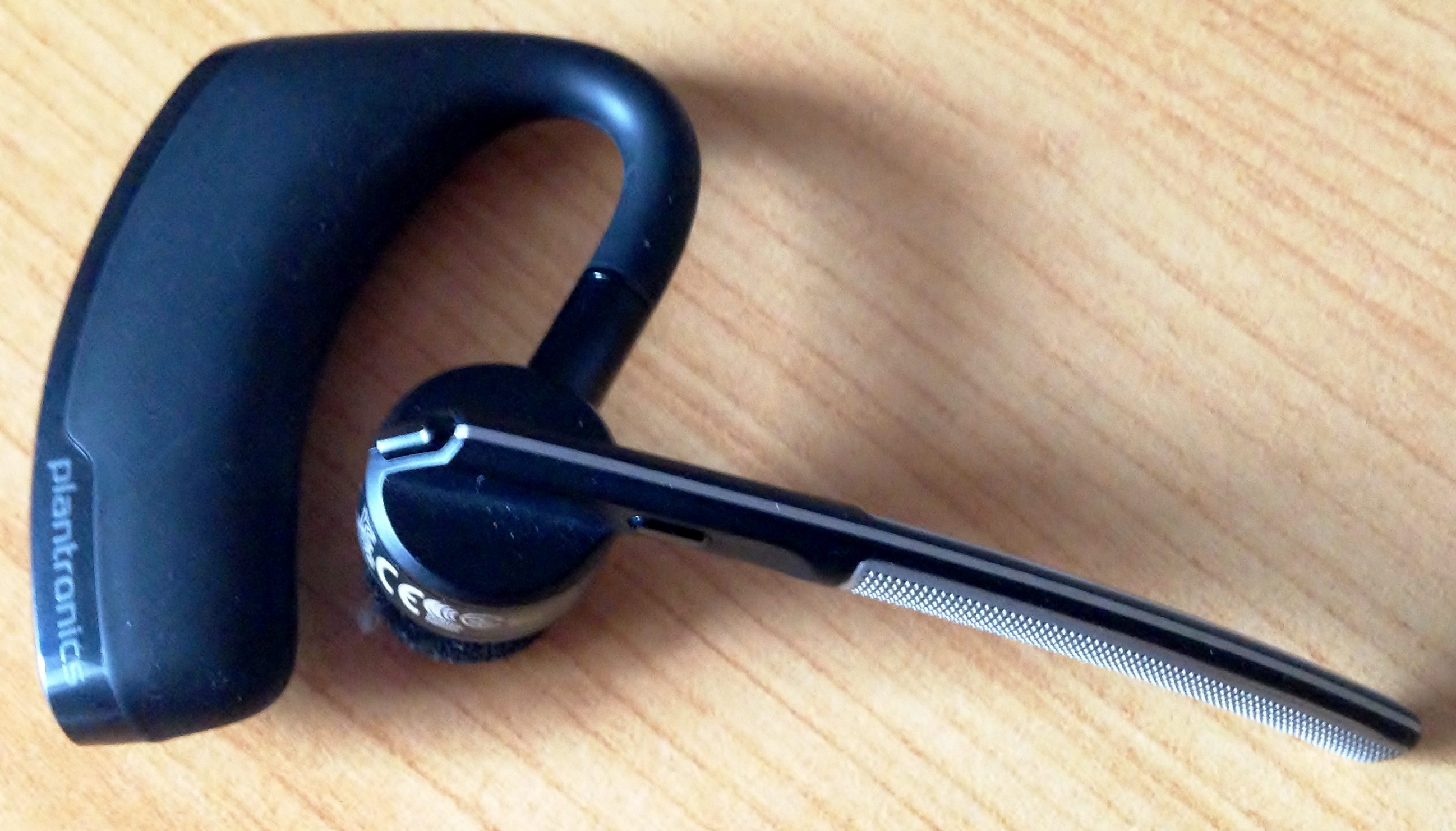
If music plays through your phone’s speaker instead of the car’s speakers after pairing, the media audio profile isn’t active. On the Tucson’s Bluetooth settings, select your phone and enable the “Audio” or “Media” profile.
On your phone, go to Bluetooth device settings for the Tucson and toggle on “Media Audio.” Both sides of the connection need the audio profile enabled for streaming to work.
For older Tucson models without Bluetooth audio streaming capability, a Bluetooth USB adapter adds wireless audio streaming through the USB input.
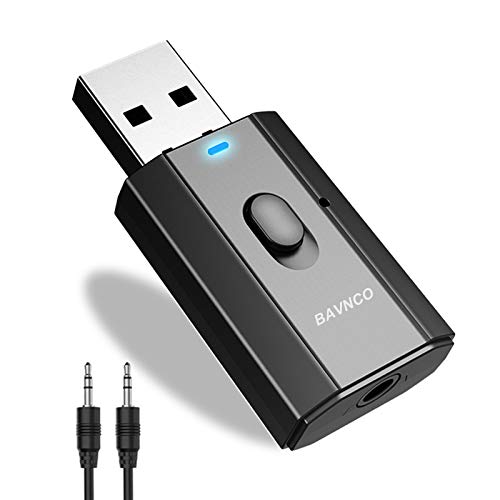
Bluetooth USB Car Adapter
Add Bluetooth audio to older Tucson models via USB connection
Troubleshooting Post-Update Disconnections
Phone OS updates (particularly major iOS and Android version upgrades) can change Bluetooth profiles and protocols, causing the Tucson to lose its connection or fail to reconnect. The fix is simple: delete the pairing on both devices and re-pair from scratch.
On the Tucson, delete your phone from the Bluetooth device list. On your phone, “Forget” the Tucson. Then pair again as if it’s the first time.
Hyundai also releases infotainment software updates that improve Bluetooth compatibility. On the 4th gen, updates may arrive over-the-air. On the 3rd gen, check with your dealer for available updates. The same approach works for fixing connectivity issues on other vehicles like the Toyota RAV4.
Frequently Asked Questions
Can I use Android Auto wirelessly on the Tucson?
The 2022+ Tucson supports wireless Android Auto and Apple CarPlay on most trims. Initial setup may require a USB connection on some software versions, after which wireless mode activates automatically on subsequent drives.
How do I set my phone as the default connection?
In the Bluetooth device list, select your phone and enable “Auto Connect” or set it as the priority device. The Tucson connects to the highest-priority phone first when multiple paired devices are in range.
Why does the Tucson disconnect after I turn off the car and restart?
Some phones take a few seconds to re-establish the Bluetooth connection after the car restarts. Wait 10 to 15 seconds after starting the engine. If the phone consistently fails to reconnect, delete the pairing on both sides and re-pair.
How does the Tucson compare to similar vehicles for connectivity?
The Tucson and its Kia Sportage sibling share identical infotainment systems, as detailed in this comparison between the two models. For a broader comparison with competitors, check out how the Tucson stacks up against the Mazda CX-5.
This article contains affiliate links. We may earn a small commission at no extra cost to you.
Leave a Reply