
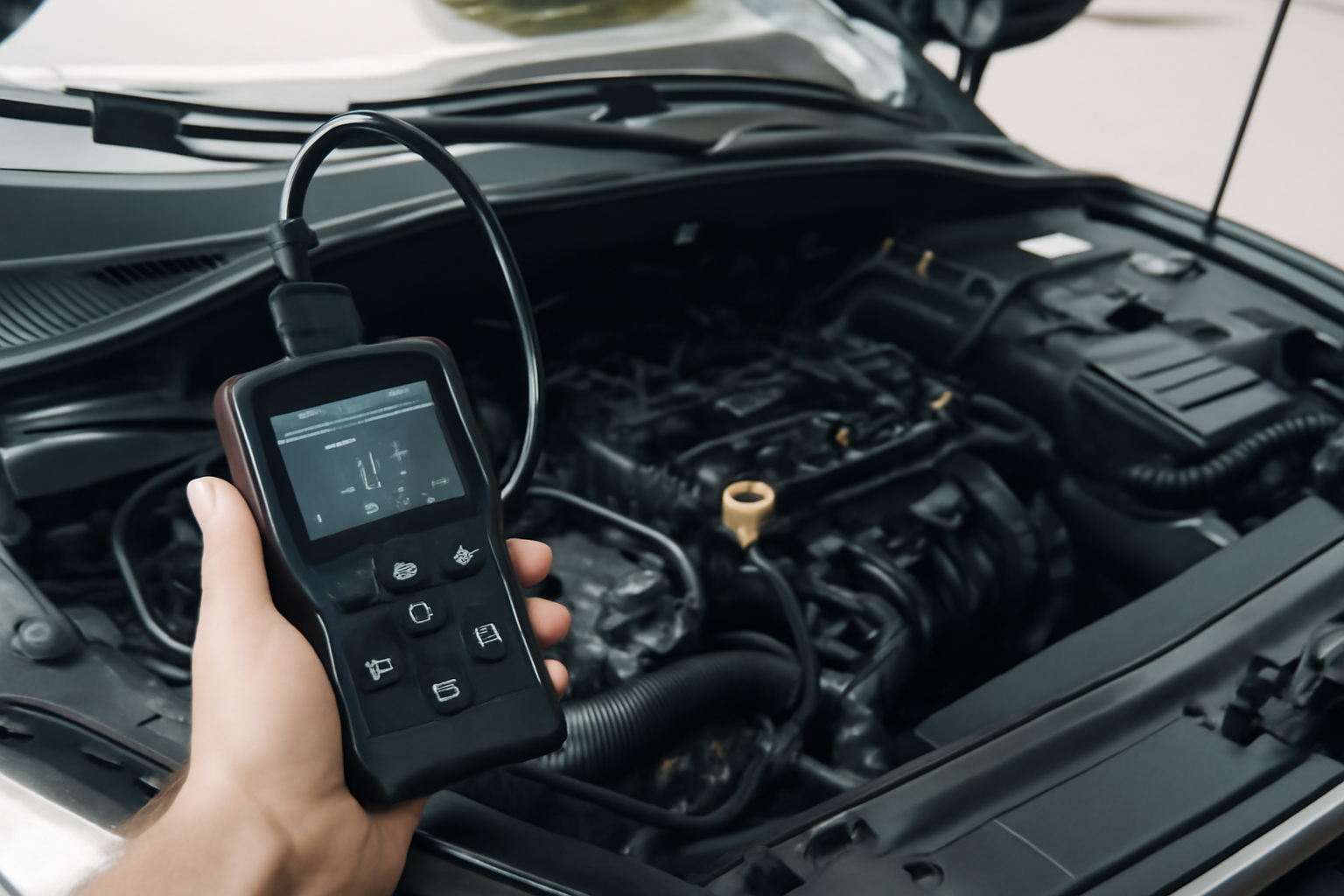
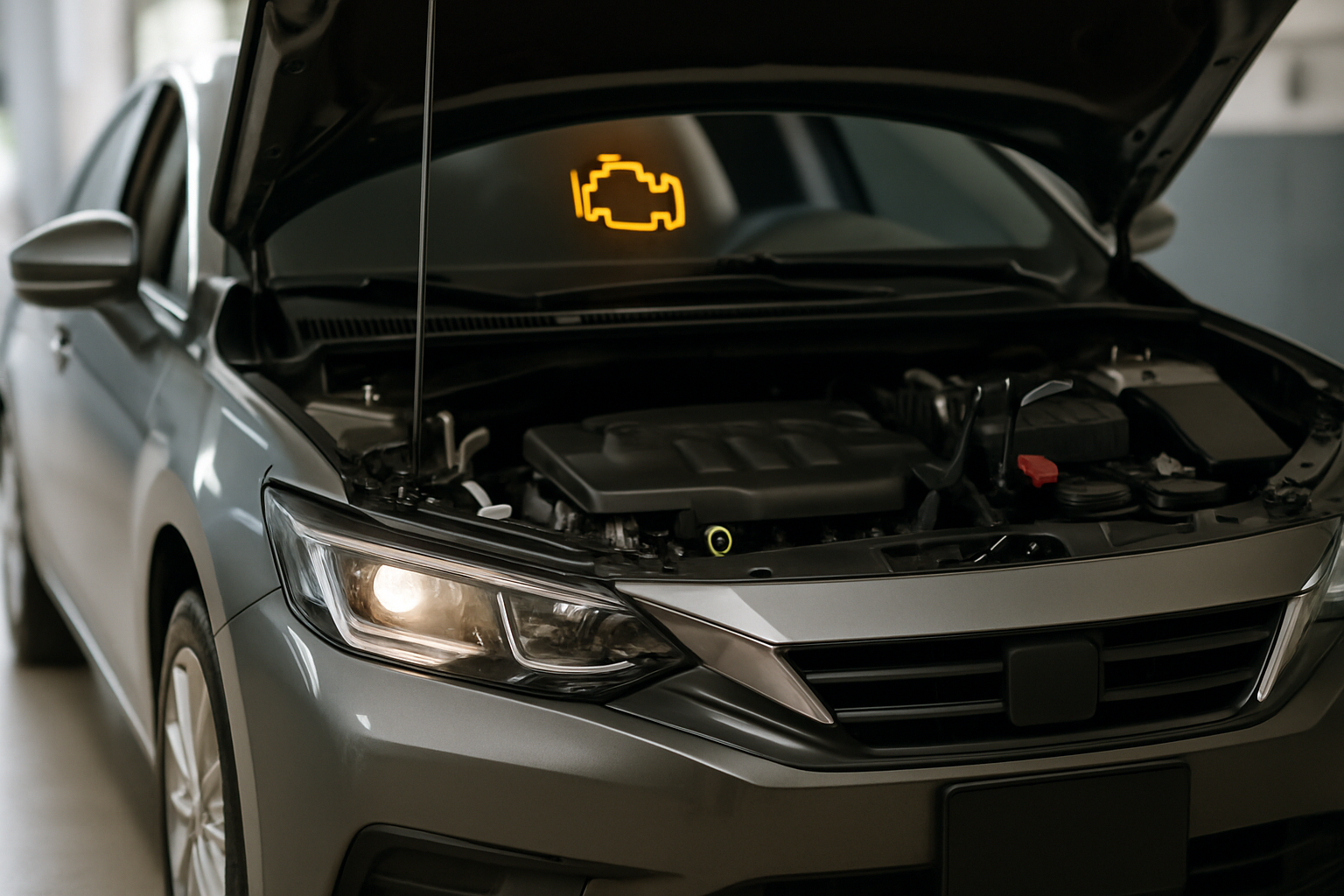
When your check engine light comes on, an OBD2 scanner is the fastest way to find out what’s wrong before deciding whether to fix it yourself or take it to a shop. These diagnostic tools plug into your car’s OBD2 port (standard on all cars sold in the U.S. since 1996) and read the trouble codes stored in your vehicle’s computer.
The market ranges from basic code readers to advanced scanners with live data, graphing, and manufacturer-specific diagnostics. Here’s what to look for based on your experience level and how deep you want to go.
Bluetooth OBD2 Scanners (Best for Beginners)
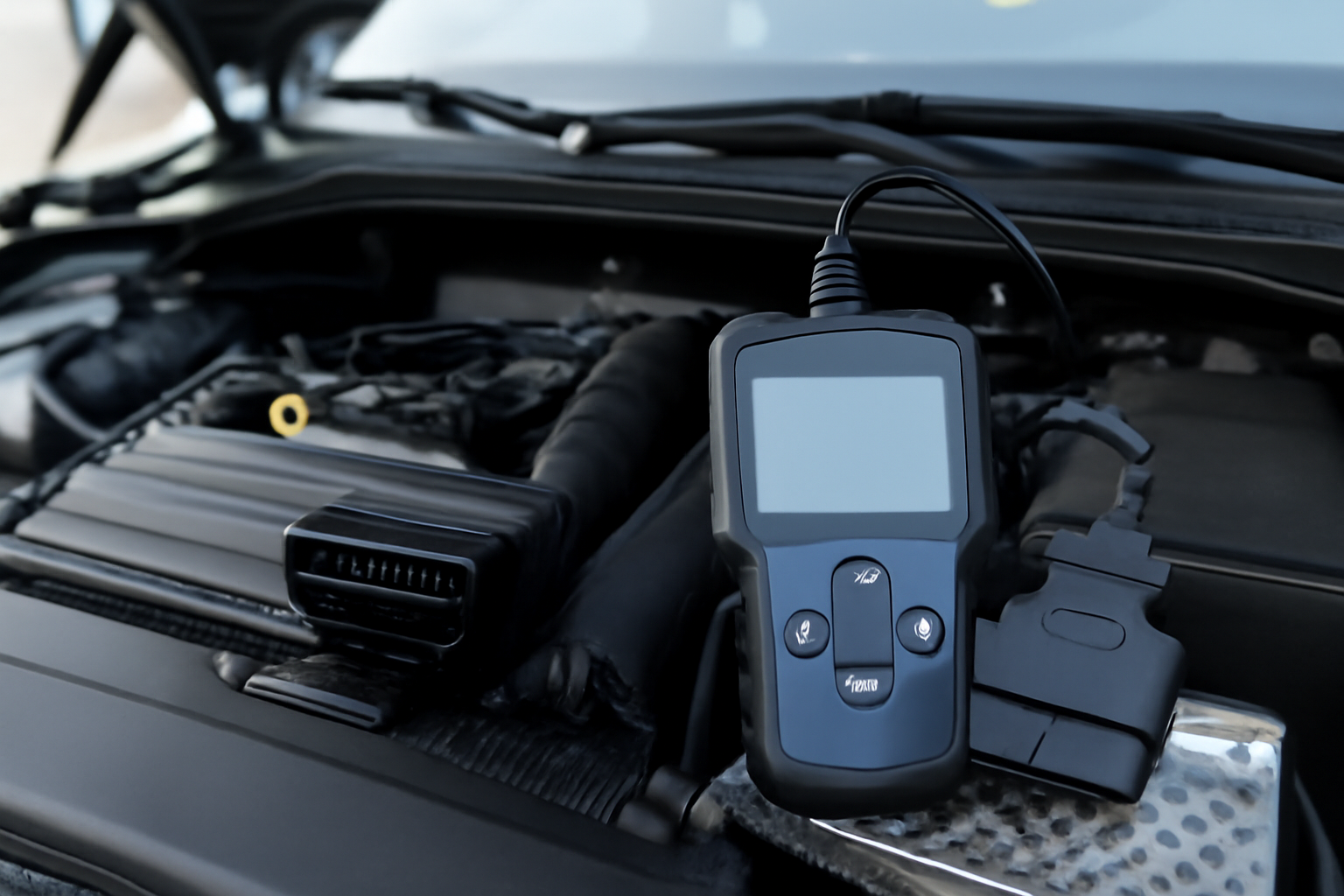
Bluetooth scanners are small dongles that plug into the OBD2 port and pair with your phone via an app. They’re compact, affordable, and perfect for reading and clearing basic trouble codes. Most also offer live data streaming so you can watch sensor readings in real time.
The BlueDriver OBD2 scanner stands out in this category. It pairs with a well-designed app that provides repair reports, verified fix suggestions from a database of real-world repairs, and enhanced diagnostics for many vehicle makes. It works with both iOS and Android.

BlueDriver OBD2 Scanner
Best Bluetooth scanner with curated repair database and verified fixes
For a more budget-friendly option, the BAFX Products OBD2 adapter pairs with third-party apps like Torque Pro on Android. It reads generic codes reliably and supports live data, though it lacks the curated repair database that BlueDriver provides.
Handheld OBD2 Scanners (Best for DIY Mechanics)
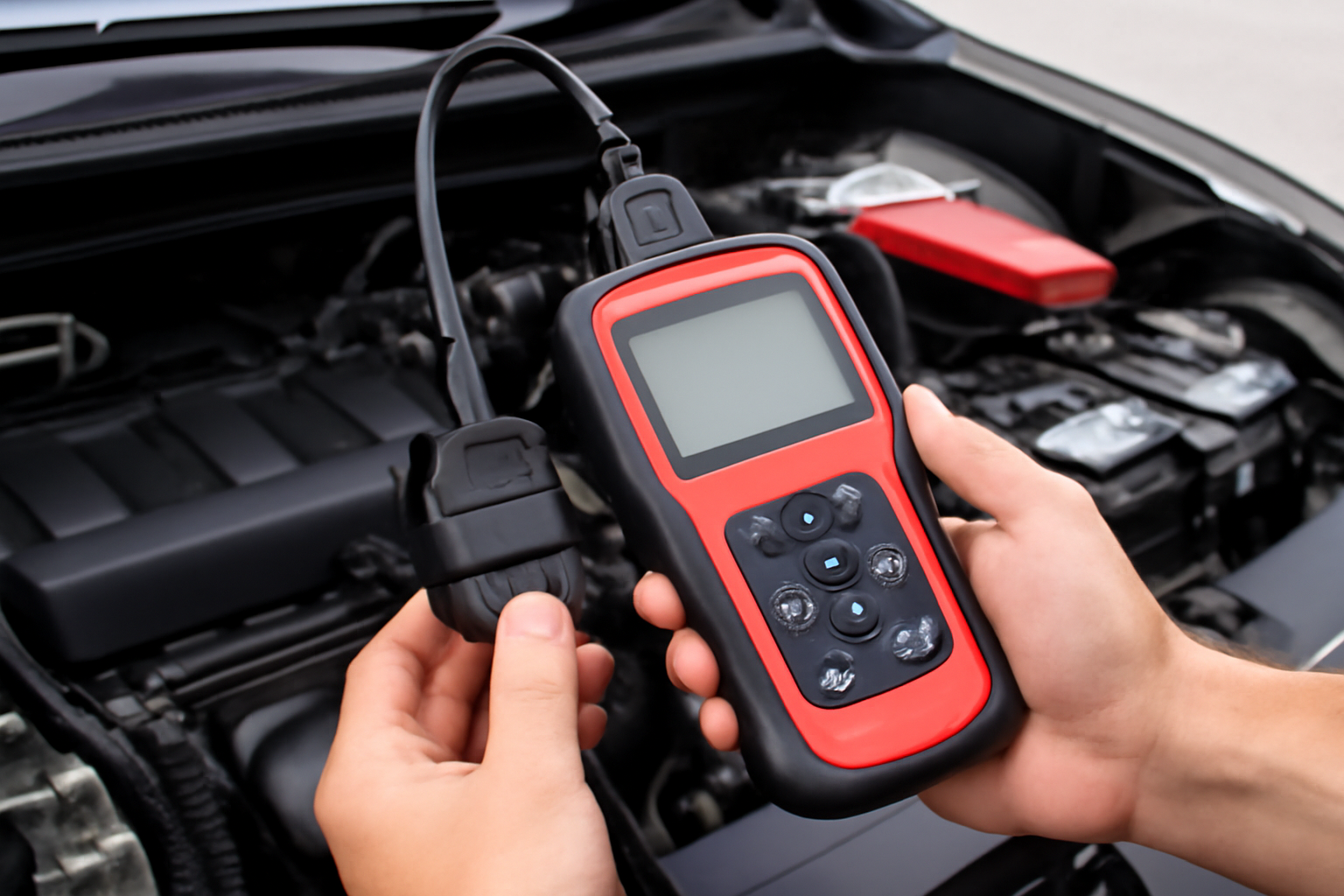
If you prefer a dedicated device with its own screen and buttons, a handheld scanner is the way to go. These don’t require a phone, update less frequently than app-based tools, and tend to feel more rugged for garage use.
The INNOVA 5610 covers OBD2 codes, ABS, and SRS diagnostics across most vehicles. It includes a color screen, severity alerts that tell you whether a code is urgent, and Wi-Fi updates. For most home mechanics, this hits the sweet spot between capability and price.

INNOVA 5610
Best handheld scanner with ABS/SRS coverage and severity alerts for DIY mechanics
The FOXWELL NT301 is another solid handheld option that reads and clears codes, checks emissions readiness, and displays live data. It’s compact and works well as a glove box tool for quick diagnostics.
An OBD2 scanner is especially helpful when diagnosing issues like engine hesitation during acceleration or tracking down the cause of persistent warning lights. Having the ability to pull codes at home saves you a trip to the shop just to find out what’s wrong.
Advanced Bi-Directional Scanners
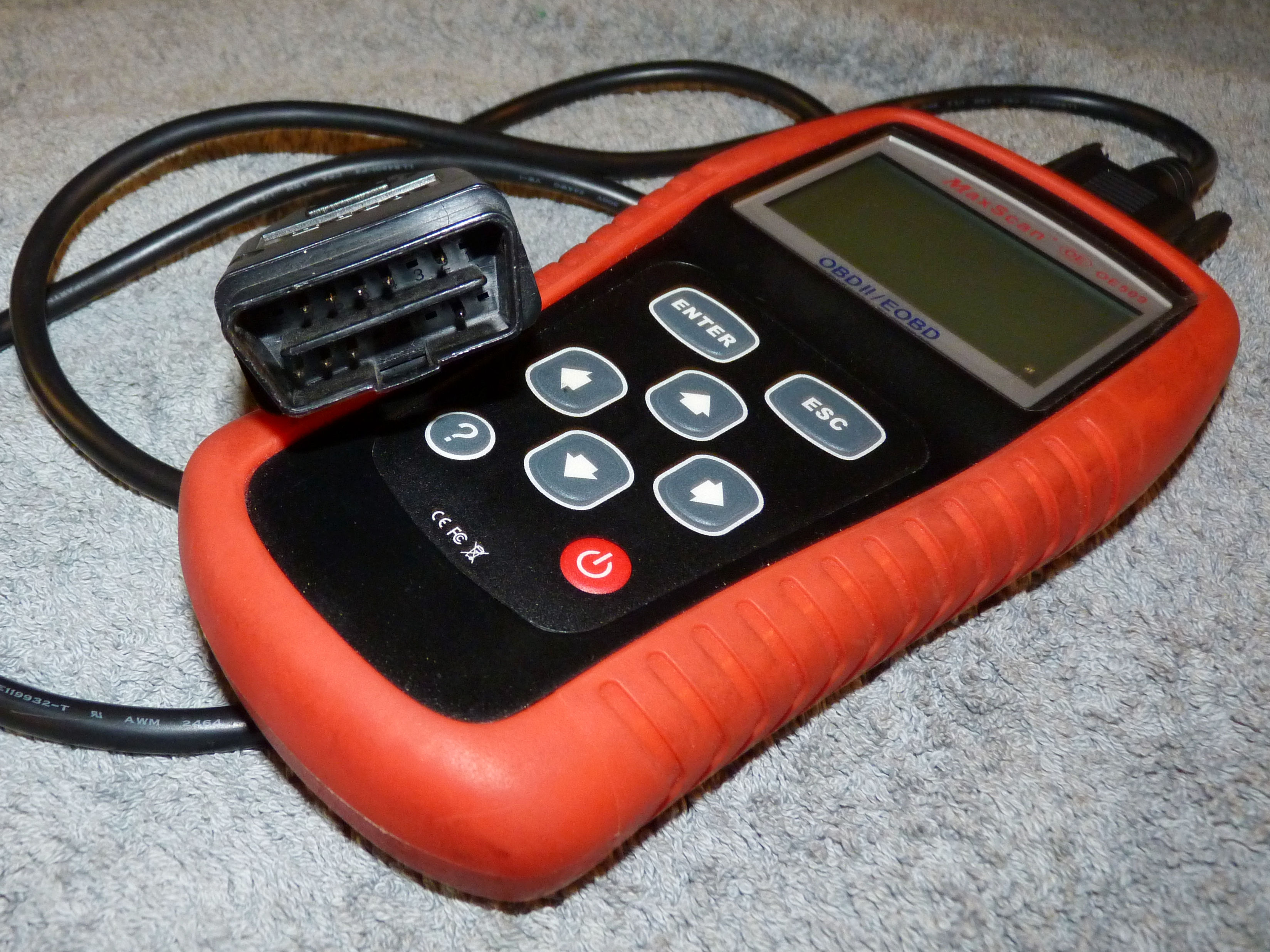
If you work on cars regularly or want manufacturer-level diagnostics, bi-directional scanners let you send commands to vehicle systems, not just read data. You can activate components like fuel injectors, run ABS bleed procedures, or perform key programming.
The LAUNCH CRP909X and similar professional-tier tools cover all vehicle systems and provide bi-directional control. These are a significant investment, but they pay for themselves quickly if you’re doing your own brake bleeds, injector tests, or transmission relearns.

LAUNCH CRP909X
Professional bi-directional scanner for advanced DIY mechanics and shops
Key Features to Compare
Vehicle compatibility matters more than you’d expect. All scanners read generic OBD2 codes (P0xxx), but enhanced codes from specific manufacturers require scanner support for that brand. Check compatibility lists before buying, especially if you drive a European vehicle.
Live data is essential for diagnosing intermittent problems. Being able to watch oxygen sensor voltages, fuel trim percentages, or coolant temperature while driving helps pinpoint issues that a stored code alone won’t reveal. This is particularly useful when dealing with overheating issues or tracking down performance problems.
ABS and SRS support is worth having. Basic code readers only access the engine and transmission modules. If your ABS or airbag light is on, you’ll need a scanner that talks to those systems.
Update frequency determines long-term value. Bluetooth scanners with app-based updates tend to add new vehicle coverage faster than handheld units with firmware updates.
When to Use an OBD2 Scanner
Beyond reading check engine lights, an OBD2 scanner helps when buying used cars. You can check stored codes and emissions readiness before making a purchase decision. This is especially valuable when shopping for reliable used cars or trying to avoid high-mileage problem vehicles.
Regular scanning also catches minor issues before they become major repairs. A pending code that hasn’t triggered the check engine light yet can alert you to a failing sensor or developing problem.
Frequently Asked Questions
Will a cheap OBD2 scanner work on my car?
Any OBD2 scanner will read generic powertrain codes on vehicles from 1996 and newer. For manufacturer-specific or enhanced codes, you’ll need a scanner that explicitly supports your vehicle’s make.
Can I damage my car by using an OBD2 scanner?
Reading codes and live data is completely safe. Bi-directional scanners that send commands carry some risk if used incorrectly, but basic reading and clearing is harmless.
Should I clear a check engine light after reading the code?
Only clear it after you’ve noted the code and addressed the underlying problem. Clearing the code without fixing the issue just turns the light off temporarily. It also resets your emissions readiness monitors, which can cause you to fail a smog test.
Do I need a different scanner for diesel vehicles?
Most modern OBD2 scanners work with diesel engines that have an OBD2 port. However, diesel-specific diagnostics like DPF regeneration or injector coding typically require an advanced scanner with diesel support.

Leave a Reply