
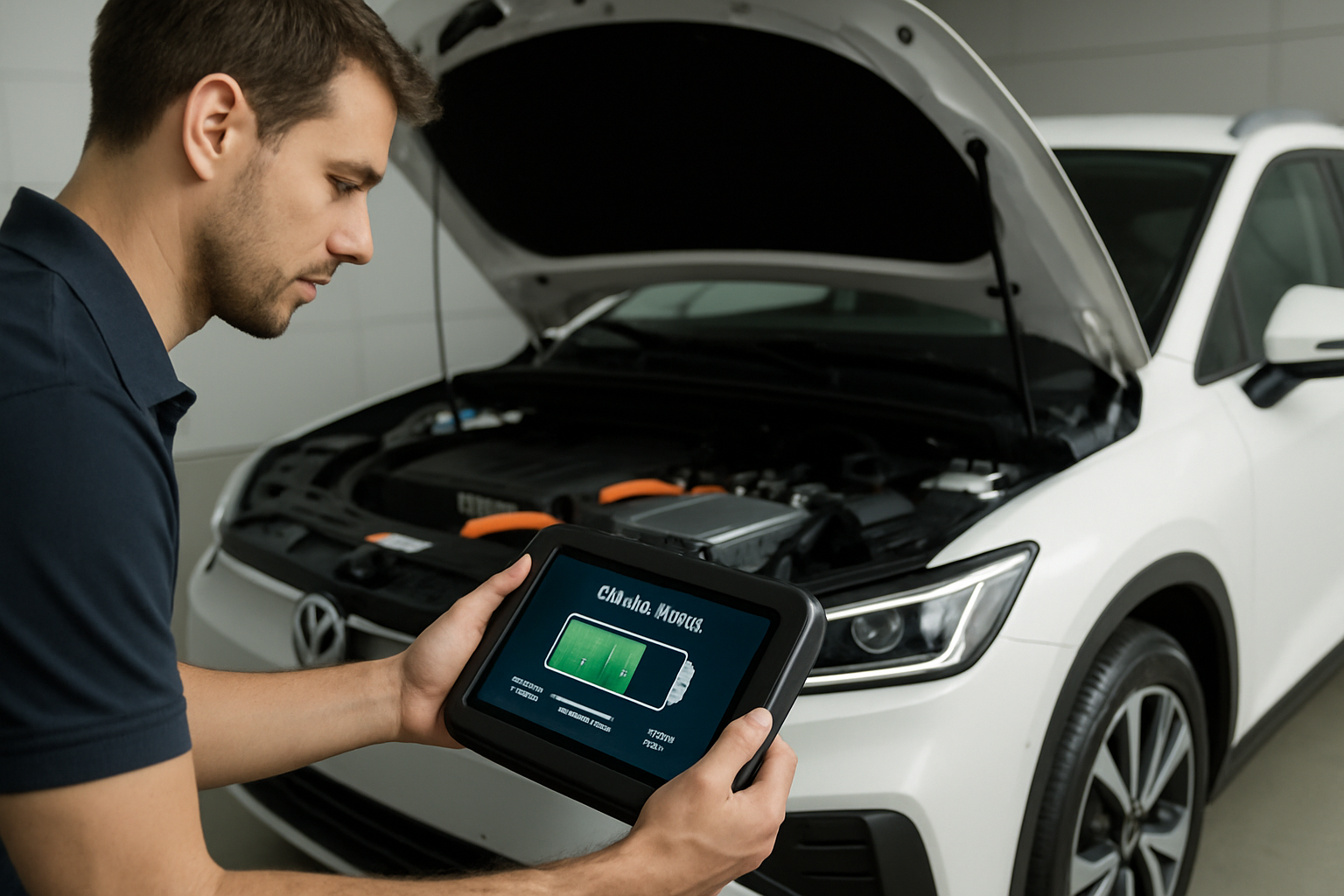
Your EV’s battery isn’t just expensive to replace, it’s the heart of your vehicle’s entire value proposition. Unlike traditional cars where engines can chug along for 200,000 miles with basic maintenance, electric vehicle batteries degrade over time. Understanding how to monitor and preserve that degradation can mean the difference between a battery that lasts 15 years and one that needs expensive intervention at year seven.
In 2026 models from Tesla, Ford, and Rivian, battery health monitoring has become more sophisticated, but knowing what those numbers actually mean and how to act on them is still confusing for most owners. Here’s what you need to know to keep your EV battery in top shape.
Understanding State of Health Percentage
State of Health (SOH) is the most important number you’ll track as an EV owner. It represents your battery’s current maximum capacity compared to when it was new. A brand new battery has 100% SOH. After a few years, you might see 95% or 92%, meaning your battery can only hold that percentage of its original charge.
For Tesla models, you can check SOH through third-party apps like TezLab or Scan My Tesla, which connect via Bluetooth to your vehicle. The native Tesla app doesn’t directly display this percentage, which is frustrating for owners who want to track degradation. Ford Lightning owners have it easier with the FordPass app showing battery health directly in the vehicle status section.
Rivian takes a middle approach. The R1T and R1S display battery health information through the vehicle’s settings menu under “Battery Care,” giving you both current capacity and historical degradation trends. This transparency helps you spot unusual degradation patterns early.

OBD2 EV Diagnostic Scanner
Essential for Tesla owners who want detailed battery data without relying solely on third-party apps
Most 2026 EVs will show 5-8% degradation in the first two years, then slow to 1-2% per year after that. If you’re seeing faster degradation, your charging habits likely need adjustment. Similar to how hybrid batteries require specific care to avoid issues, EV batteries respond to how you treat them daily.
Fast Charging Limits That Actually Matter
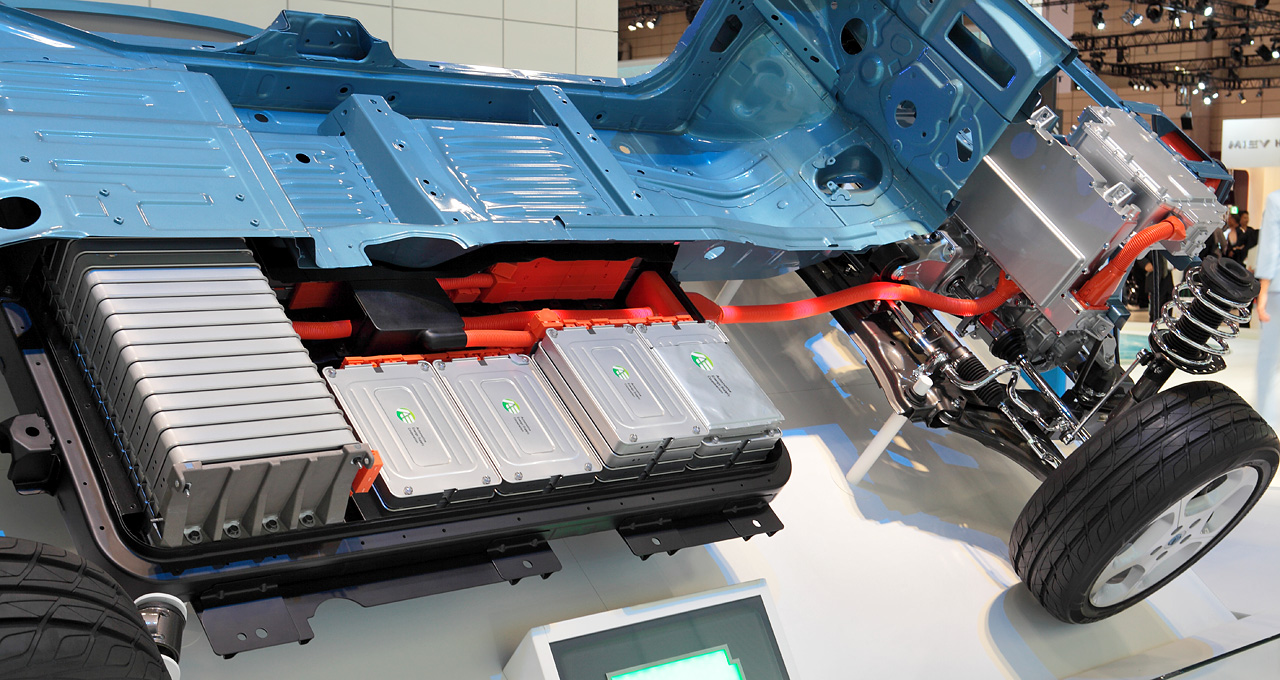
Every manufacturer warns against excessive fast charging, but the 2026 guidelines have become more specific. Tesla recommends keeping DC fast charging to less than 20% of your total charging sessions. Ford suggests no more than two fast charging sessions per week for optimal battery longevity. Rivian’s battery management system actually limits fast charging speed automatically if you’ve used it frequently in recent days.
The reason is simple: fast charging generates heat, and heat accelerates battery degradation. When you pump 150-250 kW into a battery, internal temperatures can spike to 130°F or higher, even with active cooling systems running. Repeated exposure to these temperatures breaks down the electrolyte and causes lithium plating on the anode.
A practical approach is to treat fast charging like you’d treat running your AC on max during a hot day. You can do it when needed, but it shouldn’t be your default. For daily driving, stick with Level 2 home charging at 240V. Your battery will thank you with an extra 3-5 years of healthy capacity.
If you must fast charge regularly due to your driving patterns, keep the charge limit between 20-80%. Charging from 10% to 80% puts less stress on the battery than charging from 60% to 100%, even though the latter is a smaller percentage increase.
Preconditioning Tips for Longer Battery Life
Battery preconditioning warms or cools your battery to optimal temperature before charging or driving. All three manufacturers have refined this feature in 2026 models, but you need to use it correctly.
For Tesla vehicles, enable “Scheduled Departure” in the charging menu. This tells the car to precondition the battery using shore power rather than draining the battery itself. Set your departure time for when you actually leave, not when you want charging to finish. The difference can save 5-10% of your range on cold mornings.
Ford Lightning’s “Intelligent Range” system automatically preconditions when you navigate to a DC fast charger, but you can manually trigger it through the FordPass app 30-45 minutes before arrival. This ensures the battery accepts maximum charging speed without thermal throttling. Much like understanding the full cost implications of battery replacement, knowing when to precondition can significantly impact your long-term ownership costs.
Rivian’s approach is the most automated. The vehicle learns your driving patterns and preconditions based on your typical schedule. You can override this in the Battery Care settings if your schedule changes. For winter driving, enable “All-Weather” mode, which maintains the battery at higher temperatures but reduces overall range by 3-5%.

Portable EV Charging Cable
Having a backup Level 2 cable lets you avoid emergency fast charging sessions that degrade your battery faster
In cold climates below 32°F, always precondition before driving. A cold battery can lose 30-40% of its range and won’t regenerate effectively during braking. The energy spent preconditioning is minimal compared to the efficiency gains you’ll see during the drive.
Frequently Asked Questions
How often should I charge my EV to 100%?
For lithium-ion batteries in 2026 EVs, charge to 100% no more than once per week, and only when you actually need the full range. Daily charging should target 80% maximum. Tesla’s battery management system recommends 90% for daily use on newer Long Range models, while Ford suggests 90% for Standard Range and 80% for Extended Range batteries. Rivian recommends 70% for daily driving unless you have a trip planned. Keeping your battery between 20-80% most of the time can extend its lifespan by 20-30%.
Can I leave my EV plugged in all the time?
Yes, leaving your EV plugged in is actually better than letting it sit at a partial charge for extended periods. Modern battery management systems stop charging once the target percentage is reached and only top up as needed. However, set your charge limit to 50-60% if you’re storing the vehicle for more than a week. All three manufacturers recommend keeping the battery plugged in during storage to prevent the 12V auxiliary battery from draining, which can cause other system issues even if the main battery is fine.
Leave a Reply